
Solutions for AI Development and Deployment
Each stage of developing AI models and agents requires progressively more computing power, and here at Puget Systems we have solutions for you every step of the way!
Select YourAI Deployment Stage
No matter which step of the AI development process you are in, we have systems designed to help you now as well as in your next phase of deployment!
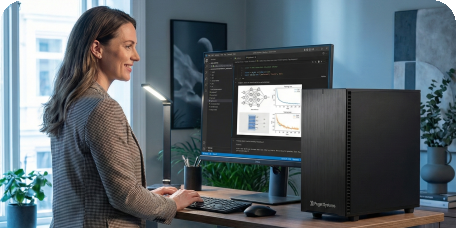

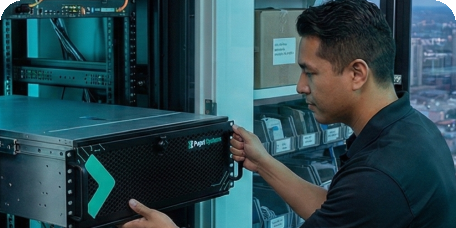
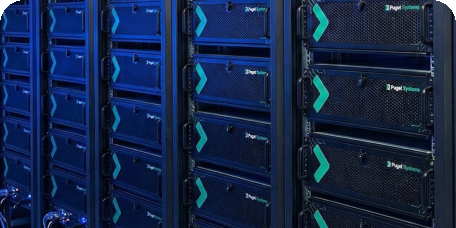
If you have questions about what type of computer hardware your specific situation needs, our expert consultants are available to provide individualized guidance or a quote for a custom AI workstation or server.
Deploy AI at Desk-Scale: Introducing Puget App-Packs
We know the drill. You get a powerful new workstation, and the first thing you have to do is spend hours fighting with CUDA drivers, Python environments, and fragile dependencies just to run a basic model. We’re putting an end to that.
Our systems are engineered for instant productivity. Every Puget AI Workstation includes access to our pre-validated Docker App-Packs — specifically optimized for the hardware we build. Go from unboxing to inference in minutes.
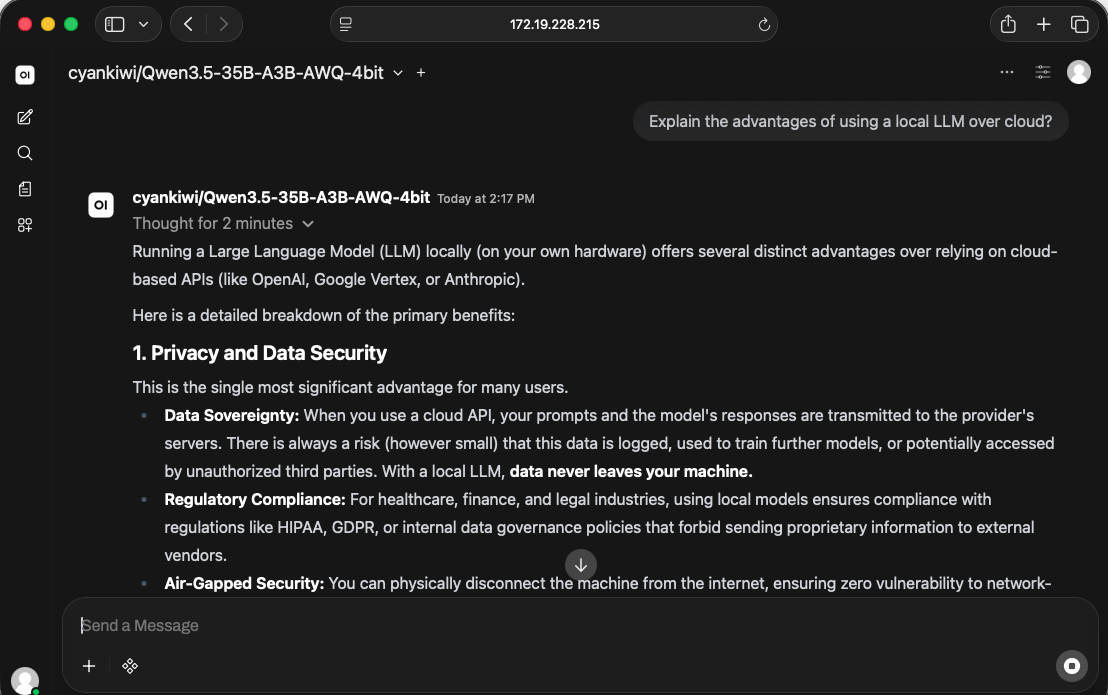
Local Chat & RAG
Securely query your private documentation. We’ve packaged Ollama alongside Open WebUI so you can spin up fast, secure chat interfaces on your own hardware immediately.
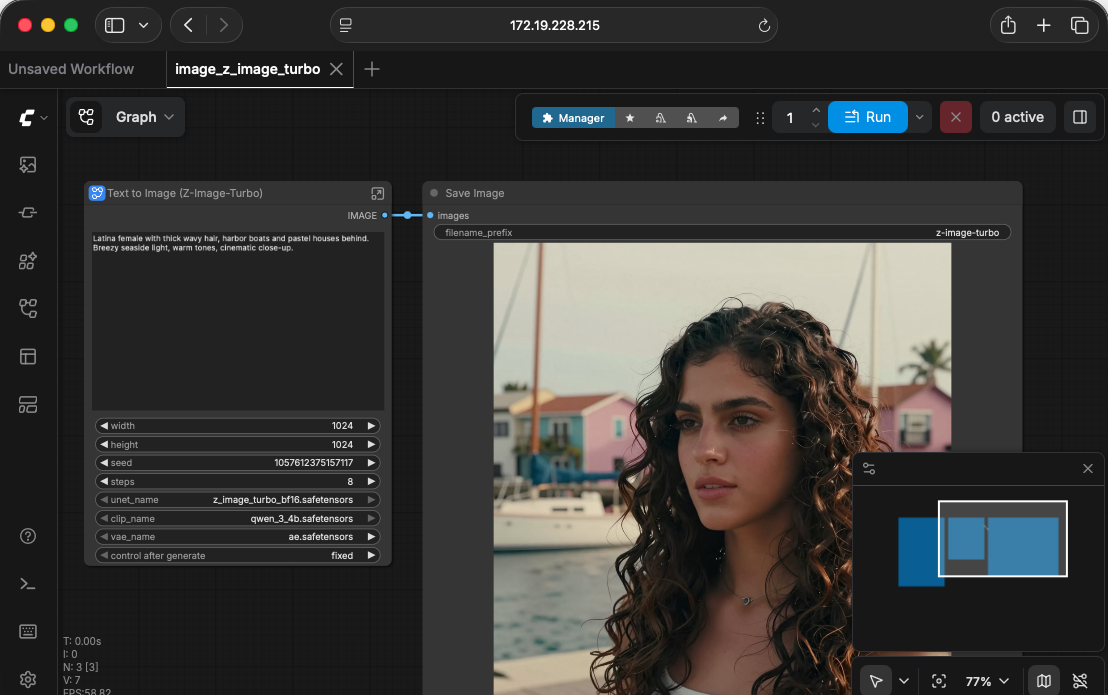
Generative Media
Dive straight into image and video generation. We provide optimized Docker flavors for tools like ComfyUI, letting you bypass the tedious local setup and get straight to creating.
Team Inference API
Ready to share compute? Utilize our Team LLM flavor running vLLM to provide your entire department with a low-latency, private API endpoint that fully leverages multi-GPU setups.
Our Customers Include






View more of our customers here.
High-Performance Workstations and Servers for Developing, Piloting, Deploying, and Scaling AI Systems
At Puget Systems, our workstation PCs and servers for AI development and deployment are crafted through a combination of our Puget Labs team’s expertise, benchmark testing, customer feedback, and the knowledge our consulting team has accumulated over the years.
Our goal is to make purchasing and owning computers a pleasure, not a hindrance to your work. We are here to help you throughout the process of developing your AI solutions, piloting them internally, deploying them across your team, and eventually scaling them out to your whole organization.
Talk to an Expert
We specialize in building workstation PCs, servers, and storage systems tailored for each of our customers. The best way we’ve found to accomplish that is to speak with you directly. There is no cost or obligation, and our no-pressure, non-commissioned consultants are experts at configuring a computer that will meet your specific needs. They are happy to discuss a quote you have already saved or guide you through each step of the process by asking a few questions about how you’ll be using your computer. There are several ways to start a conversation with us, so please pick what works best for you: