Table of Contents
Introducing Puget Bench 2.0 for Premiere Pro & DaVinci Resolve
We are excited to announce the new 2.0 benchmark releases of both Puget Bench for Premiere Pro and Puget Bench for DaVinci Resolve. These benchmarks build upon the previous 1.x versions, leveraging new software features and workflows to more accurately represent the current day-to-day work of creators.
New features include:
- Updated codecs for Processing and Encoding tests.
- Addition of MultiStream Processing tests.
- Addition of “Real World” test projects featuring effects, transitions, and motion graphics, along with mixed codecs, frame rates, and media resolutions.
- Updated GPU Effects tests (Premiere Pro).
- Improved testing methodology for Processing and GPU Effects tests (Premiere Pro).
- Updated AI tests (DaVinci Resolve).
- Reorganization of tests (DaVinci Resolve).
- Scoring adjustments to better align with end-user priorities.
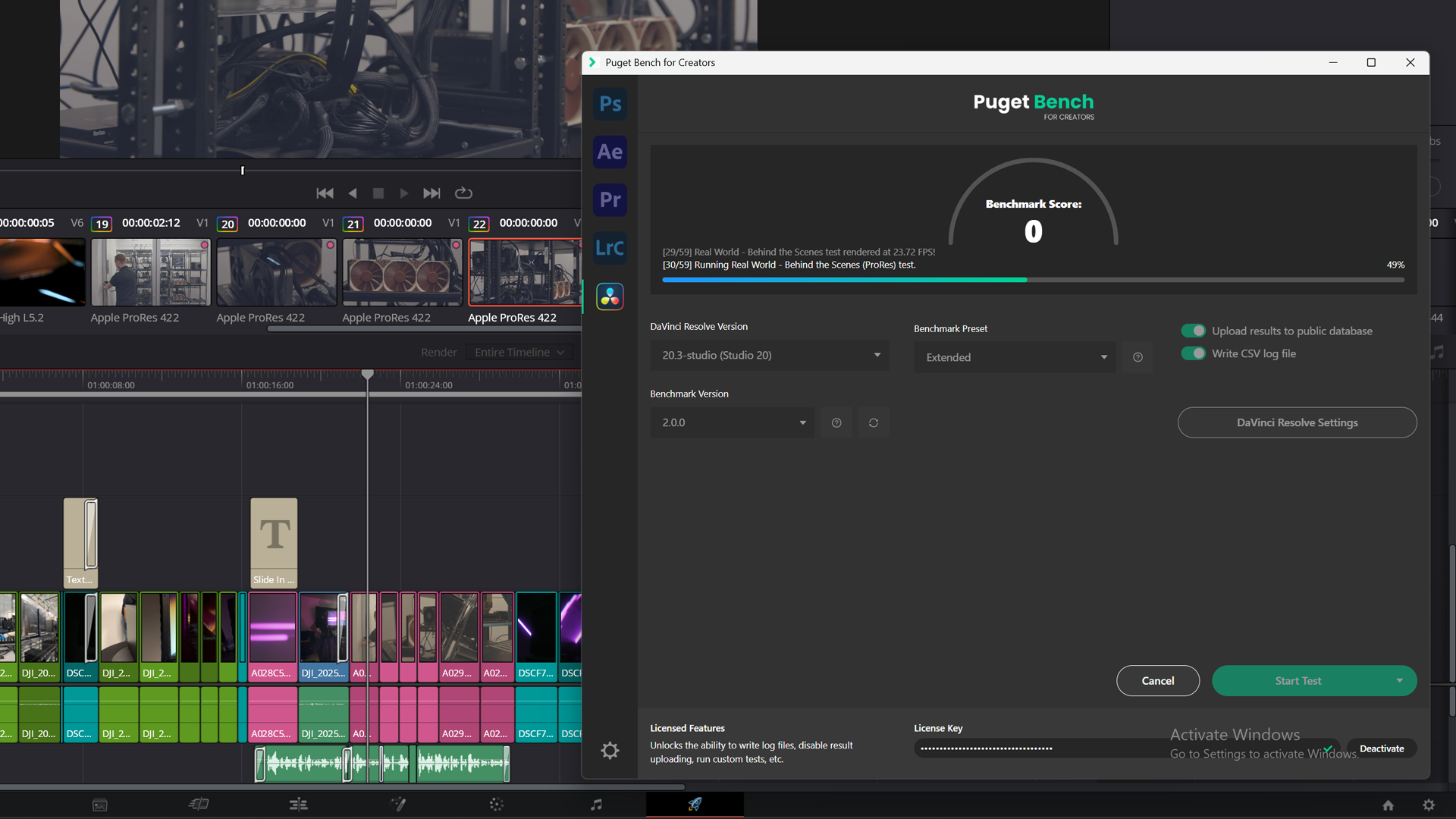
These features are in addition to the numerous tests already included in the 1.x benchmark, further helping to evaluate performance when working with H.264, HEVC, ProRes, DNx, and various RAW media formats. The DaVinci Resolve benchmark also tests motion graphics and VFX workflows in the Fusion tab, as well as a suite of AI-based tasks.
Image
For a comprehensive overview of the tests included in each benchmark, refer to the “Test Breakdown” and “Scoring” sections on the Puget Bench for Premiere Pro and Puget Bench for DaVinci Resolve pages. If you’d like to know more about Puget Bench in general or the version 2.0 updates summarized above, the rest of this post will dive into those details.
What is Puget Bench?
While gaming or synthetic benchmarks can offer general insights, they fall short when it comes to measuring performance in the actual workflows that matter to content creators. That’s where Puget Bench comes in. Puget Bench is a suite of performance benchmarks developed by Puget Systems, designed to evaluate hardware using the same real-world creative applications professionals rely on every day.
We built these benchmarks out of necessity. Prior to this, there simply wasn’t a reliable way to test hardware using real creative applications in realistic scenarios. To fill this need, we began the process of turning our knowledge about computer hardware and creative workloads into a series of benchmarks. Our goal was to guide users across workflows like video editing, motion graphics, and photography – helping them make the most informed workstation purchasing decisions possible.
Puget Bench covers a range of applications, including Adobe Premiere Pro, Adobe After Effects, Adobe Photoshop, Adobe Lightroom Classic, and Blackmagic DaVinci Resolve. The tests run directly on top of the host application – in the case of this announcement, Premiere Pro and DaVinci Resolve. Instead of approximating workloads through synthetic methods, it uses real media and replicates realistic workflows, producing results that accurately reflect how a given system performs in practice. Because the benchmark operates within the application itself, it automatically accounts for software changes – whether that’s new hardware support, performance optimizations, or even regressions introduced by bugs.
Our benchmarks are a key ingredient in many of the hardware articles we publish, but are also available for anyone to download and run. They are free for personal use, with paid and press licenses available for commercial use or for access to advanced features like CLI automation, local logging, and beta releases.
Changes in the Premiere Pro and DaVinci Resolve Benchmarks
Since both Premiere Pro and DaVinci Resolve are NLE (Non-Linear Editing) applications that are widely used for video editing, compositing, and color grading, many tests in these benchmarks are related. The exact methodology may vary depending on how they operate and what their plugin API supports, but we strive to keep many of the tests as similar as possible in terms of basic codec processing and encoding performance.
As a result, several additions have been made in the new 2.0 benchmarks which apply to both Puget Bench for Premiere Pro and Puget Bench for DaVinci Resolve.
4K Nikon N-RAW Processing Test
The first change we want to highlight is a relatively simple addition of Nikon N-RAW media to the RAW Processing tests. Support for this codec was added to Premiere Pro and DaVinci Resolve in 2025 and is a growing format used by amateurs and professionals alike.
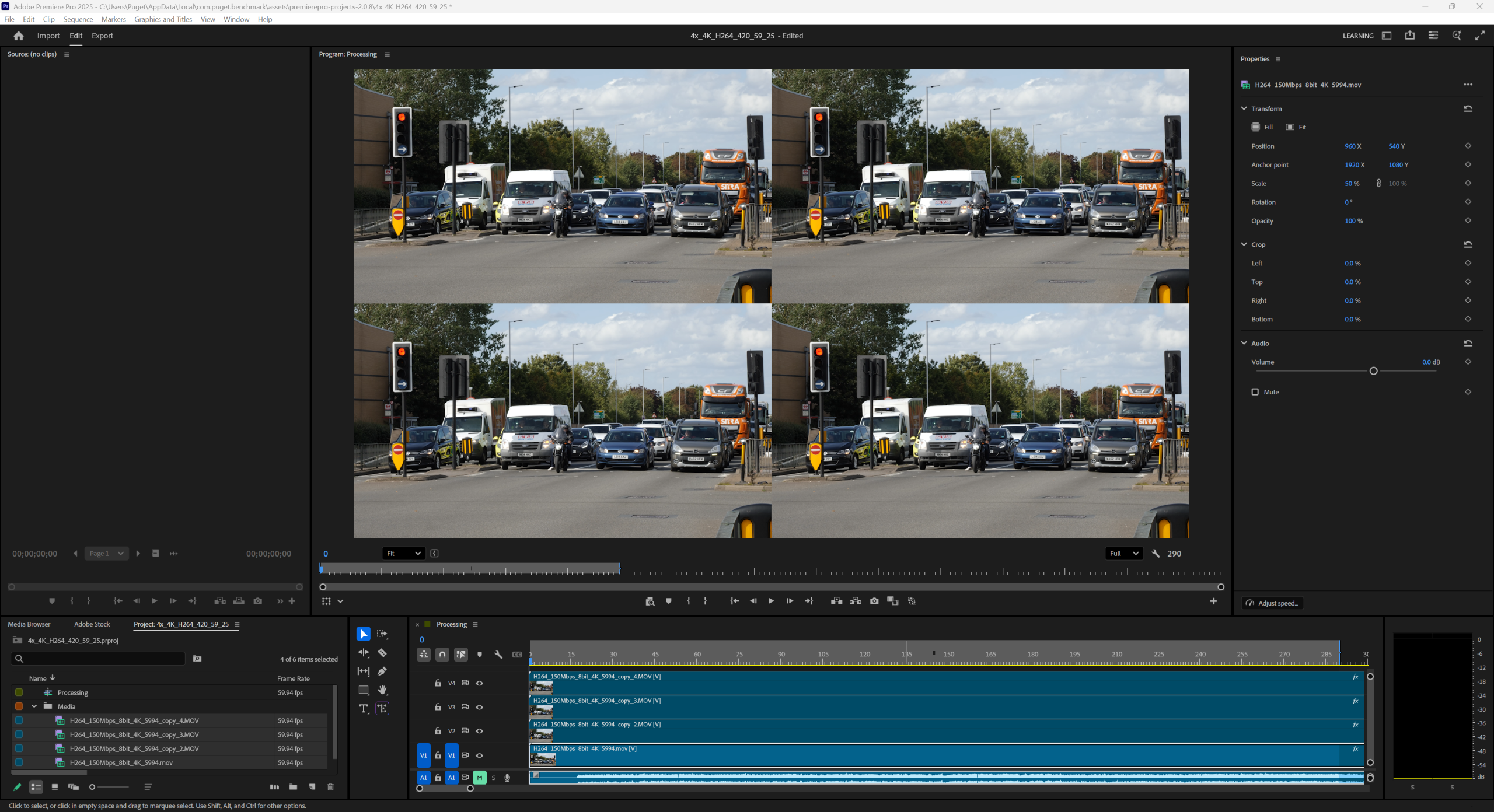
4x MultiStream Processing Tests
To reflect how performance changes when working with multiple video clips simultaneously (multicam, PiP, etc.), we added tests that evaluate performance when four clips are processed simultaneously. This can be especially important for LongGOP footage like H.264 and HEVC, where some hardware decoders may handle these combinations better than others.
MultiStream tests were added for the following codecs:
- 4K H.264 150Mbps 420 8-bit
- 4K HEVC 100Mbps 422 10-bit
- 4K ProRes 422
- 4K RED R3D
Image
“Real World” Test Category
Previous versions of our benchmarks focused on evaluating the performance of a codec during either processing or encoding, isolating each as much as possible to minimize variables. This works extremely well, but in some cases, it can misrepresent real-world performance, as user projects are rarely that clean.
The new “Real World” tests are designed to assess performance in non-ideal, but realistic, situations. Depending on the project, they feature multiple codecs, media with mixed framerates and resolutions, layered videos, effects, transitions, motion graphics, text overlays, and more. In addition, they are not designed to isolate specific processing performance, but mix both decoding and encoding at once.
This test category includes three different projects:
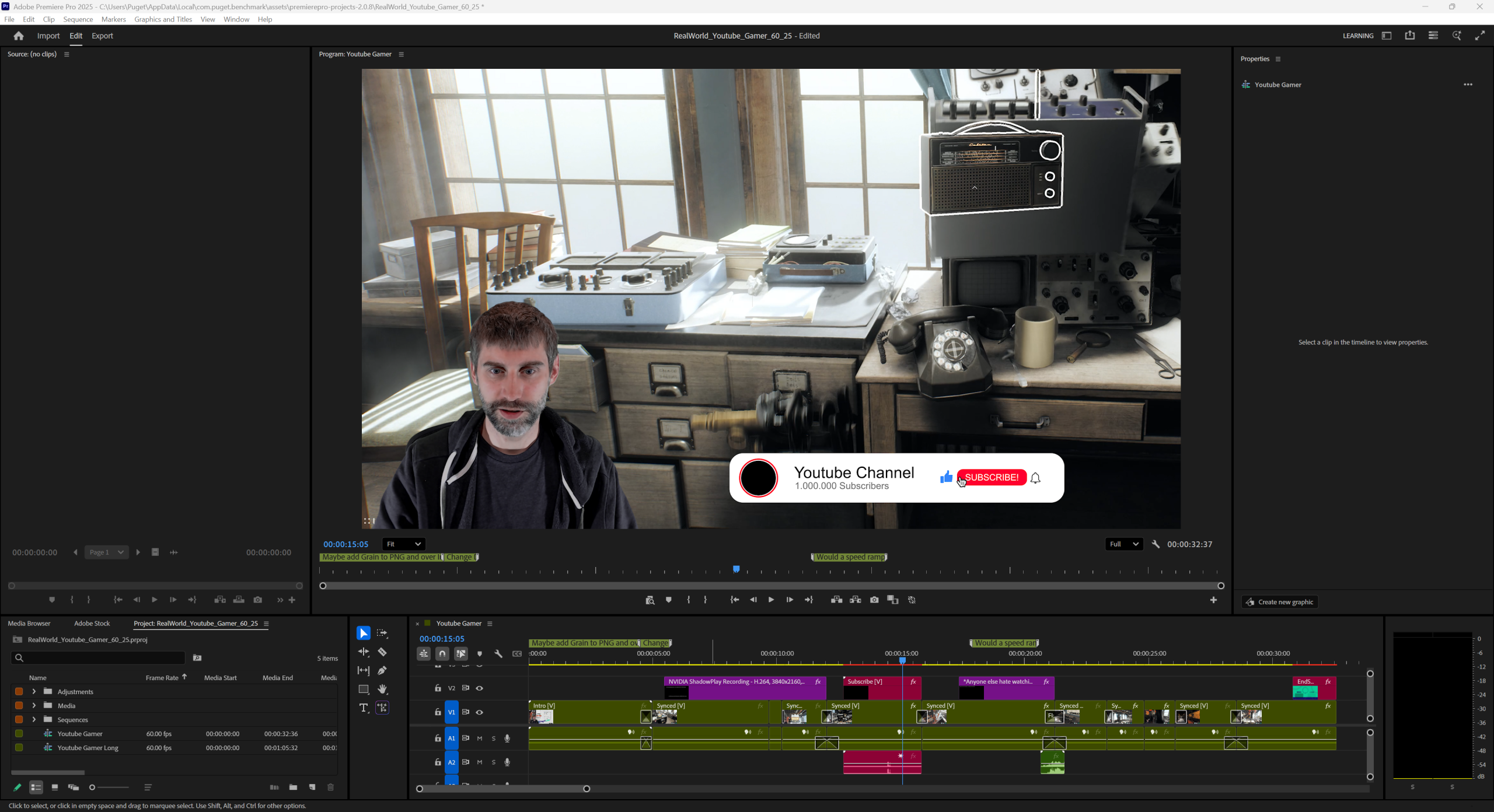
Real World – YouTube Gamer
Features mixed media resolution/FPS with both HEVC VFR and H.264 greenscreen footage. Timeline includes 2x layered videos, nested sequences, PNG images, motion graphic templates / Fusion, video effects, transitions, and text overlays. Timeline exported to H.264 50Mbps 8-bit UHD.
Image
Real World – Behind the Scenes
Features mixed media resolution/FPS with H.264, HEVC 4:2:2 10-bit, and VFR footage. Timeline includes up to 5x multicam, color correction, time re-mapping, stabilization, video effects, transitions, and text overlays. Timeline exported to H.264 50Mbps 8-bit UHD.
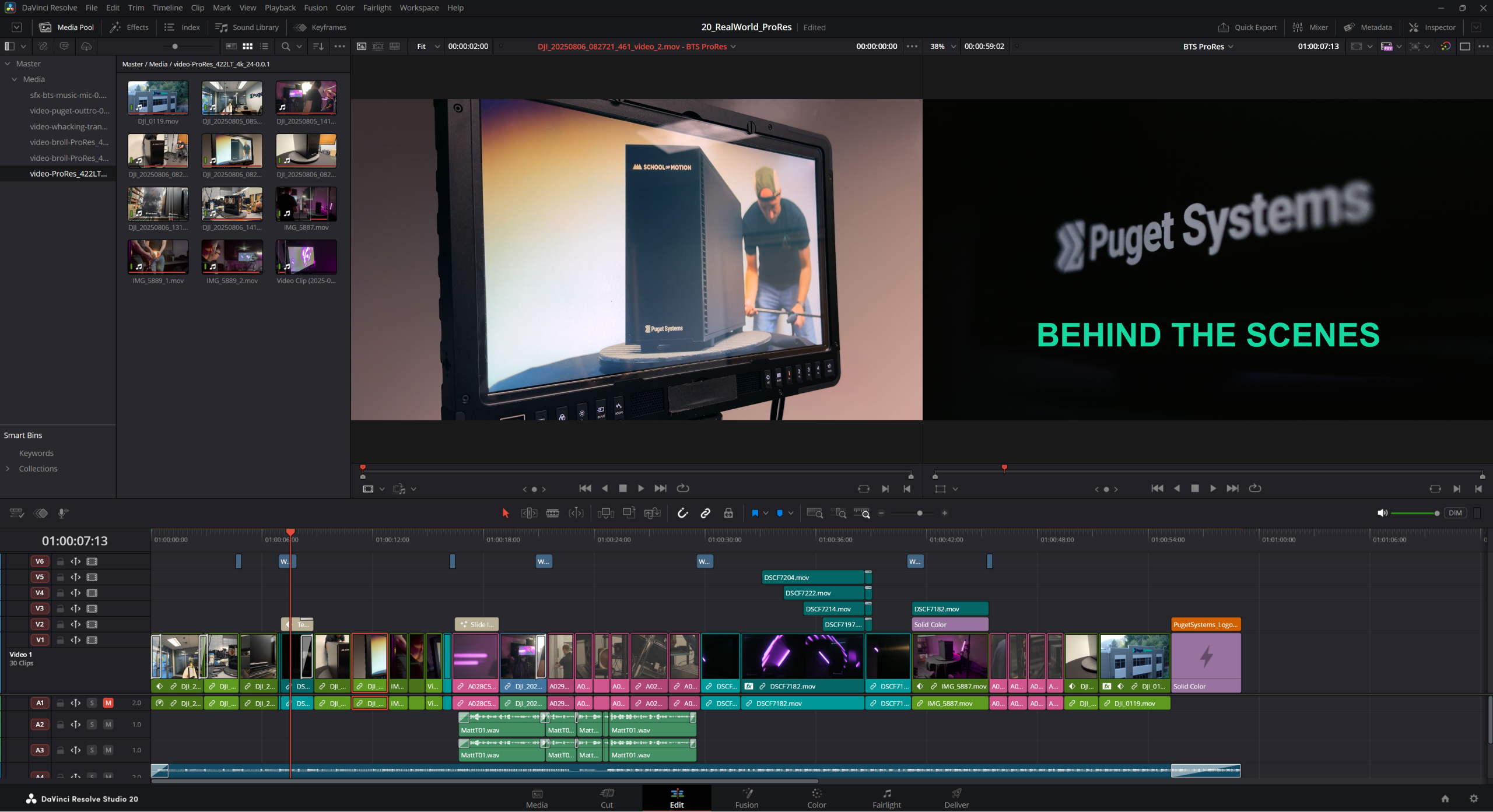
Real World – Behind the Scenes (ProRes)
Timeline and effects identical to the “Behind the Scenes” test, with the media transcoded to various ProRes formats, including 4444, 422, and 422LT. Timeline exported to ProRes 422HQ UHD
Image
Scoring Adjustments
With the new Puget Bench 2.0 benchmarks, we have also made several adjustments to the scoring calculation process. These changes are intended to both make the scores more representative of the performance users can expect in the real world for different workflows, as well as to clearly delineate 2.0 results from previous 1.x benchmark results. These changes are:
- “Overall Score” modifier changed from 100 to 1000. This should make benchmark results from the 2.0 benchmark obviously different from scores from previous versions.
- Subscores are now grouped according to the codec (H.264, HEVC, ProRes, etc.) rather than the test type (e.g., Processing, Encoding). This aligns the scores more accurately with how different hardware performs for various workflows.
- Premiere Pro only – “GPU Effects” subscore modifier changed to 7.6 to account for performance changes from the new Film Impact effects.
Premiere Pro Specific Changes
While most of the basic codec processing and encoding tests are similar (or identical) between the Premiere Pro and DaVinci Resolve benchmarks, there are a number of changes and improvements specifically for the Puget Bench for Premiere Pro 2.0 benchmark.
Added Support for Premiere Pro 25.6 & 26.0
The previous 1.x benchmark has support for up to Premiere Pro v25.2, but did not work on later versions due to Adobe actively blocking the ability to export to HEVC via scripting. This is especially significant for testing since full NVIDIA Blackwell support was added in Premiere Pro v25.3.
The new Puget Bench for Premiere Pro 2.0 benchmark now supports Premiere Pro v25.6 and newer, allowing for full testing of Blackwell GPUs. However, older versions of Premiere Pro are not supported due to feature requirements for some of the new tests that are outlined below.
Updated Testing Methodology for Processing and GPU Effects Tests
For both the Processing and GPU Effects tests, our goal is to represent how your system performs when actively working in a timeline with different types of codecs and effects. Unfortunately, we can’t simply test playback in the Program Monitor, as the software makes significant optimizations and adjustments on the fly, introducing high amounts of run-to-run variation that is unacceptable for a performance benchmark. Instead, we utilize the exporting functionality of the NLE, but tune it in a way that focuses on the codec decoding or GPU effect processing steps, rather than encoding.
In the Puget Bench for Premiere Pro 2.0 benchmark, we utilize a special debugging and testing feature called “Null Encoding”. This allows our benchmark to perform an export, but without doing the steps to encode the exported video or write it to disk. This allows the tests to be even more targeted on how fast the system is able to decode the source media and process effects.
This new method gives results that are relatively similar to our previous benchmark, but the absolute performance in terms of FPS is different, making direct comparisons to the previous benchmark versions invalid.
Dropped HEVC and H.264 Software Encoding Tests
In Premiere Pro 25.3 and later, Adobe has deliberately blocked the ability for scripts and plugins to export to HEVC. We have a full write-up covering all the information Adobe has released about this change in this post: Why PugetBench for Premiere Pro is Dropping HEVC Encoding Tests. Because to this, we have been forced to remove the HEVC encoding tests from our Premiere Pro benchmark.
Additionally, we decided to remove the H.264 Software Encoding tests. In the past, software encoding was sometimes used because it can produce slightly higher quality results at the same bitrate compared to hardware encoding. However, improvements in hardware encoding and general acceptance of it as a standard have greatly reduced the number of users utilizing it. While it will certainly be used by a number of users for the foreseeable future, the reduction in popularity has guided us to remove it from the benchmark in order to keep the tests as streamlined as possible.
Updated GPU Effects Tests
With Adobe’s acquisition of Film Impact in 2025, Premiere Pro now features a range of new GPU-based effects that are popular, utilize the GPU to a greater extent than older effects, and are hardware-intensive enough to often cause performance issues. Due to the availability of these new effects natively in Premiere Pro, we have added and dropped the following tests:
Added:
- Echo Glow x3
- Bokeh Blur x2
- Edge Glow x3
- Wonder Glow x3
Dropped:
- Lumetri Color x40
- Gaussian Blur x40
- Sharpen x40
DaVinci Resolve Specific Changes
The following adjustments apply only to the updated version of our DaVinci Resolve benchmarks.
ProRes Encoding Tests
With the addition of ProRes export support for Windows in DaVinci Resolve (Studio) 19.1.4, our DaVinci Resolve benchmark is now able to test the performance of your system when exporting to ProRes. The specific codec formats added to the benchmark are ProRes 422 Proxy UHD, ProRes 422 HQ UHD, and ProRes 4444 UHD.
Updated AI Tests
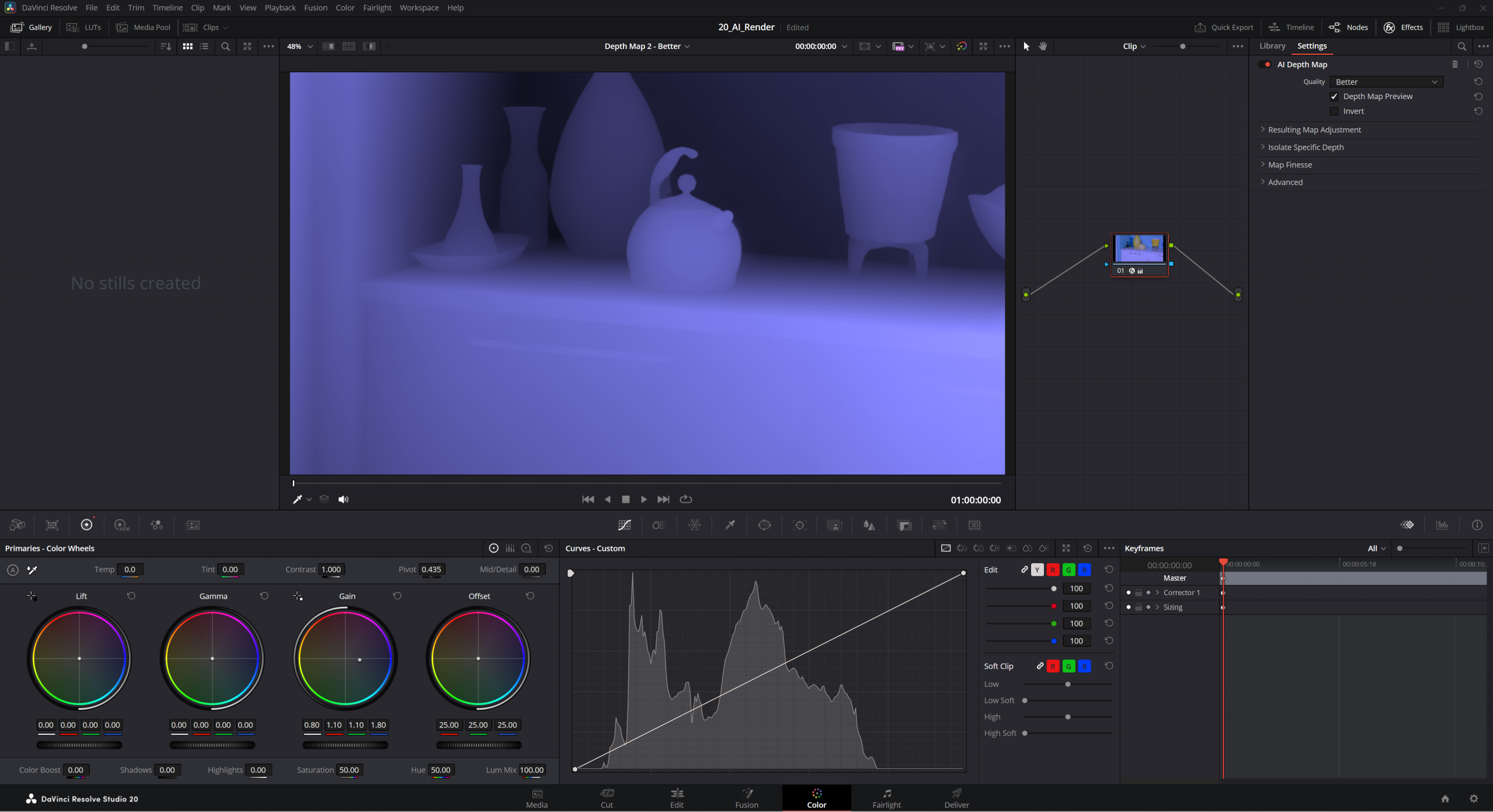
Blackmagic is at the forefront of adding support for new AI-based features, and DaVinci Resolve Studio has undergone several advancements since the release of our 1.0 benchmark in 2024. The 2.0 benchmark has been updated to utilize the “v2” version of Face Refinement, Depth Map, and Magic Mask, and we have also added a test for Super Scale (2x Enhanced).
This is in addition to the plethora of AI tests already available in the 1.x benchmark, including Optical Flow, Audio Transcription, Video Stabilization, Smart Reframe, Scene Cut Detection, and more.
Image
Benchmark Preset Adjustments
Due to the incredible breadth of DaVinci Resolve–spanning video editing, color correction, motion graphics, VFX, and audio–this benchmark includes a huge number of different tests. To prevent users from having to run the entire robust test suite, it is divided into three presets: Basic, Standard, and Extended. The Basic preset includes the tests that can be run on the Free version of DaVinci Resolve and is designed to evaluate performance for basic workflows, while the Standard and Extended presets are for the Studio version of Resolve and test more in-depth workflows.
In Puget Bench for DaVinci Resolve 2.0, we have adjusted which tests are in each preset to better reflect real-world workflows and scale more consistently across hardware tiers. The changes from the 1.x benchmark versions are listed below, and the full set of tests for each preset is available in the Test Breakdown section of the benchmark page.
- Encoding Tests
- No changes
- Processing Tests
- Standard preset
- Added: 4x MultiStream H.264, HEVC, and ProRes tests
- Moved from Extended: Canon Cinema RAW Light
- Extended preset
- Added: 4K Nikon N-RAW
- Standard preset
- Real World Tests
- New test category
- Basic: None
- Standard preset: YouTube Gamer
- Extended preset: Adds Behind the Scenes, Behind the Scenes (ProRes)
- New test category
- GPU Effects Tests
- Now tiered instead of all tests being in the Standard and Extended presets
- Basic: None
- Standard: Color Node x30, Temporal NR (2 Frames Better), Film Grain, Lens Flare, Sharpen x3
- Extended: Adds Temporal NR (2 Frames Better) x3, Spatial NR (Better), Optical Flow (50% Enhanced Better), Lens Blur x5
- Now tiered instead of all tests being in the Standard and Extended presets
- Fusion Tests
- Now tiered instead of all tests being in all three presets
- Basic: 3D Lower Third, 3D Title
- Standard: Adds Phone Composite, 3D Backlit Text
- Extended: Adds Digital Glitch, Turbulent Particles
- Now tiered instead of all tests being in all three presets
- AI
- Now tiered instead of all tests being exclusive to the Extended preset
- Basic: None
- Standard: Super Scale (2x), Depth Map v2 (Faster), Video Stabilization, Magic Mask v2 Tracking (Faster)
- Extended: Adds Super Scale (2x Enhanced), Optical Flow (50% Speed Warp), Depth Map v2 (Better), Relight, Face Refinement v2, Audio Transcription, Smart Reframe, Magic Mask v2 Tracking (Better), Create Subtitles from Audio, Scene Cut Detection
- Now tiered instead of all tests being exclusive to the Extended preset
Conclusion
The release of Puget Bench for Premiere Pro 2.0 and Puget Bench for DaVinci Resolve 2.0 marks the next step in our ongoing efforts to ensure these benchmarks remain up to date with the latest software and workflow updates, thereby maintaining relevance for real-world creative work. Whether you’re evaluating your current system or planning your next workstation, our benchmarks can give you the data you need to make informed, confident decisions.
Best of all, you can download and run the benchmarks on your system at no cost! As long as you have a supported version of Premiere Pro or DaVinci Resolve installed on your system, you’re ready to go.
For a detailed breakdown of the tests included in this benchmark, visit our full test methodology pages for Puget Bench for Premiere Pro and Puget Bench for DaVinci Resolve. And if you’d like to stay informed about future improvements to Puget Bench, you can sign up for email updates below.

Looking for a Content Creation workstation?
We build computers tailor-made for your workflow.

Don’t know where to start?
We can help!
Get in touch with one of our technical consultants today.