We look at AI the way our customers do, which is why we built the Puget Systems Docker App Packs: to help you get up and running with AI inference fast!
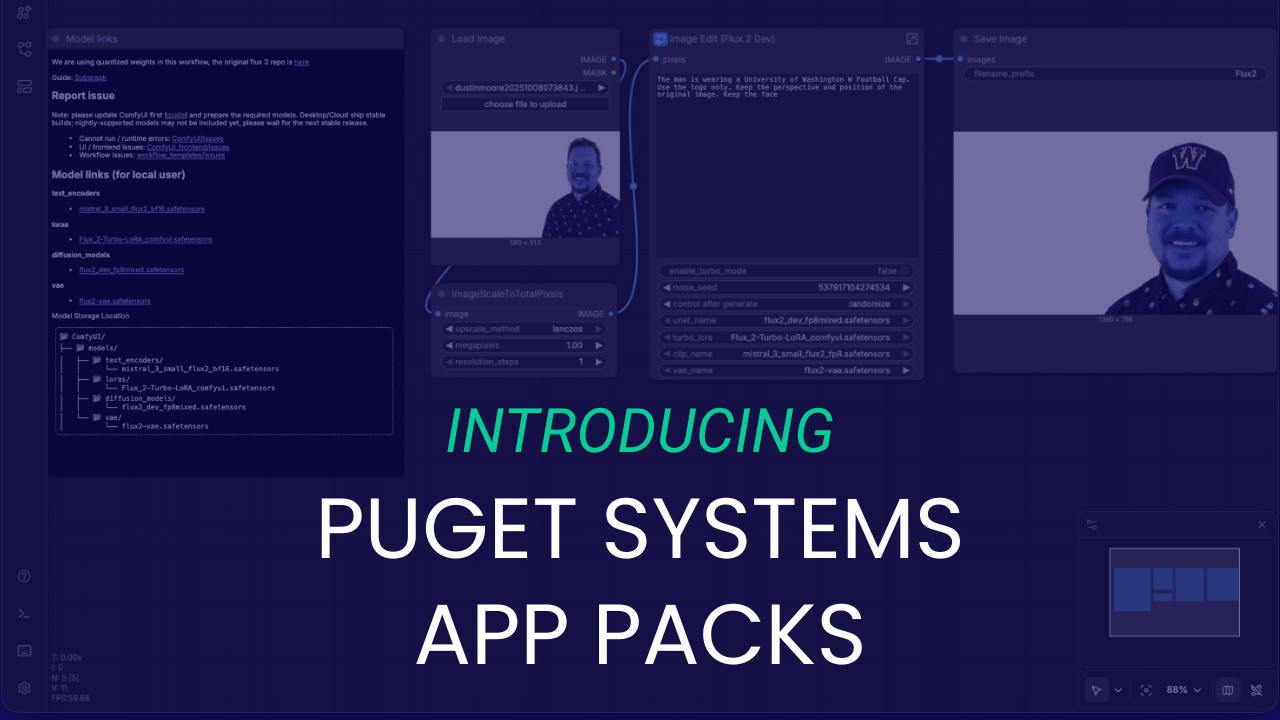
We look at AI the way our customers do, which is why we built the Puget Systems Docker App Packs: to help you get up and running with AI inference fast!

Learning go (Golang) is one of my resolutions for 2023. It looks like a great cross platform compiled language with a straightforward simple syntax with modern features. I have multi-OS projects in mind where I expect it to be ideal. So, I’ll get started …
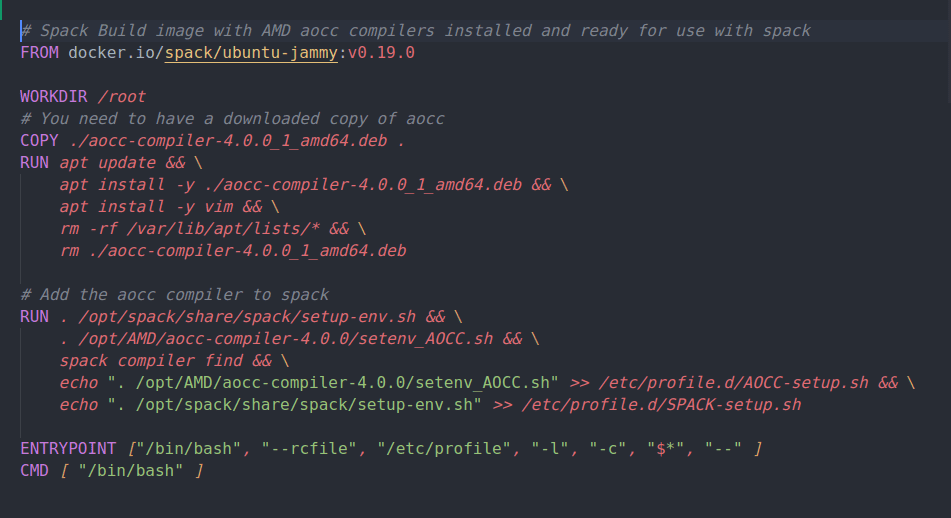
AMD has recently released version 4.0 of their AOCC compiler which includes support for AVX512 on the Zen4 architecture. This post details building a Docker image containing the Spack package manager/build system together with AMD AOCCv4.0.0 compilers. This will be used as the build image for multi-stage Dockerfiles that will be used to compile scientific applications and benchmarks with targeted Zen3/4 optimizations. It is the first step in that process.

I recently wrote a post introducing Intel oneAPI that included a simple installation guide of the Base Toolkit. In that post I promised a follow-up about the the oneAPI AI Analytics Toolkit. This is it! I’ll describe what it is and give recommendations for doing an install setup of the AI toolkits using conda with Anaconda Python.
Intel oneAPI is a massive collection of very high quality developer tools, and, it’s free to use! In this post I’ll give you a little background on what oneAPI is and my recommendations for doing an install setup to get started exploring the collection of tool-kits.
In this post I will show you how to install NVIDIA’s build of TensorFlow 1.15 into an Anaconda Python conda environment. This is the same TensorFlow 1.15 that you would have in the NGC docker container, but no docker install required and no local system CUDA install needed either.
WSL2 offers improved performance over version 1 by providing more direct access to the host hardware drivers. Recent “Insider Dev Channel” builds of Win10 even allows access to the Windows NVIDIA display driver for GPU computing applications for WSL2 Linux applications! The performance improvements with WSL2 are largely because this version is running as a privileged virtual machine on to of MS Hyper-V. This means that at least low level support for the Hyper-V virtualization layer needs to be enabled to use it. In particular, the Windows feature “VirtualMachinePlatform” must be enabled for WSL2. We tested to see if there was any negative application performance impact.
How to setup PowerShell nicely for using git with command completion and color highlighted shell prompt git status/action notifications.
Starting 2020 off with an addition to my writing, “micro blogging” via GitHub Gists
TensorFlow is a very powerful numerical computing framework. However, like any large research level program it can be challenging to install and configure. In this post I’ll try to give some guidance on relatively easy ways to get started with TensorFlow. I’ll only look at relatively simple “CPU only” Installs with “standard” Python and Anaconda Python in this post. (I also have a quick test with Intel Python.)
Puget Systems builds custom workstations, servers and storage solutions tailored for your work.
We provide:
Extensive performance testing
making you more productive and giving better value for your money
Reliable computers
with fewer crashes means more time working & less time waiting
Support that understands
your complex workflows and can get you back up & running ASAP
A proven track record
as shown by our case studies and customer testimonials




