Table of Contents
Introduction
Choosing the right PC for any professional application can be challenging, but Unreal Engine adds an extra layer of complexity. At Puget Systems, our goal is to give you clear, practical guidance so you can choose hardware that actually matches how you use the software. We publish detailed hardware analysis for those who want to dig into the numbers, alongside our Unreal Engine solutions page that highlights proven configurations for common workflows.
One of the biggest challenges with Unreal Engine is that there is no single “typical” use case. Unreal powers everything from mobile and indie games to massive open-world titles, real-time virtual production, broadcast graphics, automotive visualization, and architectural walkthroughs. It has been used on high-profile productions like The Mandalorian and Westworld, but it is just as likely to be running on a single artist’s workstation or a small development team’s office PCs.
Because each of these workflows stresses hardware differently, there is no single “best” Unreal Engine system. Instead, in this article, we’ll walk through the most common Unreal Engine use cases we see and outline the best-fit configuration for each, rather than the traditional Good / Better / Best approach used in some of our other guides.
Game Dev – Code/Shader Compile
While Unreal Engine is often associated with real-time rendering, a significant portion of game development time, especially on large projects, is spent waiting on code and shader compilation. For programmers and technical artists working on large codebases or shader-heavy projects, the CPU is the most important component in the system.
Unreal and Visual Studio’s compilation tasks scale extremely well with core count. For developers compiling frequently throughout the day, AMD Threadripper (non-PRO) processors are an excellent option, offering lots of cores without the higher platform cost of Threadripper PRO. These CPUs dramatically reduce compile times compared to mainstream desktop processors, keeping iteration cycles short.
Memory capacity also matters here. Shader compiles, large editor sessions, and parallel tools can consume substantial amounts of RAM, so fully populating the available memory channels is recommended. In practice, 128GB to 256GB is common for this user group.
The GPU is less critical for users focused on compiling code. A modern high-end NVIDIA GeForce RTX™ card is more than sufficient to keep the editor responsive without overspending on professional graphics horsepower that won’t meaningfully improve compile times.
Programming and Build Workstation
| CPU | AMD Ryzen™ Threadripper™ 9980X |
| GPU | NVIDIA GeForce RTX™ 5070 Ti |
| RAM | 128GB DDR5-5600 |
| OS Drive | 1TB NVMe PCIe M.2 SSD |
| Project Drive | 4TB NVMe PCIe M.2 SSD |
| Warranty | 3-Year Parts, Lifetime Labor & Tech Support |
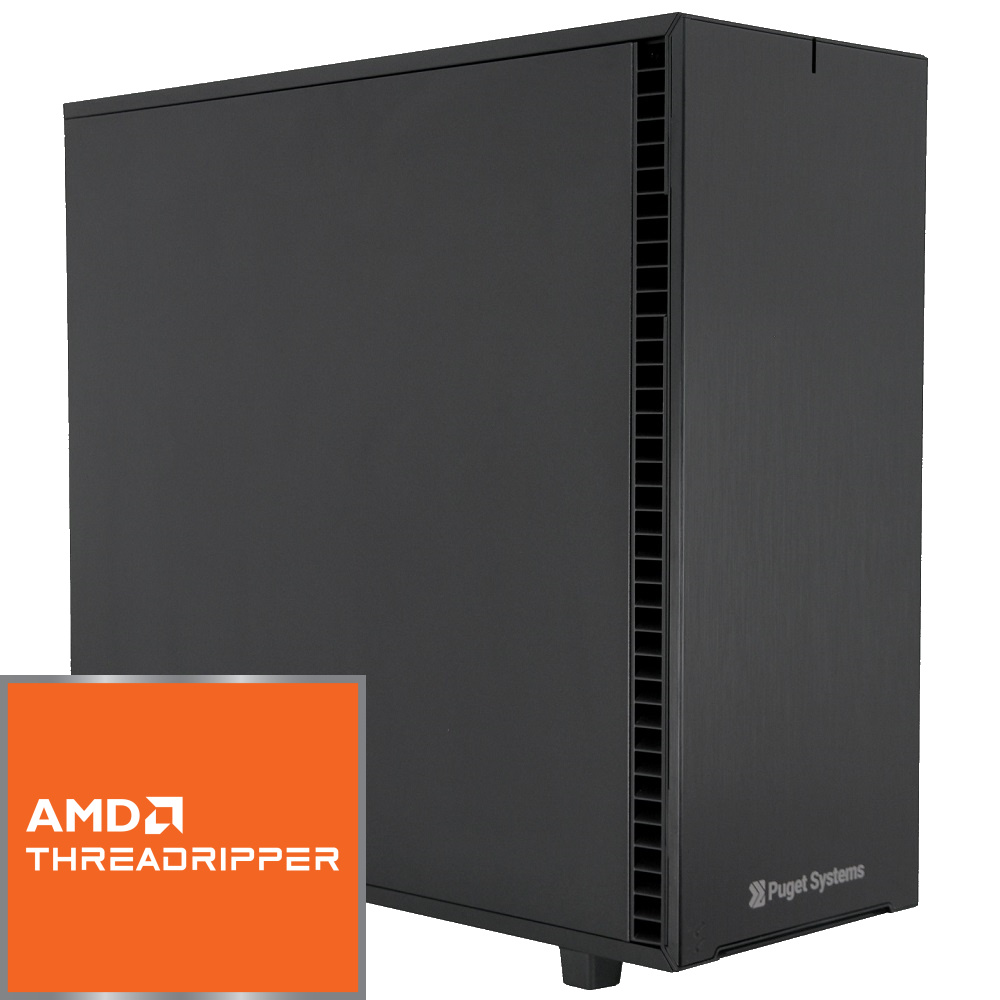
Trade-off: Threadripper platforms cost more and draw more power than mainstream CPUs. For smaller teams or infrequent compiles, a high-end desktop CPU may offer better overall value, while Threadripper PRO or even EPYC is better suited to build servers for large teams.
Game Dev – Artist Focus
Artists working in Unreal—environment artists, character artists, animators, and world builders—have very different needs. Their productivity depends on smooth viewport performance, fast interactions, and the ability to handle large, complex scenes built with Nanite, Lumen, and virtual shadow maps.
For these users, the GPU is the most important component. Modern Unreal Engine workflows are increasingly VRAM-hungry, especially when working with high-resolution textures, dense Nanite assets, and hardware ray tracing. NVIDIA’s latest GeForce RTX™ 5080 and higher GPUs provide excellent real-time performance and ample VRAM for most artist workloads.
CPU requirements are more modest in this use case than compile-focused roles, but strong single-thread and moderate multi-thread performance still matters for editor responsiveness and occasional shader builds. Intel’s Core Ultra processors are a strong fit here, offering excellent per-core performance in a more compact and affordable platform.
Game Artist Workstation
| CPU | Intel Core™ Ultra 9 285K |
| GPU | NVIDIA GeForce RTX™ 5080 |
| RAM | 96GB DDR5-5600 |
| OS Drive | 1TB NVMe PCIe M.2 SSD |
| Project Drive | 2TB NVMe PCIe M.2 SSD |
| Warranty | 3-Year Parts, Lifetime Labor & Tech Support |
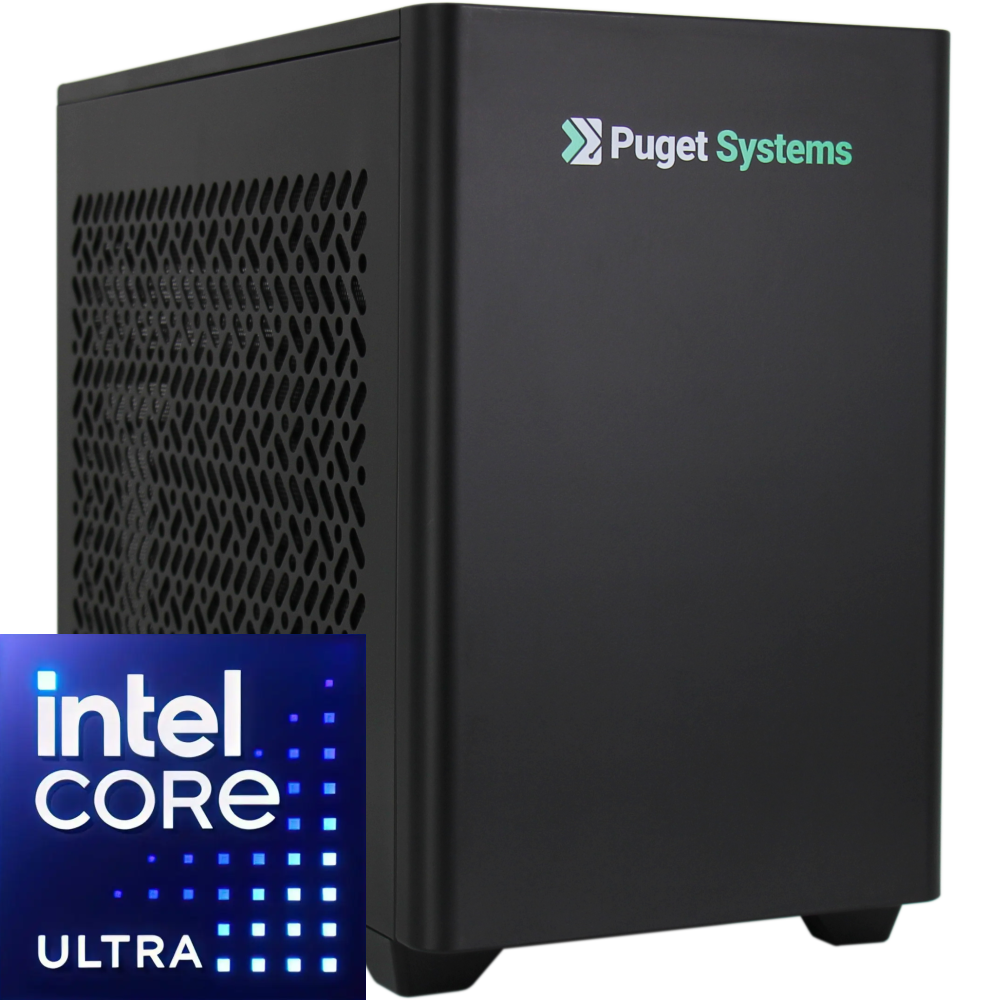
Trade-off: Artists working with exceptionally large worlds or shared project caches may benefit from stepping up to 128GB of RAM and/or a professional GPU with higher VRAM capacity. Developers working on mobile or smaller games could move to a less expensive GPU.
Virtual Production – ICVFX
In-Camera VFX (ICVFX) has become a cornerstone of modern film, television, and broadcast production. Large LED volumes driven by Unreal Engine allow directors and cinematographers to capture final-pixel imagery in-camera, dramatically reducing post-production complexity.
For ICVFX, the GPU is the single most critical component. These systems must support genlock and synchronization with LED processors, cameras, and tracking systems. This requires NVIDIA’s professional GPUs paired with dedicated sync hardware or SMPTE 2110 support.
At high output resolutions, Unreal Engine’s frame rate is typically GPU-bound, but CPU performance still matters for tasks like shader recompilation, lighting rebuilds, and scene preparation. In production environments with full crews on set, minimizing downtime is critical, making high-core-count CPUs a smart investment.
Memory requirements are also higher than average, as Unreal is often running alongside camera tracking software, media servers, and control systems.
ICVFX Render Node
| CPU | AMD Ryzen™ Threadripper™ PRO 9975WX |
| GPU | NVIDIA RTX PRO™ 6000 Blackwell Max-Q |
| RAM | 256GB DDR5-5600 |
| OS Drive | 1TB NVMe PCIe M.2 SSD |
| Project Drive | 4TB NVMe PCIe M.2 SSD |
| Controller | NVIDIA RTX PRO™ Sync |
| Warranty | 3-Year Parts, Lifetime Labor & Tech Support |
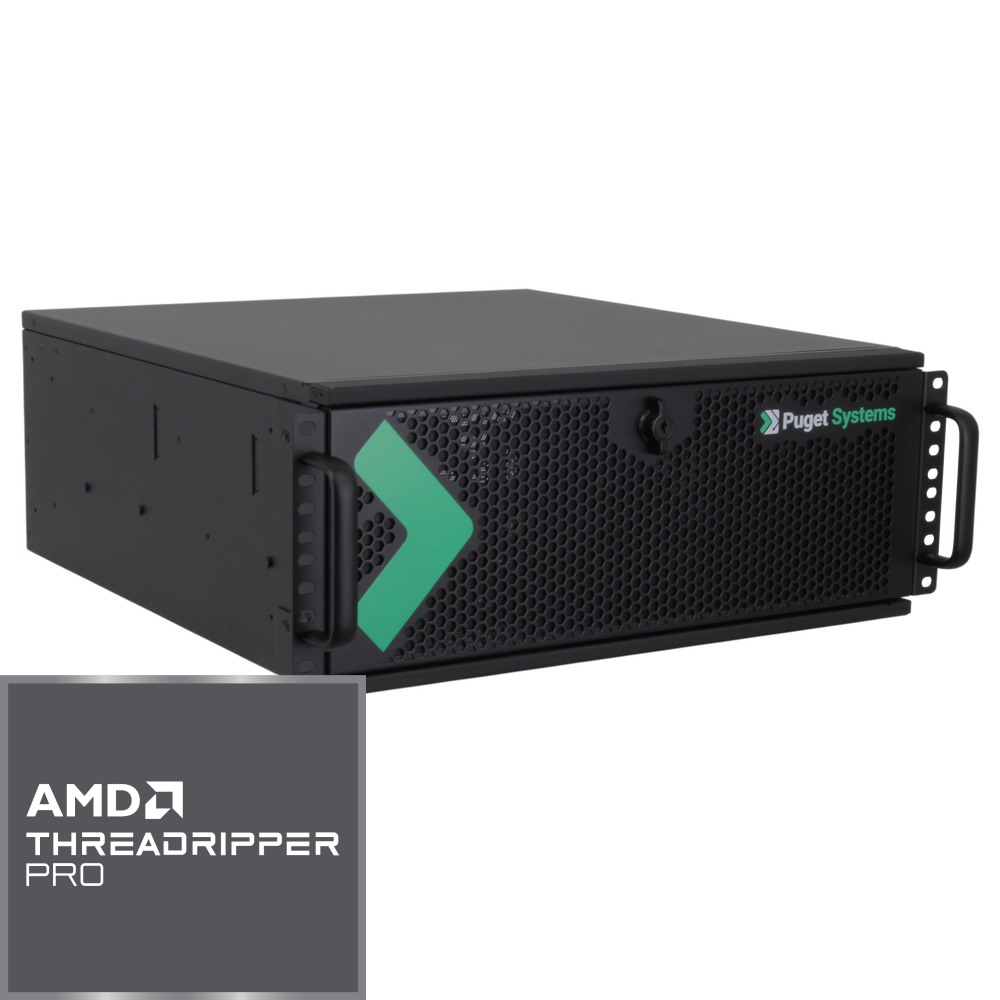
Trade-off: Professional GPUs and Threadripper PRO platforms carry a significant cost premium but are essential for reliable synchronization and stability in ICVFX environments. The very latest LED wall installations may be able to utilize SMPTE 2110 to handle video over the network, though, in which case a system equipped with NVIDIA® BlueField® is essential.
Virtual Production – Green Screen / Content Creation
Not all virtual production workflows require LED walls. Green screen production, live graphics, and pre-rendered content creation place fewer demands on synchronization hardware, opening the door to more cost-effective GPU options.
In these workflows, raw GPU performance and VRAM capacity are still important, but professional sync features are not strictly necessary. High-end GeForce GPUs perform extremely well for real-time rendering, camera moves, and live previews.
CPU requirements vary based on project scale. Smaller teams or lighter scenes can comfortably use mainstream desktop CPUs, while larger productions may still benefit from additional cores.
Green Screen / Content Creation Workstation
| CPU | AMD Ryzen™ Threadripper™ 9970X |
| GPU | NVIDIA GeForce RTX™ 5090 |
| RAM | 128GB DDR5-5600 |
| OS Drive | 1TB NVMe PCIe M.2 SSD |
| Project Drive | 4TB NVMe PCIe M.2 SSD |
| Warranty | 3-Year Parts, Lifetime Labor & Tech Support |
Trade-off: While GeForce GPUs offer excellent performance, studios that rely on certified drivers or need maximum VRAM may still prefer RTX PRO™ options.
Architecture – Realtime/VR
Architectural visualization continues to move toward real-time workflows, allowing clients to explore spaces interactively and request changes on the fly. Unreal Engine and Twinmotion are increasingly used for these experiences, often paired with virtual reality headsets.
Once again, the GPU is the primary performance driver. Real-time ray tracing, large texture sets, and GPU-accelerated lighting workflows benefit enormously from powerful video cards with substantial VRAM. NVIDIA’s top-end GeForce and RTX PRO™ cards both perform well here, with the choice often dictated by VRAM needs and compatibility with other CAD or DCC applications.
CPU demands in this area have shifted over time. While CPU-based light baking once favored high-core-count processors, modern GPU-accelerated lighting workflows mean that a high-performance desktop CPU is now sufficient for most architectural users.
ArchVis Workstation
| CPU | Intel Core™ Ultra 9 285K |
| GPU | NVIDIA GeForce RTX™ 5090 |
| RAM | 128GB DDR5-5600 |
| OS Drive | 1TB NVMe PCIe M.2 SSD |
| Project Drive | 4TB NVMe PCIe M.2 SSD |
| Warranty | 3-Year Parts, Lifetime Labor & Tech Support |
Trade-off: VR projects with extremely large datasets or multiple high-resolution viewports may benefit from stepping up to a professional GPU for additional VRAM headroom.
Additional Resources
If you’d like to explore why these recommendations perform the way they do, we publish ongoing Unreal Engine performance articles that dive into CPU scaling, GPU behavior, and real-world editor workloads. Our Unreal Engine Solutions page also includes streamlined recommendations for common use cases.
And, as always, if you aren’t sure what you need or just want to verify that you are spending your budget in the most effective way possible, our technology consultants are always available to assist you in getting the exact right workstation for your workflow.

Looking for an Unreal Engine workstation?
We build computers tailor-made for your workflow.

Don’t know where to start?
We can help!
Get in touch with one of our technical consultants today.