Skip to content
Main Navigation Puget Systems Logo in White and Green
  • Solutions
    • Media & Entertainment
      • Photo Editing
        • Recommended Systems For:
        • Adobe Lightroom Classic
        • Adobe Photoshop
        • Generative AI
      • Video Editing & Motion Graphics
        • Recommended Systems For:
        • Adobe After Effects
        • Adobe Premiere Pro
        • DaVinci Resolve
        • Foundry Nuke
      • 3D Design & Animation
        • Recommended Systems For:
        • Autodesk 3ds Max
        • Autodesk Maya
        • Blender
        • Cinema 4D
        • Houdini
        • ZBrush
      • Live Video Production
        • Recommended Systems For:
        • vMix
        • Live Streaming
      • Real-Time Engines
        • Recommended Systems For:
        • Game Development
        • Unity
        • Unreal Engine
        • Virtual Production
      • Rendering
        • Recommended Systems For:
        • Keyshot
        • OctaneRender
        • Redshift
        • V-Ray
      • Digital Audio
        • Recommended Systems For:
        • Ableton Live
        • FL Studio
        • Pro Tools
    • Engineering
      • Architecture & CAD
        • Recommended Systems For:
        • Autodesk AutoCAD
        • Autodesk Inventor
        • Autodesk Revit
        • SOLIDWORKS
      • Visualization
        • Recommended Systems For:
        • Enscape
        • Keyshot
        • Lumion
        • Twinmotion
      • Photogrammetry & GIS
        • Recommended Systems For:
        • ArcGIS Pro
        • Agisoft Metashape
        • Pix4D
        • RealityScan
    • AI & HPC
      • AI Development & Deployment
        • Recommended Systems For:
        • AI Development
        • AI Deployment & Inference
        • Servers for Scaling AI & LLMs
      • High Performance Computing
        • Recommended Systems For:
        • Data Science
        • Scientific Computing
    • More
      • Recommended Systems For:
      • Compact Size
      • NVIDIA RTX Studio
      • Quiet Operation
      • Virtual Reality
    • Business & Enterprise
      We can empower your company
    • Government & Education
      Services tailored for your organization
  • Products
    • Puget Mobile
      Powerful laptop workstations
      • Puget Mobile 16″
        Intel Core Ultra + NVIDIA GeForce
    • Puget Workstations
      High-performance Desktop PCs
      • AMD Ryzen
        Powerful CPUs with up to 16 cores
      • AMD Threadripper
        High core counts and lots of PCIe lanes
      • AMD EPYC
        Server-class CPUs in a workstation
      • Intel Core Ultra
        Balanced single- and multi-core performance
      • Intel Xeon
        Workstation CPUs with AVX512
      • Configure a Custom PC Workstation
        Configure a PC for your workflow
    • Puget Rackstations
      Workstations in rackmount chassis
      • AMD
        Ryzen, Threadripper, and EPYC CPUs
      • Intel
        Core Ultra and Xeon Processors
      • Configure a Custom Rackmount Workstation
        Tailored 4U, 5U, and 6U rack systems
    • Puget Servers
      Enterprise-class rackmount servers
      • 1U Rackmount
        Dense CPU compute servers
      • 2U Rackmount
        Mixed CPU and GPU solutions
      • 4U Rackmount
        High-density GPU computing
      • Multi-Node Servers
        2-4 servers in a single chassis
      • Comino Grando GPU Servers
        Liquid-cooled GPU rackmount systems
      • Custom Servers
        Engineered to meet your unique needs
    • Puget Storage
      Solutions from desktop to datacenter
      • Network-Attached Storage
        Synology desktop and rackmount NAS
      • Software-Defined Storage
        Datacenter solutions with QuantaStor
    • Recommended Third Party Peripherals
      Curated list of accessories for your workstation
    • Puget Bench for Creators
      Professional benchmarking tools
  • Publications
    • Articles
    • Blog Posts
    • Case Studies
    • HPC Blog
    • Podcasts
    • Press
  • Support
    • Contact Support
    • Onsite Services
    • Support Articles
    • Unboxing
    • Warranty Details
  • About Us
    • About Us
    • Careers
    • Contact Us
    • Enterprise
    • Gov & Edu
    • Our Customers
    • Press Kit
    • Puget Gear
    • Testimonials
  • Talk to an Expert
  • My Account
  1. Home
  2. /
  3. Hardware Articles
  4. /
  5. Page 8

Hardware Articles

  • All
  • Articles
  • HPC Blog
  • Blog
  • Case Studies
  • Podcasts
  • Press
  • Support
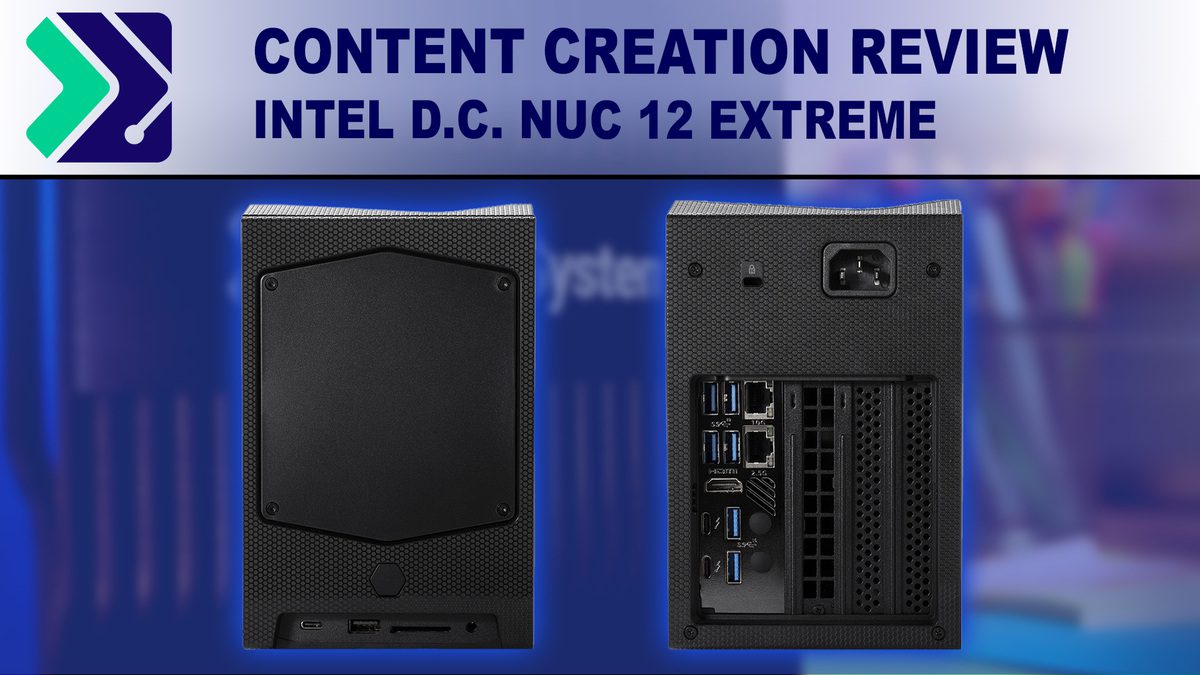
Intel Dragon Canyon NUC 12 Extreme - Content Creation Review

Intel Dragon Canyon NUC 12 Extreme – Content Creation Review

Posted on April 11, 2022 by Matt Bach

Intel’s “Dragon Canyon” NUC 12 Extreme is a highly compact PC that is still capable of hosting high-end hardware like an NVIDIA GeForce RTX 3080, 64GB of RAM, and multiple M.2 NVMe storage drives. However, the form factor does meant that the performance will not be as good as a standard desktop workstation. The question is, how much performance should you expect to lose by going with the ultra-compact Dragon Canyon NUC?
Impact of DDR5 speed on content creation performance

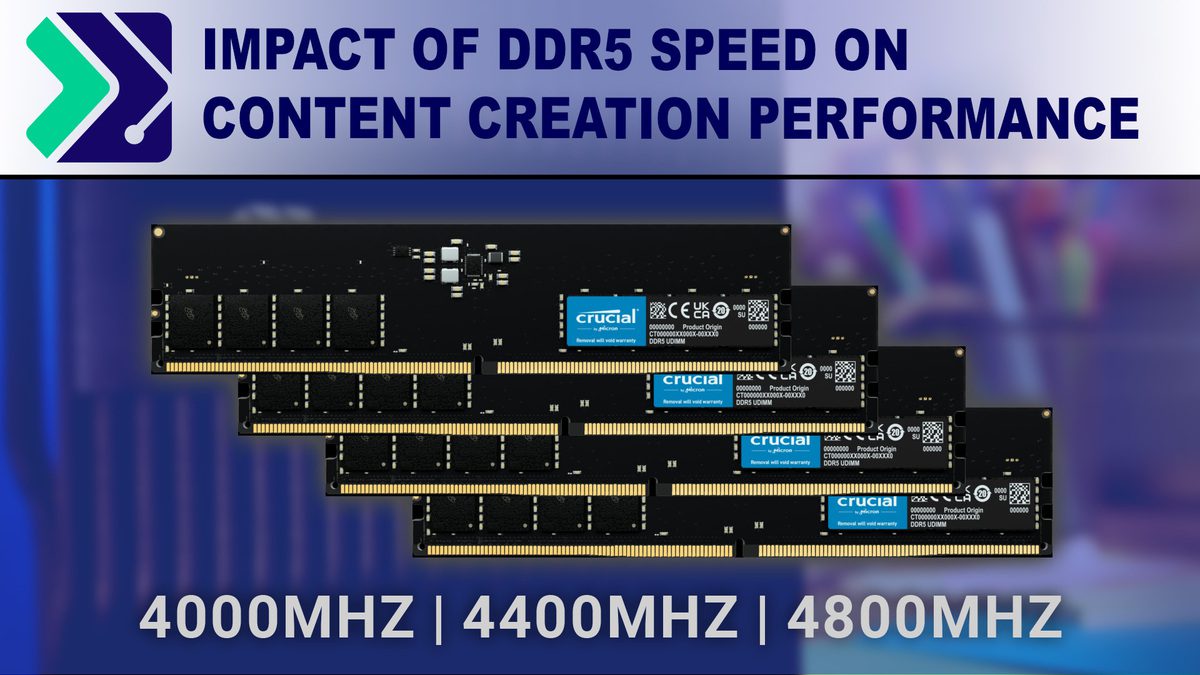
Impact of DDR5 Speed on Content Creation Performance

Posted on March 7, 2022 by Matt Bach

The latest Intel 12th Gen processors officially support a range of DDR5 RAM speeds between DDR5-3600MHz and DDR5-4800MHz depending on a number of factors including how many RAM slots are on the motherboard, how many sticks are used, and whether the sticks are single or dual rank. But if you stick with JEDEC specifications for frequency and timing, how much does this actually impact performance in common content creation applications like Photoshop, Premiere Pro, and Unreal?

Understanding Storage for Video Editing

Understanding Storage for Video Editing

Posted on February 1, 2022 by Matt Bach

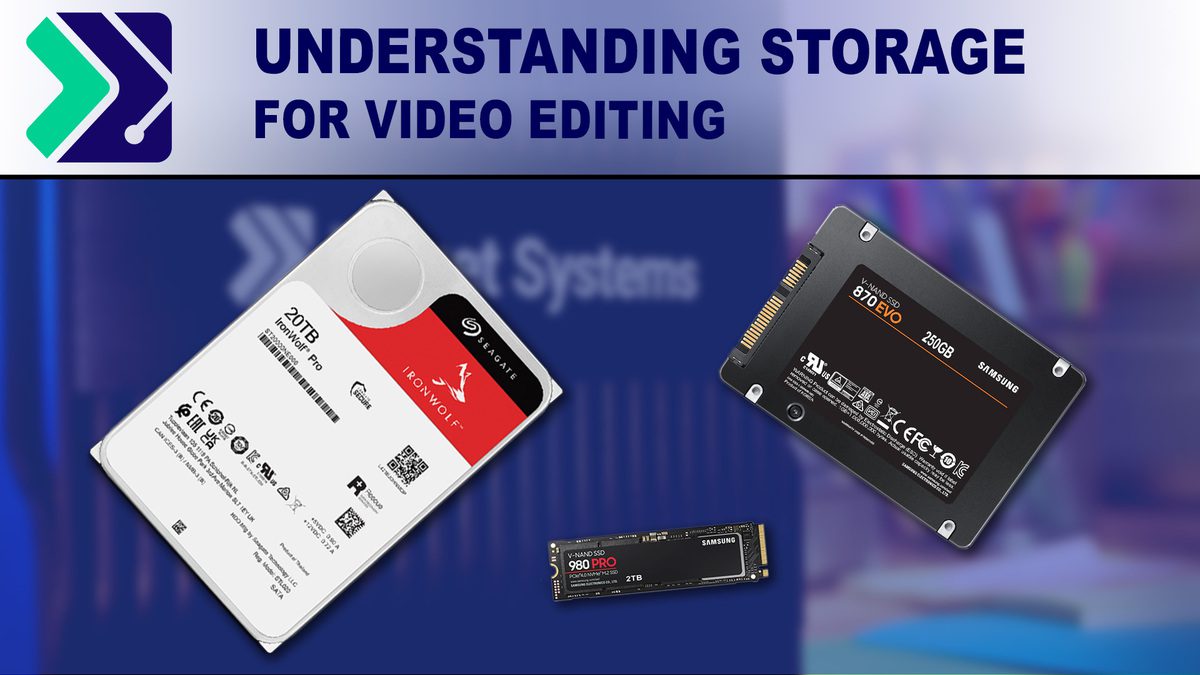
Processors and video card may be the most discussed hardware when designing a video editing workstation, but the type and configuration of your local storage drives is also a very important consideration. Not only can a proper storage setup help your workstation perform at its best, but it can also help increase the longevity and reliability of your system.

What Hardware Does it take to edit dpx files summary

What Hardware do You Need to Edit DPX files in DaVinci Resolve Studio and Premiere Pro?

Posted on January 26, 2022 by Matt Bach

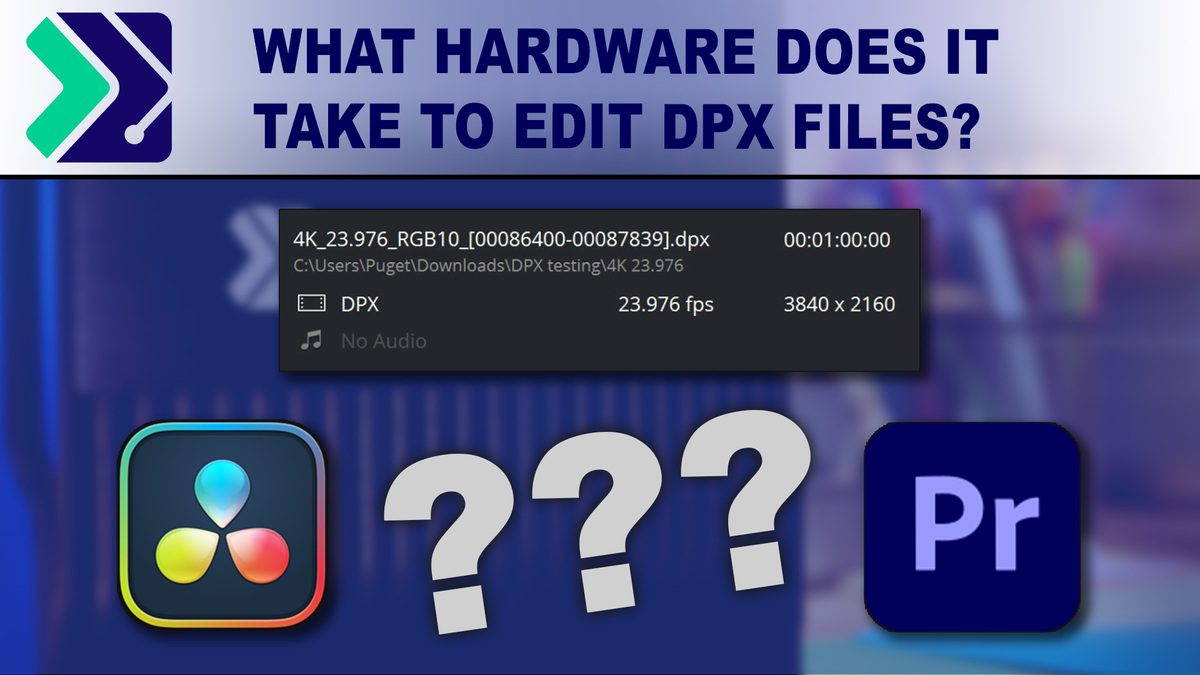
DPX (Digital Picture Exchange) is a uncompressed, lossless image format that is is popular in the film and VFX industry and is often the go-to choice in high-end workflows where you need the best possible quality. The downside to DPX is that since it is uncompressed, the total file size can be absolutely massive – up to 266GB per minute. What kind of storage setup do you need to be able to edit DPX files, and do you also need a powerful CPU and GPU as well?

Should you upgrade to Windows 11 for Video Editing?

Posted on October 8, 2021 by Matt Bach

Windows 11 is finally here, although many popular editing applications like Premiere Pro and After Effects do not yet have full official support. But, is there a reason to go ahead and upgrade to Windows 11 for video editing even before full support is added?

What is the Best CPU for Video Editing (2019)

Posted on November 27, 2019 by Matt Bach

Your CPU is one of the most important parts in your workstation, but picking which CPU to use can be an overwhelming task with literally hundreds of options to choose from. In this post, we will be discussing what the best CPU is to use for a video editing workstation while keeping things at a relatively high level so that it can help answer the question for anyone – regardless on how much they keep up with the latest tech.

Does PCIe Gen4 improve GPU performance in video editing apps?

Posted on August 27, 2019 by Matt Bach

PCIe Gen4 is finally here with twice the theoretical bandwidth of PCIe Gen3. But with the current Gen4 motherboards and video cards, does the extra bandwidth actually matter for video editing applications like Premiere Pro, After Effects, and DaVinci Resolve?

Video Editing Performance with Intel Xeon W-3200 Series Processors

Posted on August 21, 2019 by Matt Bach

While the choice between using an Intel X-series or Intel Xeon W processor is often decided by more than straight-up performance, it is still useful to know exactly how much performance you might be losing in order to gain Xeon-exclusive features like 64 PCI-E lanes or Reg. ECC memory support. To that end, in this post we will be benchmarking the Intel X-series, Intel Xeon W-3200, as well as the AMD Threadripper processors in a range of applications including Premiere Pro, After Effects, Photoshop, and DaVinci Resolve.

First Look at AMD Ryzen 3rd Gen CPUs for Video Editing

Posted on July 7, 2019 by Matt Bach

AMD’s new Ryzen 3rd generation CPUs just launched with terrific performance improvements across the board. While we don’t have the full lineup tested just yet, we wanted to give a first look at what we are seeing in Premiere Pro, After Effects, DaVinci Resolve, and other applications commonly used in video editing.

Does AMD Threadripper Dynamic Local Mode improve video editing performance?

Posted on November 5, 2018 by Matt Bach

AMD’s Threadripper 2970WX and 2990WX processors have incredibly high core counts, but often give low performance when running applications that cannot effectively use all their cores. The new “Local Dynamic Mode” is meant to help alleviate some of these issues, but will it actually help video editing applications like Premiere Pro, After Effects, and DaVinci Resolve?

Filter

Who is Puget Systems?

Puget Systems builds custom workstations, servers and storage solutions tailored for your work.

We provide:

Extensive performance testing
making you more productive and giving better value for your money

Reliable computers
with fewer crashes means more time working & less time waiting

Support that understands
your complex workflows and can get you back up & running ASAP

A proven track record
as shown by our case studies and customer testimonials

Get Started

Browse Systems

Puget Systems Mobile Laptop Workstation Icon

Mobile

Puget Systems Tower Workstation Icon

Workstations

Puget Systems Rackmount Workstation Icon

Rackstations

Puget Systems Rackmount Server Icon

Servers

Puget Systems Rackmount Storage Icon

Storage

Posts navigation

  • Previous
  • 1
  • …
  • 6
  • 7
  • 8
  • 9
  • Next
Puget Systems Logo in White and Green
Build Your Own PC Site Map FAQ
facebook instagram linkedin rss twitter youtube

Optimized Solutions

  • Adobe Premiere
  • Adobe Photoshop
  • Solidworks
  • Autodesk AutoCAD
  • AI & Machine Learning

Workstations

  • Media & Entertainment
  • Engineering
  • Scientific PCs
  • More

Support

  • Online Guides
  • Request Support
  • Remote Help

Publications

  • All News
  • Puget Blog
  • HPC Blog
  • Hardware Articles
  • Case Studies

Policies

  • Warranty & Return
  • Terms and Conditions
  • Privacy Policy
  • Delivery Times
  • Accessibility

About Us

  • Testimonials
  • Careers
  • About Us
  • Contact Us
  • Newsletter

© Copyright 2026 - Puget Systems, All Rights Reserved.