Skip to content
Main Navigation Puget Systems Logo
  • Solutions
    • Media & Entertainment
      • Photo Editing
        • Recommended Systems For:
        • Adobe Lightroom Classic
        • Adobe Photoshop
        • Stable Diffusion
      • Video Editing & Motion Graphics
        • Recommended Systems For:
        • Adobe After Effects
        • Adobe Premiere Pro
        • DaVinci Resolve
        • Foundry Nuke
      • 3D Design & Animation
        • Recommended Systems For:
        • Autodesk 3ds Max
        • Autodesk Maya
        • Blender
        • Cinema 4D
        • Houdini
        • ZBrush
      • Live Video Production
        • Recommended Systems For:
        • vMix
        • Live Streaming
      • Real-Time Engines
        • Recommended Systems For:
        • Game Development
        • Unity
        • Unreal Engine
        • Virtual Production
      • Rendering
        • Recommended Systems For:
        • Keyshot
        • OctaneRender
        • Redshift
        • V-Ray
      • Digital Audio
        • Recommended Systems For:
        • Ableton Live
        • FL Studio
        • Pro Tools
    • Engineering
      • Architecture & CAD
        • Recommended Systems For:
        • Autodesk AutoCAD
        • Autodesk Inventor
        • Autodesk Revit
        • SOLIDWORKS
      • Visualization
        • Recommended Systems For:
        • Enscape
        • Keyshot
        • Lumion
        • Twinmotion
      • Photogrammetry & GIS
        • Recommended Systems For:
        • ArcGIS Pro
        • Agisoft Metashape
        • Pix4D
        • RealityScan
    • AI & HPC
      • Recommended Systems For:
      • Data Science
      • Generative AI
      • Large Language Models
      • Machine Learning / AI Dev
      • Scientific Computing
    • More
      • Recommended Systems For:
      • Compact Size
      • NVIDIA RTX Studio
      • Quiet Operation
      • Virtual Reality
    • Business & Enterprise
      We can empower your company
    • Government & Education
      Services tailored for your organization
  • Products
    • Puget Mobile
      Powerful laptop workstations
      • Puget Mobile 16″
        Intel Core Ultra + NVIDIA GeForce
    • Puget Workstations
      High-performance Desktop PCs
      • AMD Ryzen
        Powerful CPUs with up to 16 cores
      • AMD Threadripper
        High core counts and lots of PCIe lanes
      • AMD EPYC
        Server-class CPUs in a workstation
      • Intel Core Ultra
        Balanced single- and multi-core performance
      • Intel Xeon
        Workstation CPUs with AVX512
      • Configure a Custom PC Workstation
        Configure a PC for your workflow
    • Puget Rackstations
      Workstations in rackmount chassis
      • AMD
        Ryzen, Threadripper, and EPYC CPUs
      • Intel
        Core Ultra and Xeon Processors
      • Configure a Custom Rackmount Workstation
        Tailored 4U, 5U, and 6U rack systems
    • Puget Servers
      Enterprise-class rackmount servers
      • 1U Rackmount
        Dense CPU compute servers
      • 2U Rackmount
        Mixed CPU and GPU solutions
      • 4U Rackmount
        High-density GPU computing
      • Comino Grando GPU Servers
        Liquid-cooled GPU rackmount systems
      • Custom Servers
        Engineered to meet your unique needs
    • Puget Storage
      Solutions from desktop to datacenter
      • Network-Attached Storage
        Synology desktop and rackmount NAS
      • Software-Defined Storage
        Datacenter solutions with QuantaStor
    • Recommended Third Party Peripherals
      Curated list of accessories for your workstation
    • Puget Bench for Creators
      Professional benchmarking tools
  • Publications
    • Articles
    • Blog Posts
    • Case Studies
    • HPC Blog
    • Podcasts
    • Press
  • Support
    • Contact Support
    • Onsite Services
    • Support Articles
    • Unboxing
    • Warranty Details
  • About Us
    • About Us
    • Careers
    • Contact Us
    • Enterprise
    • Gov & Edu
    • Our Customers
    • Press Kit
    • Puget Gear
    • Testimonials
  • Talk to an Expert
  • My Account
  1. Home
  2. /
  3. Hardware Articles
  4. /
  5. Page 88

Hardware Articles

  • All
  • Articles
  • HPC Blog
  • Blog
  • Case Studies
  • Podcasts
  • Press
  • Support

Ivy Bridge CPU TIM Paste Replacement

Posted on September 6, 2012 by Matt Bach

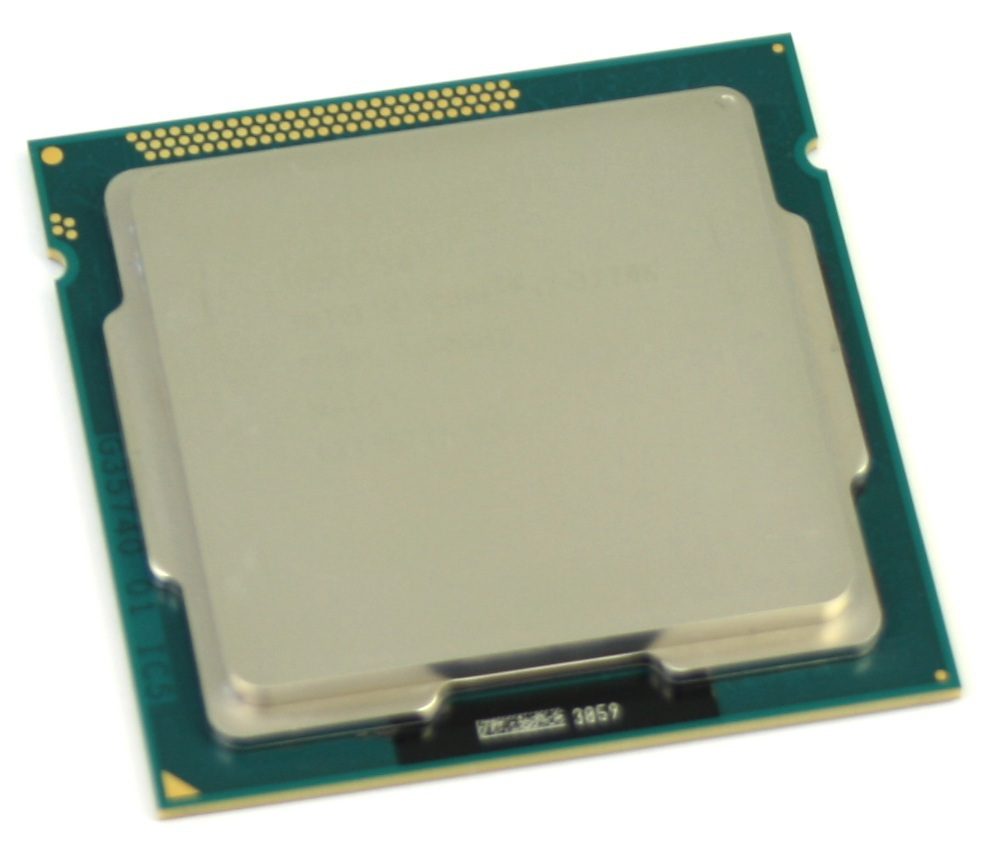
Even before launch of the Intel Ivy Bridge CPUs in April 2012, it was discovered that the CPUs were running a bit hotter than expected. The TIM paste was proven to be the culprit by the Japanese site PC Watch when they reported that by replacing the TIM paste they saw a load temperature drop of 8-11 *C at stock clock speeds, and an amazing 15-20*C drop in load temperatures when overclocked to 4.6 GHz.

We decided that it was time to do our own testing to see if anything has changed in recent months. The result was some very interesting data that caught us a bit by surprise.

Product Review: Asus P8C WS

Posted on August 20, 2012 by Matt Bach

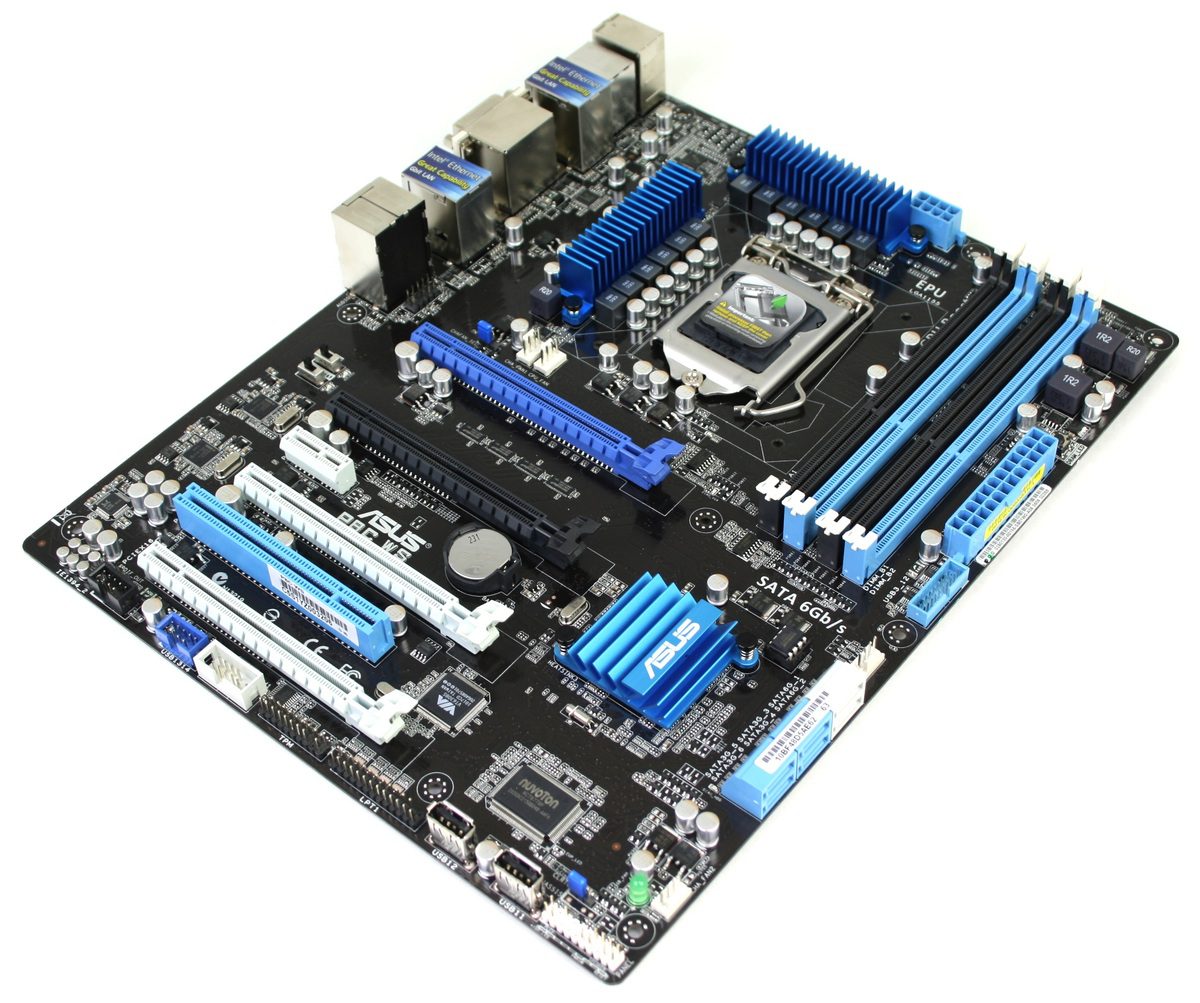
The Asus P8C WS is a workstation class motherboard that includes many features sought after by businesses and home users alike. Most notably, it supports Intel E3 Xeon processors and ECC memory, making it a very stable platform. The varied types of ports and headers also makes it great for machines where backwards compatibility with older devices is critical.

How Ambient Temperatures Affect Your PC

Posted on August 15, 2012 by Matt Bach

It stands to reason that the hotter the ambient air, the hotter a computer will run and the faster the system fans will spin to try to keep the individual components running cool. While this in itself is common sense, exactly how much hotter components run as the ambient temperature increases is not common knowledge. This information is very useful for us at Puget Systems to use when configuring a customer’s computer, but is also useful to determine if reporting thermal testing results as “degrees above ambient” (as many hardware reviewers do) is actually accurate. To find out the exact ratio, we took a common system configuration and tested it across a range of ambient temperature levels.

Navigating Windows 8 on a PC

Posted on August 2, 2012 by Matt Bach

The new Windows interface 8 is a major point of controversy at the moment, but whether you love it or hate it, there is certainly a learning curve. Since it was largely designed with touch interfaces in mind, there are a few navigation obstacles that come up when using a keyboard and mouse. In this guide, we will go over basic keyboard/mouse navigation as well as some of the more advanced features of the Metro interface.

Product Review: BitFenix Prodigy

Posted on July 26, 2012 by Matt Bach

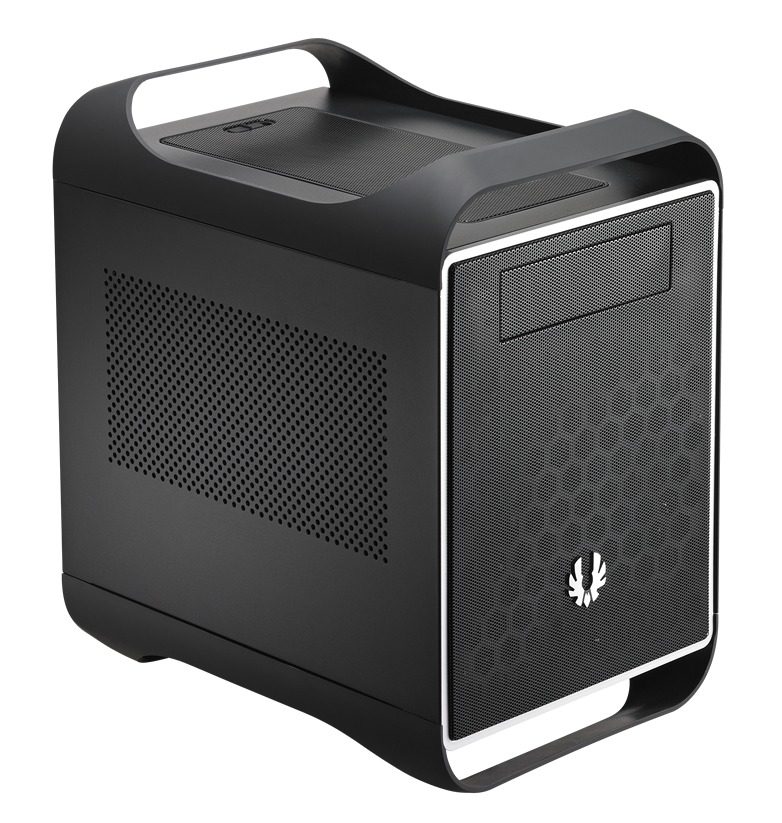
The BitFenix Prodigy has received quite a bit of attention on the web recently, but the PC community is divided over whether or not it is actually good chassis. While it is bigger than a normal mini-ITX chassis, it offers a very wide range of cooling and hard drive customization options. In this article we will be looking at these customization options and many other features to determine if this chassis would be a good addition to our current chassis product line.

Video Card Performance: 2GB vs 4GB Memory

Posted on July 26, 2012 by William George

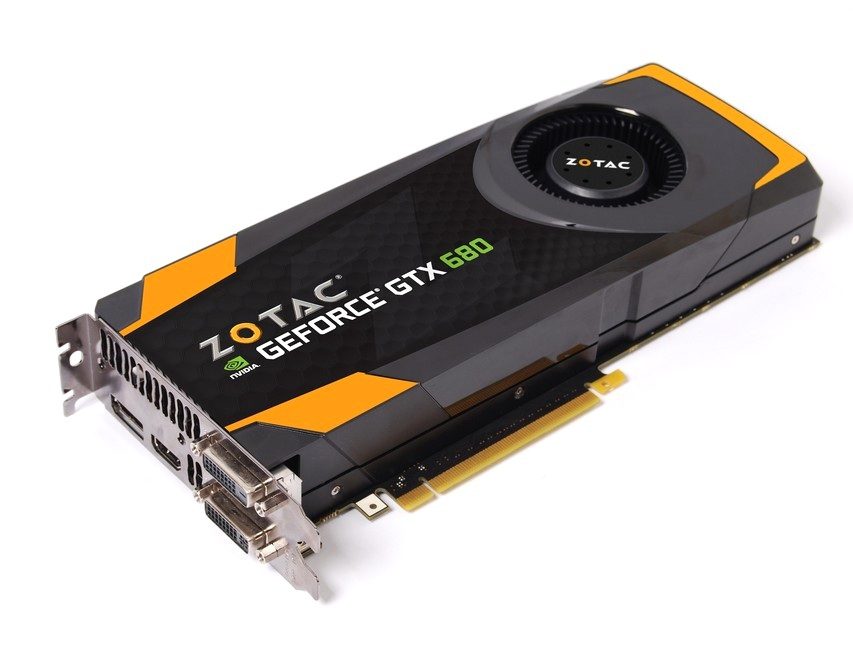
Similar video cards are often available in versions with more than one memory size. The GeForce GTX 680 is an example, and comes in both 2GB and 4GB variants. With computer components more is often better, but does doubling the memory on a video card like this actually help with game performance – and if so under what circumstances? Although single monitor resolutions only go so high, multi-monitor configurations via NVIDIA Surround or AMD Eyefinity allow for much higher resolutions where larger amounts of video memory may improve performance.

Introduction to PC Wireless Networking

Posted on July 18, 2012 by Matt Bach

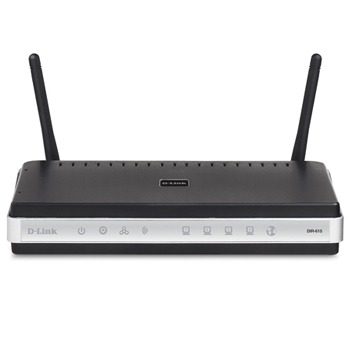
Wireless networking (also known as WiFi) has greatly evolved over the last few years and as a result has become increasing complex. This article is intended to give the reader the information necessary to make informed decisions when purchasing and configuring a wireless network in order to maximize the performance, speed, and reliability of the network.

Technology Primer: Low Voltage RAM

Posted on July 16, 2012 by Matt Bach

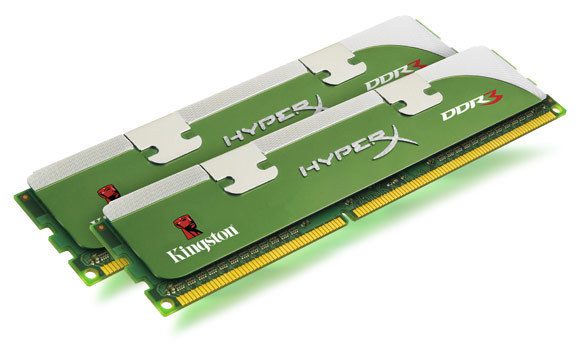
Voltage is not typically thought of as a key specification for RAM, but can have a significant impact on system stability as it runs much cooler than standard RAM. In this article, we will be looking at Kingston Lovo and G.Skill Sniper RAM to see how well low voltage RAM performs compared to standard RAM and if it has a measurable impact on power draw and system temperatures.

How it Works: Intel SSD Caching

Posted on June 29, 2012 by Matt Bach

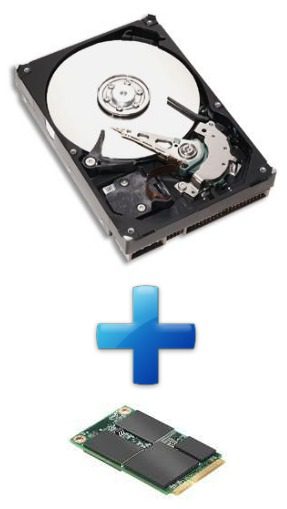
SSD caching is not new, but is something we have not inspected closely since its introduction with the Z68 chipset. In this article, we will be answering the questions: What is SSD caching? How do you set up and configure SSD caching? And what kind of performance improvements you should expect by using it.

Introducing the New Puget Traverse Laptops

Posted on May 8, 2012 by Matt Bach

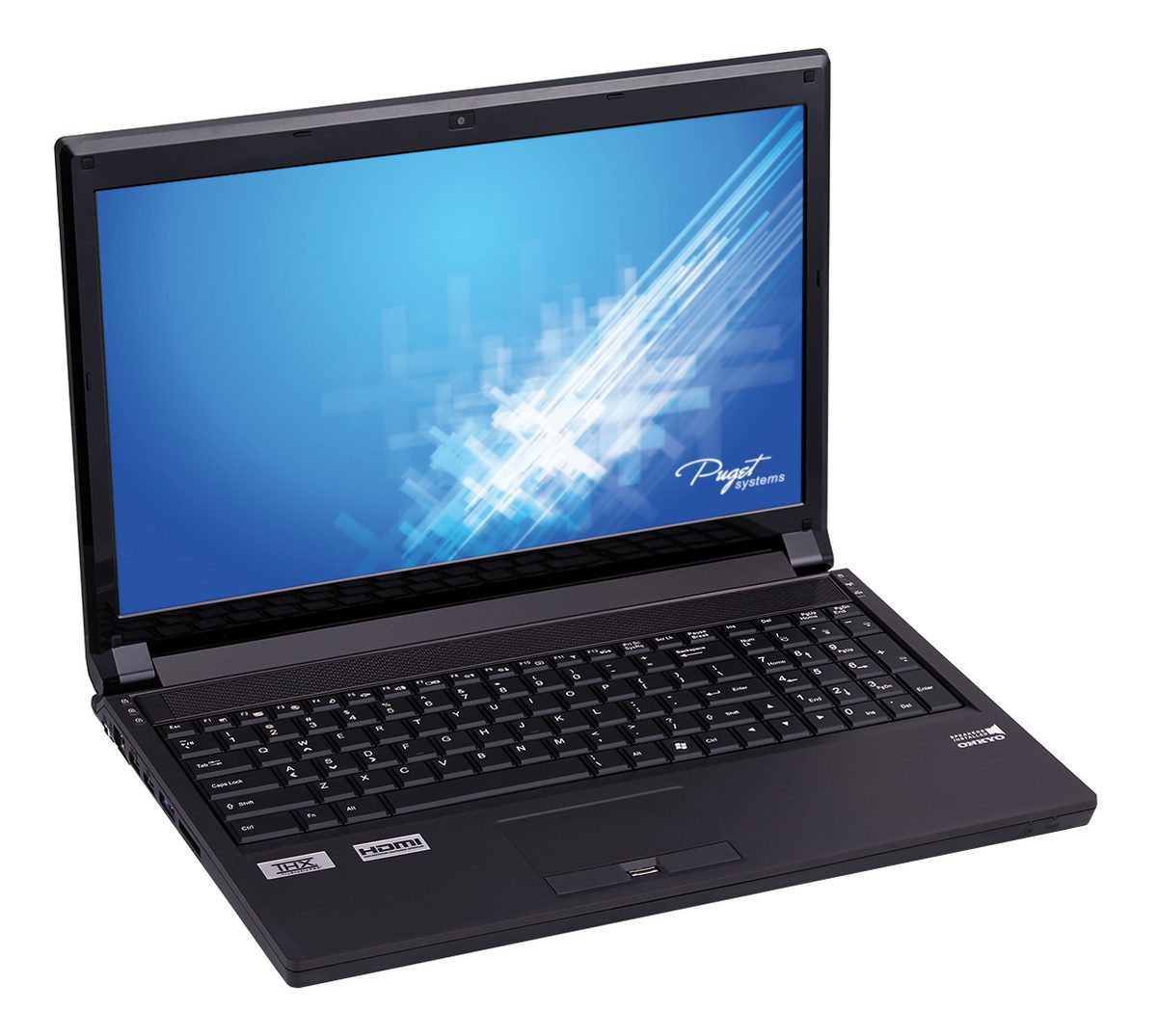
With the recent launch of Intel’s new Ivy Bridge line of CPUs, Puget Systems has completely revamped our laptop product line to take advantage of the new improvements in technology. In this article, we will be going over the features found on this units as well as battery life estimates and thermal performance measurements.

Filter

Who is Puget Systems?

Puget Systems builds custom workstations, servers and storage solutions tailored for your work.

We provide:

Extensive performance testing
making you more productive and giving better value for your money

Reliable computers
with fewer crashes means more time working & less time waiting

Support that understands
your complex workflows and can get you back up & running ASAP

A proven track record
as shown by our case studies and customer testimonials

Get Started

Browse Systems

Puget Systems Mobile Laptop Workstation Icon

Mobile

Puget Systems Tower Workstation Icon

Workstations

Puget Systems Rackmount Workstation Icon

Rackstations

Puget Systems Rackmount Server Icon

Servers

Puget Systems Rackmount Storage Icon

Storage

Posts navigation

  • Previous
  • 1
  • …
  • 86
  • 87
  • 88
  • 89
  • 90
  • …
  • 98
  • Next
Puget Systems Logo
Build Your Own PC Site Map FAQ
facebook instagram linkedin rss twitter youtube

Optimized Solutions

  • Adobe Premiere
  • Adobe Photoshop
  • Solidworks
  • Autodesk AutoCAD
  • Machine Learning

Workstations

  • Media & Entertainment
  • Engineering
  • Scientific PCs
  • More

Support

  • Online Guides
  • Request Support
  • Remote Help

Publications

  • All News
  • Puget Blog
  • HPC Blog
  • Hardware Articles
  • Case Studies

Policies

  • Warranty & Return
  • Terms and Conditions
  • Privacy Policy
  • Delivery Times
  • Accessibility

About Us

  • Testimonials
  • Careers
  • About Us
  • Contact Us
  • Newsletter

© Copyright 2025 - Puget Systems, All Rights Reserved.