Skip to content
Main Navigation Puget Systems Logo
  • Solutions
    • Media & Entertainment
      • Photo Editing
        • Recommended Systems For:
        • Adobe Lightroom Classic
        • Adobe Photoshop
        • Stable Diffusion
      • Video Editing & Motion Graphics
        • Recommended Systems For:
        • Adobe After Effects
        • Adobe Premiere Pro
        • DaVinci Resolve
        • Foundry Nuke
      • 3D Design & Animation
        • Recommended Systems For:
        • Autodesk 3ds Max
        • Autodesk Maya
        • Blender
        • Cinema 4D
        • Houdini
        • ZBrush
      • Live Video Production
        • Recommended Systems For:
        • vMix
        • Live Streaming
      • Real-Time Engines
        • Recommended Systems For:
        • Game Development
        • Unity
        • Unreal Engine
        • Virtual Production
      • Rendering
        • Recommended Systems For:
        • Keyshot
        • OctaneRender
        • Redshift
        • V-Ray
      • Digital Audio
        • Recommended Systems For:
        • Ableton Live
        • FL Studio
        • Pro Tools
    • Engineering
      • Architecture & CAD
        • Recommended Systems For:
        • Autodesk AutoCAD
        • Autodesk Inventor
        • Autodesk Revit
        • SOLIDWORKS
      • Visualization
        • Recommended Systems For:
        • Enscape
        • Keyshot
        • Lumion
        • Twinmotion
      • Photogrammetry & GIS
        • Recommended Systems For:
        • ArcGIS Pro
        • Agisoft Metashape
        • Pix4D
        • RealityScan
    • AI & HPC
      • Recommended Systems For:
      • Data Science
      • Generative AI
      • Large Language Models
      • Machine Learning / AI Dev
      • Scientific Computing
    • More
      • Recommended Systems For:
      • Compact Size
      • NVIDIA RTX Studio
      • Quiet Operation
      • Virtual Reality
    • Business & Enterprise
      We can empower your company
    • Government & Education
      Services tailored for your organization
  • Products
    • Puget Mobile
      Powerful laptop workstations
      • Puget Mobile 16″
        Intel Core Ultra + NVIDIA GeForce
    • Puget Workstations
      High-performance Desktop PCs
      • AMD Ryzen
        Powerful CPUs with up to 16 cores
      • AMD Threadripper
        High core counts and lots of PCIe lanes
      • AMD EPYC
        Server-class CPUs in a workstation
      • Intel Core Ultra
        Balanced single- and multi-core performance
      • Intel Xeon
        Workstation CPUs with AVX512
      • Configure a Custom PC Workstation
        Configure a PC for your workflow
    • Puget Rackstations
      Workstations in rackmount chassis
      • AMD
        Ryzen, Threadripper, and EPYC CPUs
      • Intel
        Core Ultra and Xeon Processors
      • Configure a Custom Rackmount Workstation
        Tailored 4U, 5U, and 6U rack systems
    • Puget Servers
      Enterprise-class rackmount servers
      • 1U Rackmount
        Dense CPU compute servers
      • 2U Rackmount
        Mixed CPU and GPU solutions
      • 4U Rackmount
        High-density GPU computing
      • Comino Grando GPU Servers
        Liquid-cooled GPU rackmount systems
      • Custom Servers
        Engineered to meet your unique needs
    • Puget Storage
      Solutions from desktop to datacenter
      • Network-Attached Storage
        Synology desktop and rackmount NAS
      • Software-Defined Storage
        Datacenter solutions with QuantaStor
    • Recommended Third Party Peripherals
      Curated list of accessories for your workstation
    • Puget Bench for Creators
      Professional benchmarking tools
  • Publications
    • Articles
    • Blog Posts
    • Case Studies
    • HPC Blog
    • Podcasts
    • Press
  • Support
    • Contact Support
    • Onsite Services
    • Support Articles
    • Unboxing
    • Warranty Details
  • About Us
    • About Us
    • Careers
    • Contact Us
    • Enterprise
    • Gov & Edu
    • Our Customers
    • Press Kit
    • Puget Gear
    • Testimonials
  • Talk to an Expert
  • My Account
  1. Home
  2. /
  3. Hardware Articles
  4. /
  5. Page 87

Hardware Articles

  • All
  • Articles
  • HPC Blog
  • Blog
  • Case Studies
  • Podcasts
  • Press
  • Support

Thermal Paste Roundup

Posted on November 30, 2012 by Matt Bach

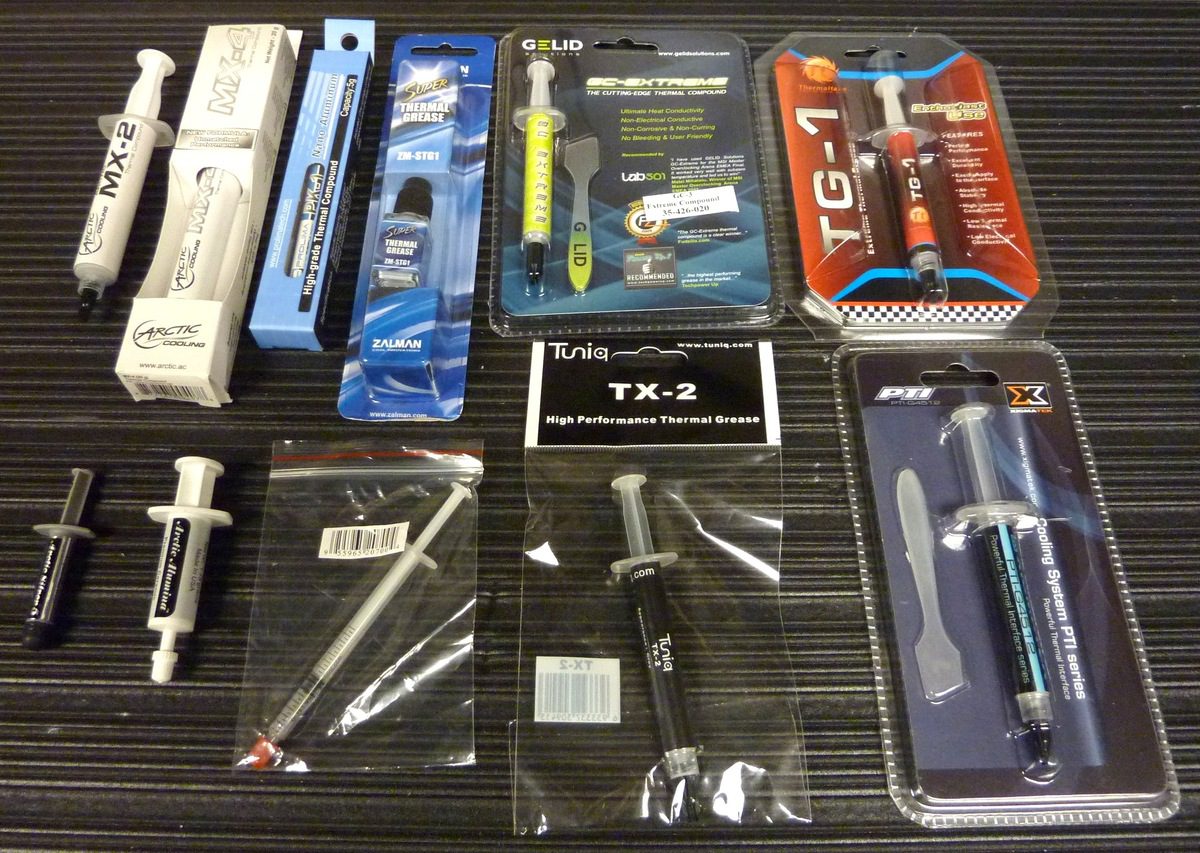
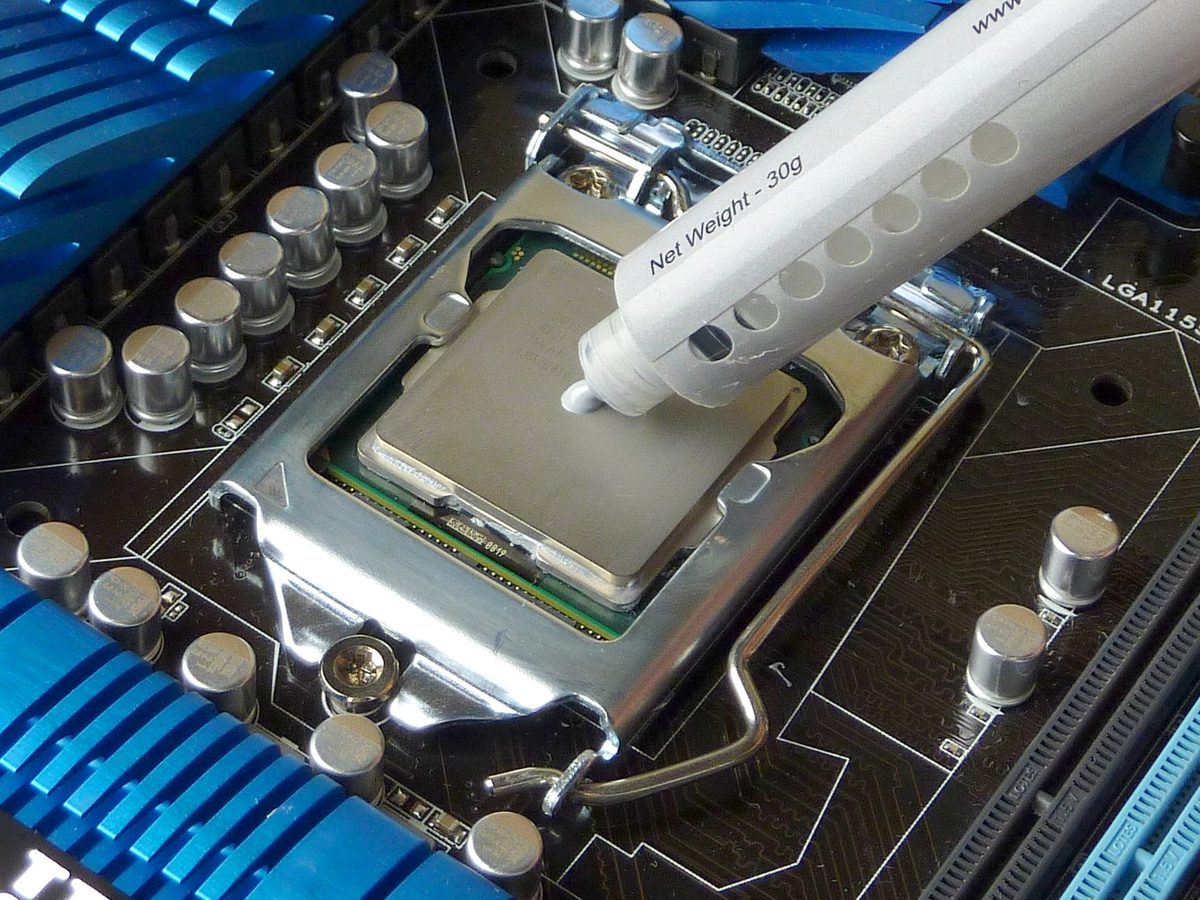
While not quite as important as having a high quality heatsink, thermal paste plays a very important role in keeping your CPU (or video card) running cool. A few weeks ago, we looked into the proper techniques for applying thermal paste. In this article, we will be using what we learned to properly test a number of popular thermal pastes.
Thermal Paste Application Techniques

Posted on November 12, 2012 by Matt Bach

The best technique to apply thermal paste is something that is often debated, and as a whole the internet has not decided on a standard technique. There are many varying techniques that are recommended, so in this article we will best test a variety of techniques to see which performs the best.

Gaming PC Configuration Guide – Fall 2012

Posted on November 7, 2012 by William George

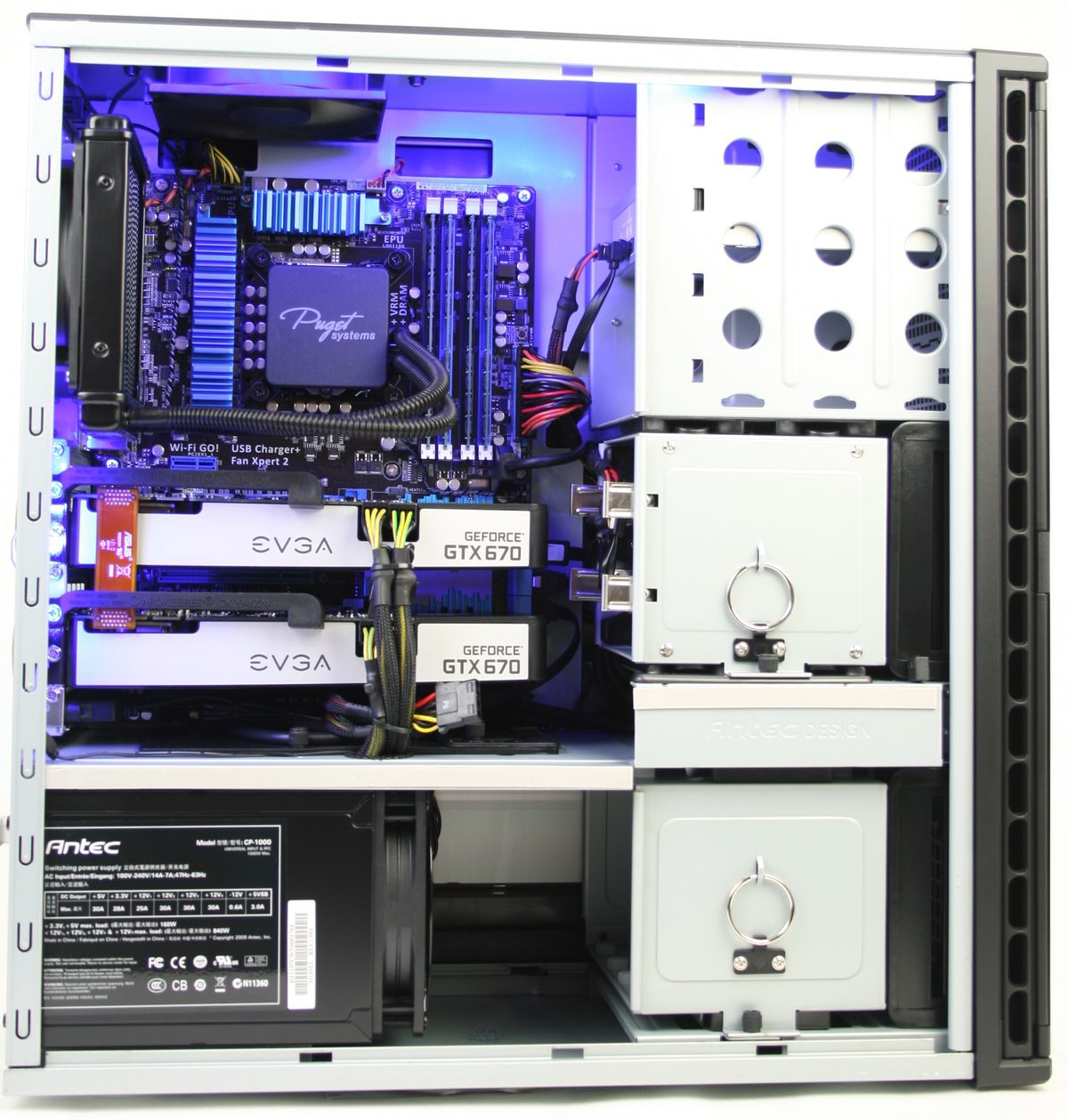
This article is intended as a guide to recommended hardware specifications for gaming computers, across a few different price points, based on technology available in late 2012 / early 2013. If you have questions above and beyond what is discussed, here please call or email us – we would be happy to go over your exact needs and provide advice tailored just for you!

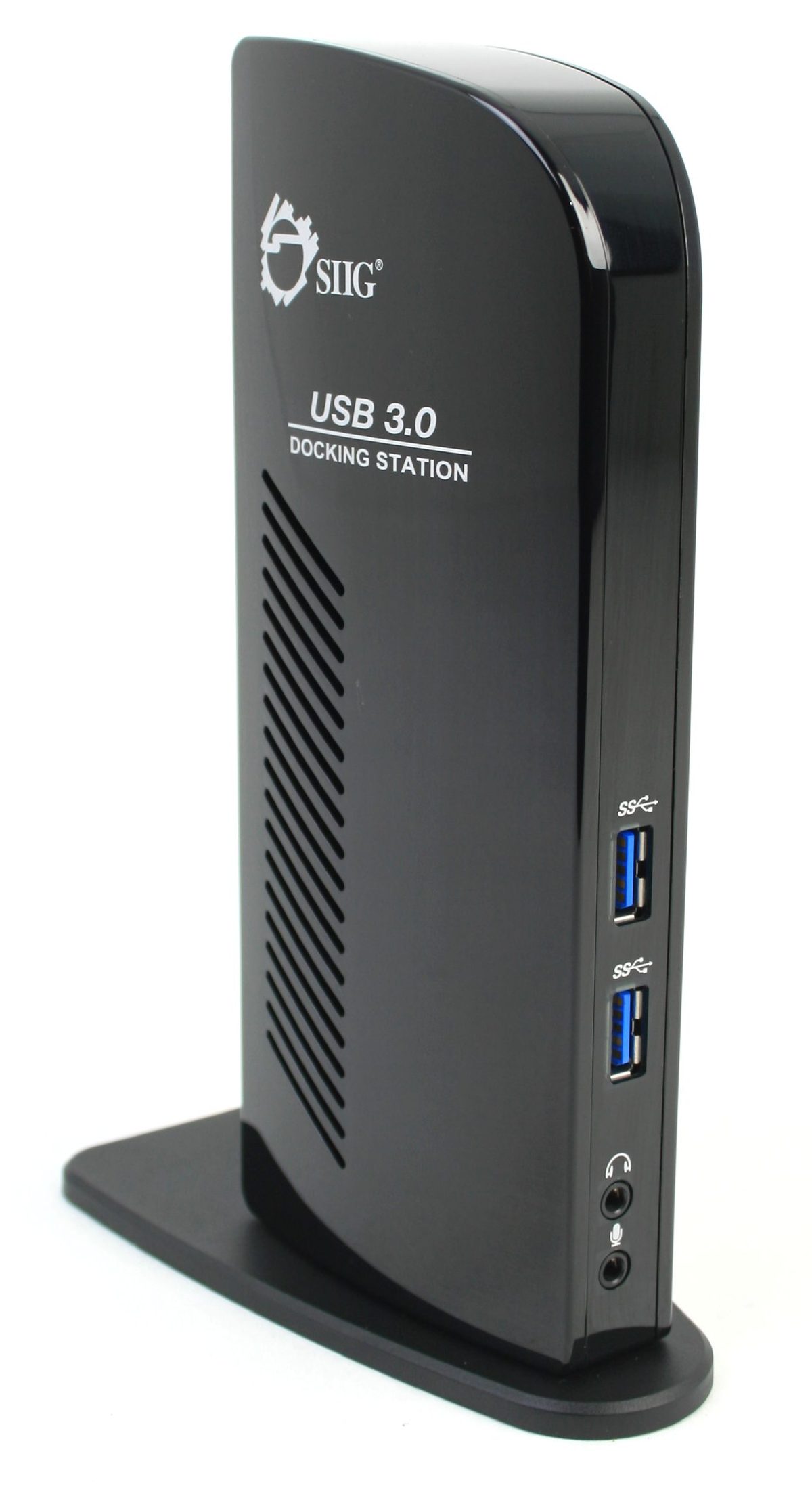
Review: SIIG USB 3.0 Dual Head Docking Station

Posted on November 1, 2012 by Matt Bach

As more and more people discover the benefit of multiple displays, many – especially those using mobile platforms – are beginning to max out the number of displays their system can handle. The SIIG USB 3.0 Dual Head Docking Station provides an easy way to add two displays through the USB 3.0 interface. The displays, while not ideal for gaming, work great for watching movies or browsing the web.

AutoDesk Maya 2013 GPU Acceleration

Posted on October 18, 2012 by Matt Bach

Similar to AutoCAD, Maya 2013 does not have any specific features or effects that are GPU accelerated, instead almost everything that looks 3D uses the GPU in some manner. You still need to balance a powerful video card with a good CPU and RAM combination, but the video card you use for Maya is an extremely important part of the performance equation. In this article, we will look at a number of desktop and workstation cards to see the performance difference between a wide variety of cards.

Important New Windows 8 Features

Posted on October 11, 2012 by Matt Bach

Windows 8 has a host of new features and improvements that are aimed to improve usability. Many of the larger and more important of these are already very well documented by either Microsoft or third party websites, but it is often difficult to locate the best articles. We researched the best articles for each important new Windows 8 features and grouped them in one place to help you find information on whichever feature interests you.

AutoDesk AutoCAD 2013 GPU Acceleration

Posted on October 10, 2012 by Matt Bach

AutoCAD 2013 does not have any specific features or effects that are GPU accelerated, instead almost everything that looks 3D uses the GPU in some manner. You still need to balance a powerful video card with a good CPU and RAM combination, but the video card you use for AutoCAD is an extremely important part of the performance equation. In this article, we will look at a number of desktop and workstation cards to see just how important a role the video card plays in the performance equation.

Adobe Premiere Pro CS6 GPU Acceleration

Posted on September 28, 2012 by Matt Bach

Premiere CS6 utilizes the Mercury Playback Engine to take advantage of the video card to vastly improve both the performance and quality of certain features, but there is currently very little information available regarding the performance of different video cards. In addition, the list of compatible cards from Adobe has not been updated to include the current NVIDIA 600-series video cards, which is further adding to the confusion of deciding which video card you should use for Premiere CS6.

In this article, we will be benchmarking a variety of video cards to find out how well the MPE in Premiere works with NVIDIA 600-series card, and exactly how much performance difference there is between a wide spectrum of video cards.

Adobe Photoshop CS6 GPU Acceleration

Posted on September 20, 2012 by Matt Bach

Photoshop CS6 utilizes the Mercury Graphics Engine to take advantage of the video card to vastly improve the performance of certain features, but there is currently very little information available regarding the performance of different video cards. In addition, the list of compatible cards from Adobe has not been updated to include the current NVIDIA 600-series video cards, which is further adding to the confusion of deciding which video card you should use for Photoshop CS6.

In this article, we will be benchmarking a variety of video cards to find out if Photoshop is actually compatible with the NVIDIA 600-series, and exactly how much performance difference there is between a wide spectrum of video cards.

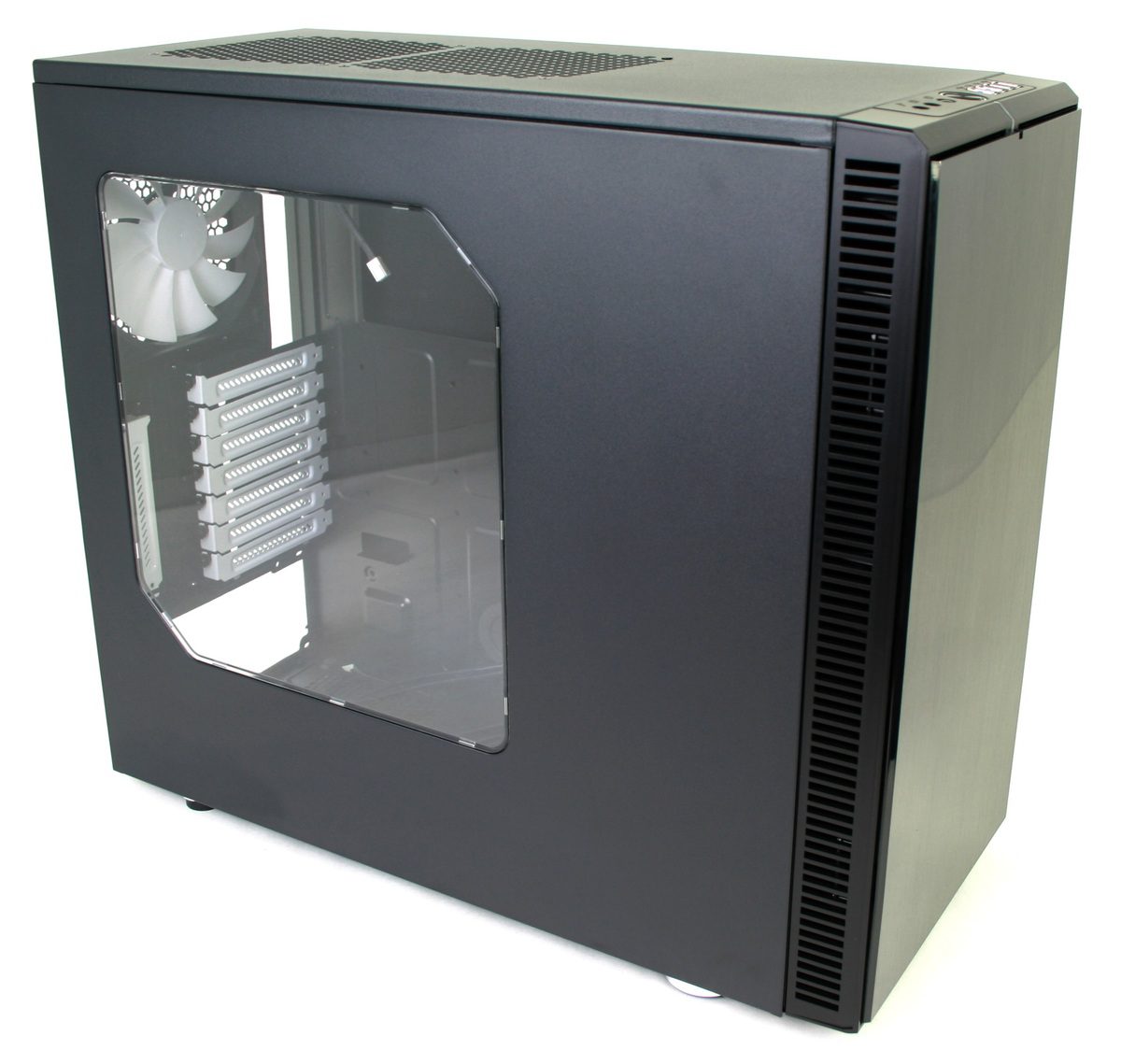
Product Review: Fractal Design Define R4

Posted on September 10, 2012 by Matt Bach

Fractal Design’s exclusivity agreement with Newegg has recently ended, so over the past month we have been looking at a number of their chassis to determine if there were any that we would be interested in offering to our customers.

After looking at a number of different models, we found the Define R4. The Define R4 has an emphasis on quiet operation (as evidenced by the front door and built-in acoustic dampening) which fits well in our product line; but the size, number and location of the fan mounts means that it can very easily be converted into a chassis with very powerful cooling. In this article, we will be looking at the features of this chassis and examining it’s cooling potential to see if it is a chassis that could find a place in our product line.

Filter

Who is Puget Systems?

Puget Systems builds custom workstations, servers and storage solutions tailored for your work.

We provide:

Extensive performance testing
making you more productive and giving better value for your money

Reliable computers
with fewer crashes means more time working & less time waiting

Support that understands
your complex workflows and can get you back up & running ASAP

A proven track record
as shown by our case studies and customer testimonials

Get Started

Browse Systems

Puget Systems Mobile Laptop Workstation Icon

Mobile

Puget Systems Tower Workstation Icon

Workstations

Puget Systems Rackmount Workstation Icon

Rackstations

Puget Systems Rackmount Server Icon

Servers

Puget Systems Rackmount Storage Icon

Storage

Posts navigation

  • Previous
  • 1
  • …
  • 85
  • 86
  • 87
  • 88
  • 89
  • …
  • 98
  • Next
Puget Systems Logo
Build Your Own PC Site Map FAQ
facebook instagram linkedin rss twitter youtube

Optimized Solutions

  • Adobe Premiere
  • Adobe Photoshop
  • Solidworks
  • Autodesk AutoCAD
  • Machine Learning

Workstations

  • Media & Entertainment
  • Engineering
  • Scientific PCs
  • More

Support

  • Online Guides
  • Request Support
  • Remote Help

Publications

  • All News
  • Puget Blog
  • HPC Blog
  • Hardware Articles
  • Case Studies

Policies

  • Warranty & Return
  • Terms and Conditions
  • Privacy Policy
  • Delivery Times
  • Accessibility

About Us

  • Testimonials
  • Careers
  • About Us
  • Contact Us
  • Newsletter

© Copyright 2025 - Puget Systems, All Rights Reserved.