This guide will walk you step-by-step through installing and configuring our tailored AI environments on your Puget Systems workstation or server.
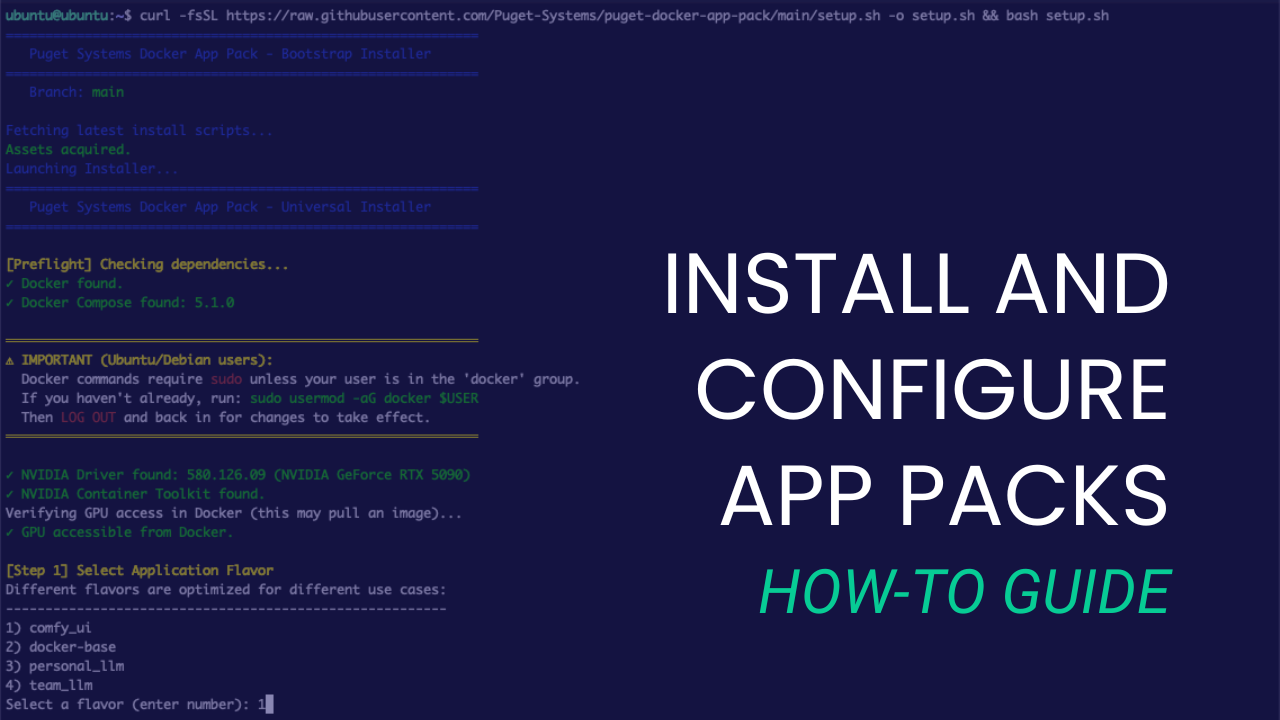
This guide will walk you step-by-step through installing and configuring our tailored AI environments on your Puget Systems workstation or server.
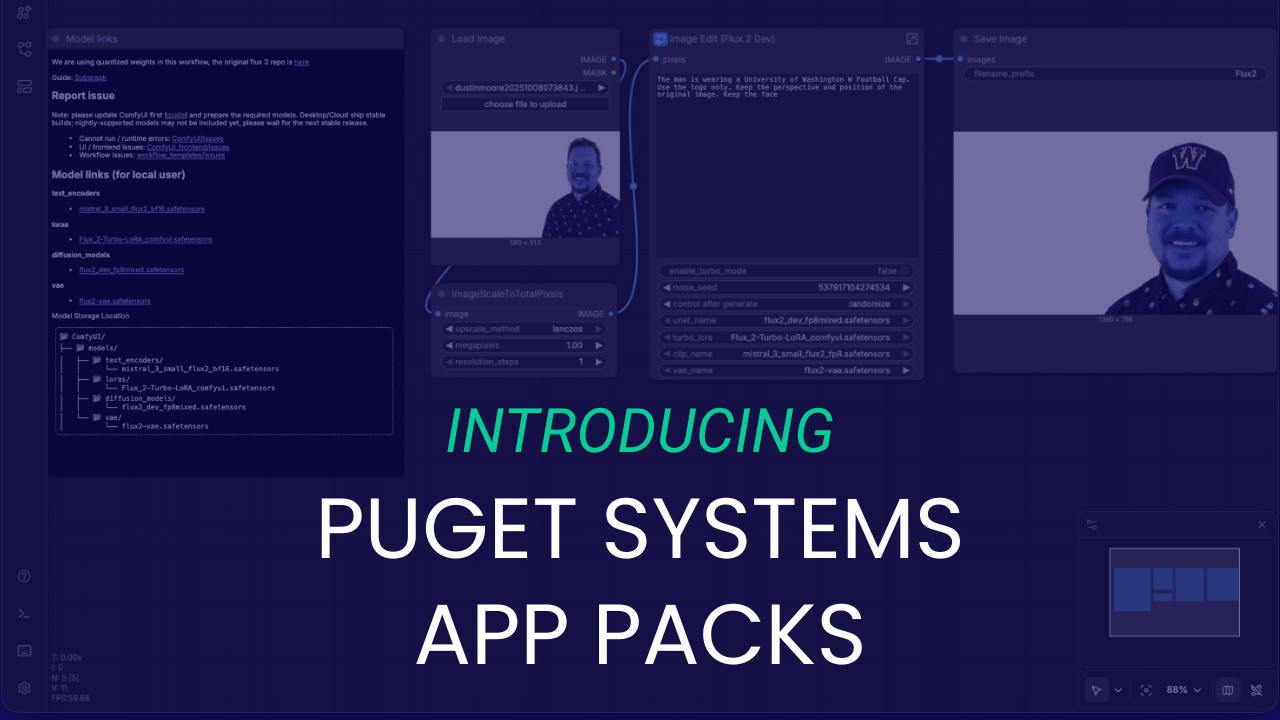
We look at AI the way our customers do, which is why we built the Puget Systems Docker App Packs: to help you get up and running with AI inference fast!
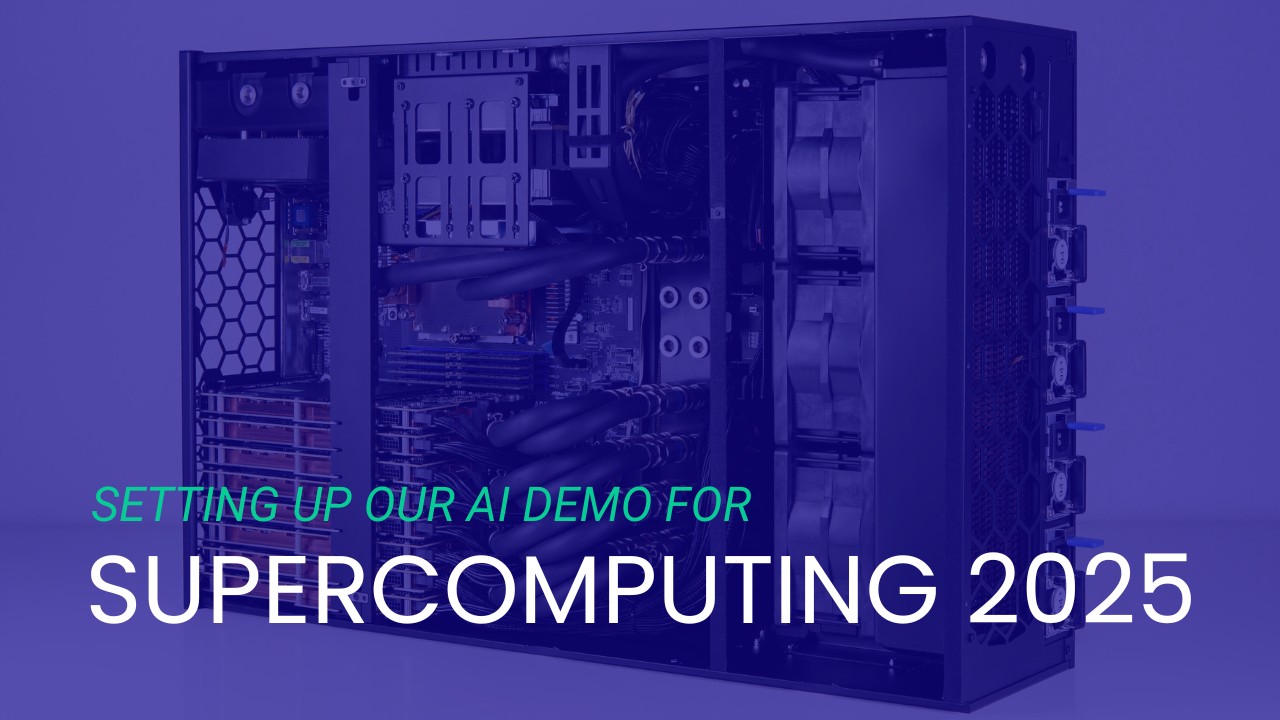
How I used “Vibe Coding” and 25 years of experience to tame a liquid-cooled supercomputer in two weeks.
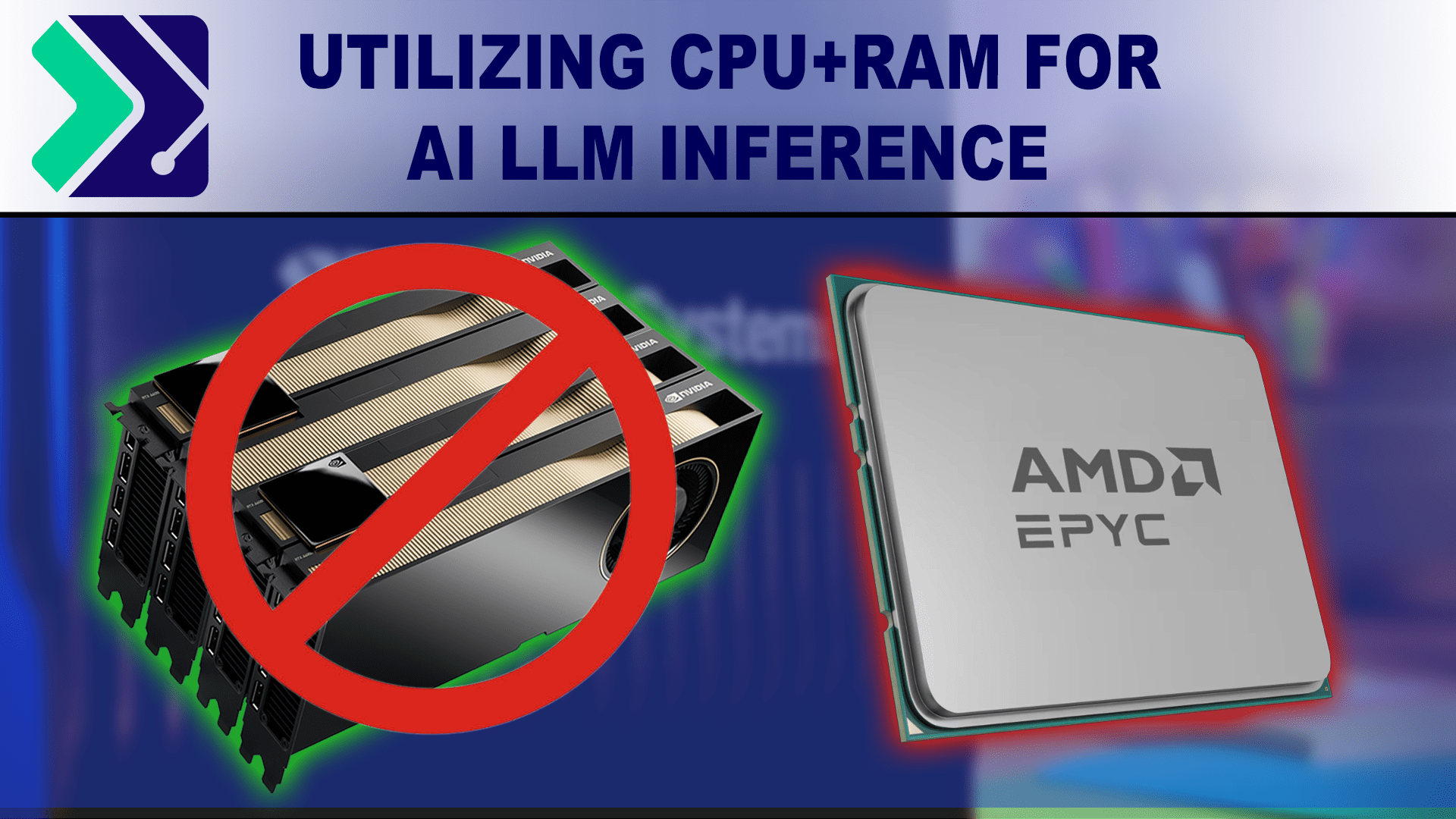
A brief look into using a hybrid GPU/VRAM + CPU/RAM approach to LLM inference with the KTransformers inference library.

An introduction to NPU hardware and its growing presence outside of mobile computing devices.
Presenting local AI-powered software options for tasks such as image & text generation, automatic speech recognition, and frame interpolation.
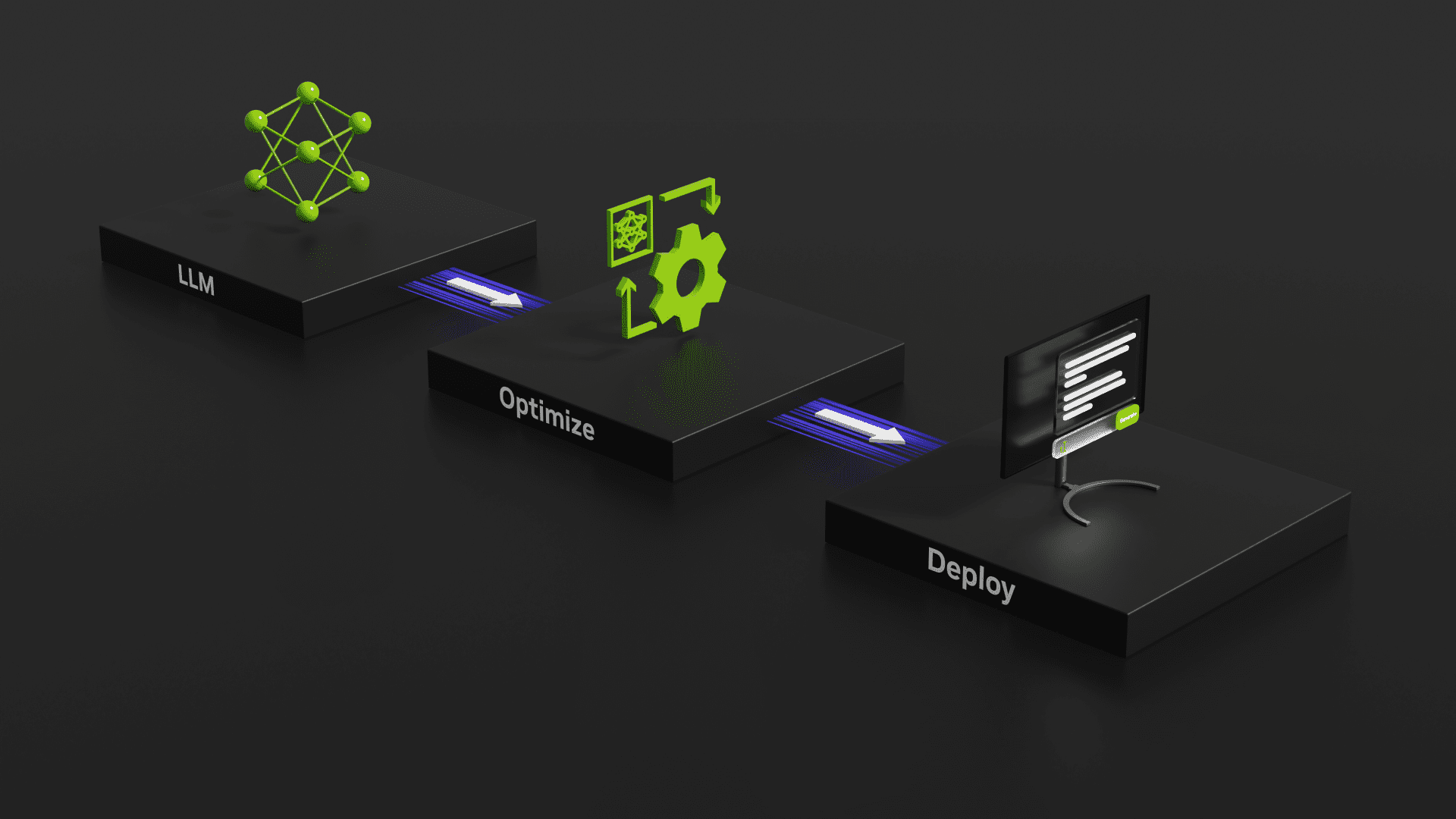
Evaluating the speed of GeForce RTX 40-Series GPUs using NVIDIA’s TensorRT-LLM tool for benchmarking GPU inference performance.

This is a short note on setting up the Apache web server to allow system users to create personal websites and web apps in their home directories.

We have a new collection of GPU accelerated Molecular Dynamics benchmark packages put together for GROMACS, NAMD 2, and NAMD 3-alpha10. (The benchmark packages will be available to the public soon.) In this post we present results for,
– 3 applications: GROMACS, NAND 2 and NAMD 3alpha10,
– 8 MD simulations,
– 12 different NVIDIA GPUs,
– 96 total results.
NVIDIA Enroot has a unique feature that will let you easily create an executable, self-contained, single-file package with a container image AND the runtime to start it up! This allows creation of a container package that will run itself on a system with or without Enroot installed on it! “Enroot Bundles”.
Puget Systems builds custom workstations, servers and storage solutions tailored for your work.
We provide:
Extensive performance testing
making you more productive and giving better value for your money
Reliable computers
with fewer crashes means more time working & less time waiting
Support that understands
your complex workflows and can get you back up & running ASAP
A proven track record
as shown by our case studies and customer testimonials