A couple of years ago, a new restaurant opened for business in town. For anyone traveling into St. George from Las Vegas or Zion National Park, it is hard to miss because it’s situated the ledge which overlooks the town.

A couple of years ago, a new restaurant opened for business in town. For anyone traveling into St. George from Las Vegas or Zion National Park, it is hard to miss because it’s situated the ledge which overlooks the town.
While we just recently tested the RTX 2080 and 2080 Ti in After Effects CC 2018, a number of changes have happened that prompted us to update our testing. Will the update to CC 2019, launch of the RTX 2070, or launch of the Intel Core i9 9900K change our conclusions or are powerful GPUs still unnecessary for most Ae users?
Photoshop uses the video card to accelerate a number of tasks, but a high end GPU is rarely necessary to get great performance. Do the RTX cards follow this trend in the latest version of Photoshop CC 2019, or will we finally see a reason to use a high-end GPU?
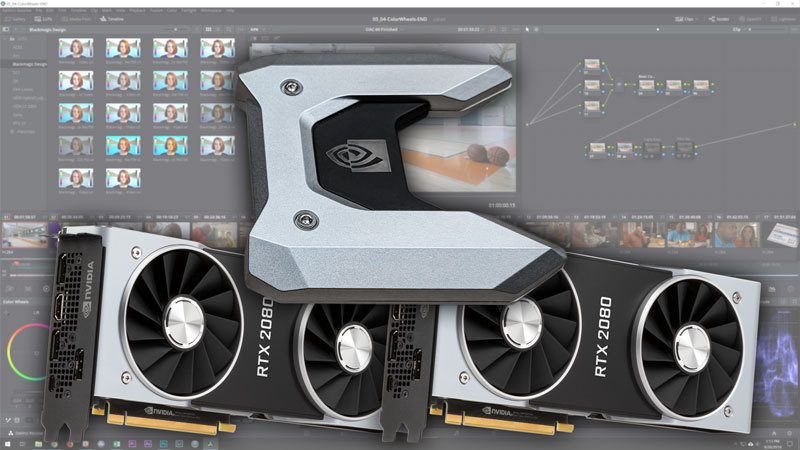
Blackmagic has not made any announcements about DaVinci Resolve supporting NVLink, but we decided to try it out to see what happens. Unfortunately, you need to enable SLI in order for NVLink to work on the GeForce RTX cards which results in some major performance issues.
In this review, Premiere Bro explains how the computer builder is vitally important when selecting your next PC. What benefits does a smaller computer builder have over a large corporation?

More Machine Learning testing with TensorFlow on the NVIDIA RTX GPU’s. This post adds dual RTX 2080 Ti with NVLINK and the RTX 2070 along with the other testing I’ve recently done. Performance in TensorFlow with 2 RTX 2080 Ti’s is very good! Also, the NVLINK bridge with 2 RTX 2080 Ti’s gives a bidirectional bandwidth of nearly 100 GB/sec!
NVLink is enabled in different ways depending on what video cards you have, so we have compiled instructions for multiple GeForce and Quadro models. Once you’ve gone through those steps, though, it can be helpful to have a quick way to test and make sure it is working. We have put together a small program that does just that – and reports which video cards in a system are connected via NVLink as well as how much bandwidth they have between them.
In this video, Destin with Smarter Every Day talks about his experience working with Puget Systems and shares his experience working with the Puget Systems team. He interviews some of the Puget Systems staff to get a better understanding of what sets Puget Systems apart and how recommended systems are designed for specific applications.
In this video, Destin with Smarter Every Day talks about his experience working with Puget Systems to solve his 4K 60fps rendering issues. A render that previously took 11 hours to complete, is now being done in only 2.5 hours. Live previews in Adobe Premiere are also 4.4X faster, allowing for more work to be done, in higher resolution without the need to pre-render footage in order to work the editing timeline.
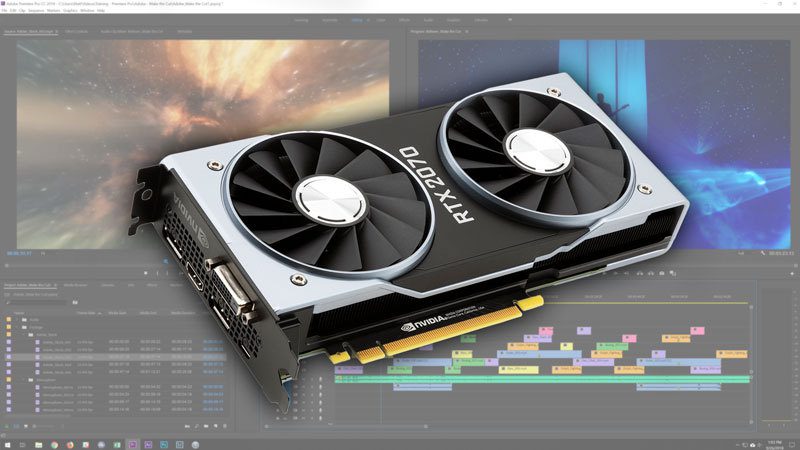
NVIDIA’s new RTX cards perform very well in Premiere Pro, but Premiere tends to be limited by the CPU more than the GPU. Because of this, is there any reason to use the RTX 2080 or 2080 Ti over the more affordable RTX 2070?
Puget Systems builds custom workstations, servers and storage solutions tailored for your work.
We provide:
Extensive performance testing
making you more productive and giving better value for your money
Reliable computers
with fewer crashes means more time working & less time waiting
Support that understands
your complex workflows and can get you back up & running ASAP
A proven track record
as shown by our case studies and customer testimonials