Skip to content
Main Navigation Puget Systems Logo
  • Solutions
    • Media & Entertainment
      • Photo Editing
        • Recommended Systems For:
        • Adobe Lightroom Classic
        • Adobe Photoshop
        • Stable Diffusion
      • Video Editing & Motion Graphics
        • Recommended Systems For:
        • Adobe After Effects
        • Adobe Premiere Pro
        • DaVinci Resolve
        • Foundry Nuke
      • 3D Design & Animation
        • Recommended Systems For:
        • Autodesk 3ds Max
        • Autodesk Maya
        • Blender
        • Cinema 4D
        • Houdini
        • ZBrush
      • Live Video Production
        • Recommended Systems For:
        • vMix
        • Live Streaming
      • Real-Time Engines
        • Recommended Systems For:
        • Game Development
        • Unity
        • Unreal Engine
        • Virtual Production
      • Rendering
        • Recommended Systems For:
        • Keyshot
        • OctaneRender
        • Redshift
        • V-Ray
      • Digital Audio
        • Recommended Systems For:
        • Ableton Live
        • FL Studio
        • Pro Tools
    • Engineering
      • Architecture & CAD
        • Recommended Systems For:
        • Autodesk AutoCAD
        • Autodesk Inventor
        • Autodesk Revit
        • SOLIDWORKS
      • Visualization
        • Recommended Systems For:
        • Enscape
        • Keyshot
        • Lumion
        • Twinmotion
      • Photogrammetry & GIS
        • Recommended Systems For:
        • ArcGIS Pro
        • Agisoft Metashape
        • Pix4D
        • RealityScan
    • AI & HPC
      • AI Development & Deployment
        • Recommended Systems For:
        • AI Development
        • AI Deployment & Inference
        • Servers for Scaling AI & LLMs
      • High Performance Computing
        • Recommended Systems For:
        • Data Science
        • Scientific Computing
    • More
      • Recommended Systems For:
      • Compact Size
      • NVIDIA RTX Studio
      • Quiet Operation
      • Virtual Reality
    • Business & Enterprise
      We can empower your company
    • Government & Education
      Services tailored for your organization
  • Products
    • Puget Mobile
      Powerful laptop workstations
      • Puget Mobile 16″
        Intel Core Ultra + NVIDIA GeForce
    • Puget Workstations
      High-performance Desktop PCs
      • AMD Ryzen
        Powerful CPUs with up to 16 cores
      • AMD Threadripper
        High core counts and lots of PCIe lanes
      • AMD EPYC
        Server-class CPUs in a workstation
      • Intel Core Ultra
        Balanced single- and multi-core performance
      • Intel Xeon
        Workstation CPUs with AVX512
      • Configure a Custom PC Workstation
        Configure a PC for your workflow
    • Puget Rackstations
      Workstations in rackmount chassis
      • AMD
        Ryzen, Threadripper, and EPYC CPUs
      • Intel
        Core Ultra and Xeon Processors
      • Configure a Custom Rackmount Workstation
        Tailored 4U, 5U, and 6U rack systems
    • Puget Servers
      Enterprise-class rackmount servers
      • 1U Rackmount
        Dense CPU compute servers
      • 2U Rackmount
        Mixed CPU and GPU solutions
      • 4U Rackmount
        High-density GPU computing
      • Comino Grando GPU Servers
        Liquid-cooled GPU rackmount systems
      • Custom Servers
        Engineered to meet your unique needs
    • Puget Storage
      Solutions from desktop to datacenter
      • Network-Attached Storage
        Synology desktop and rackmount NAS
      • Software-Defined Storage
        Datacenter solutions with QuantaStor
    • Recommended Third Party Peripherals
      Curated list of accessories for your workstation
    • Puget Bench for Creators
      Professional benchmarking tools
  • Publications
    • Articles
    • Blog Posts
    • Case Studies
    • HPC Blog
    • Podcasts
    • Press
  • Support
    • Contact Support
    • Onsite Services
    • Support Articles
    • Unboxing
    • Warranty Details
  • About Us
    • About Us
    • Careers
    • Contact Us
    • Enterprise
    • Gov & Edu
    • Our Customers
    • Press Kit
    • Puget Gear
    • Testimonials
  • Talk to an Expert
  • My Account
  1. Home
  2. /
  3. Storage

Storage

  • All
  • Articles
  • HPC Blog
  • Blog
  • Case Studies
  • Podcasts
  • Press
  • Support
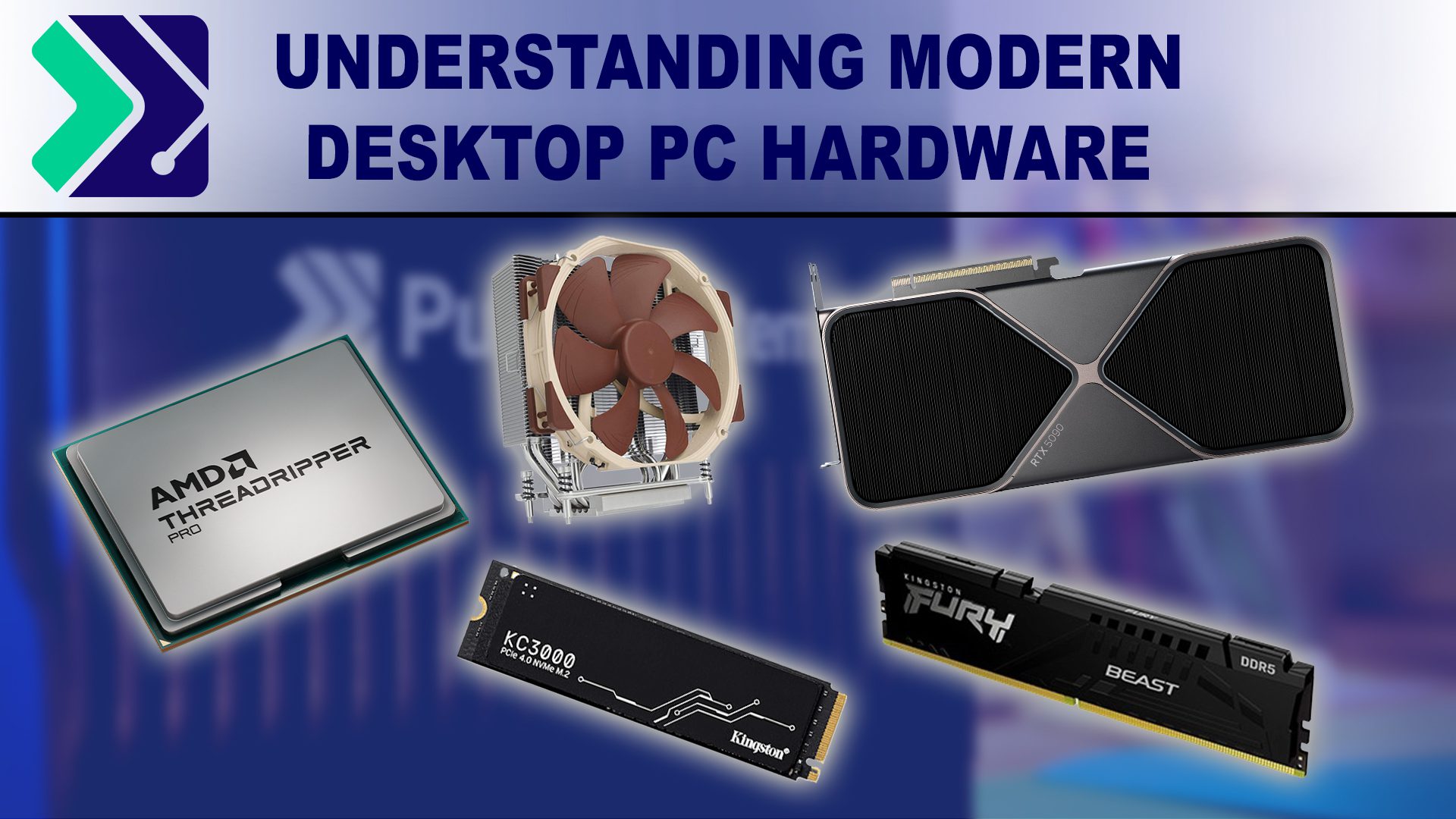
Featured article image of different PC hardware components including CPU, Air cooler, hard drive, RAM, and GPU.

Understanding Modern Desktop PC Hardware for Workstations

Posted on January 28, 2025 by Peter Emery

Stay up to date with the latest desktop PC hardware—CPUs, RAM, storage solutions, and GPUs—all broken down in one comprehensive resource.
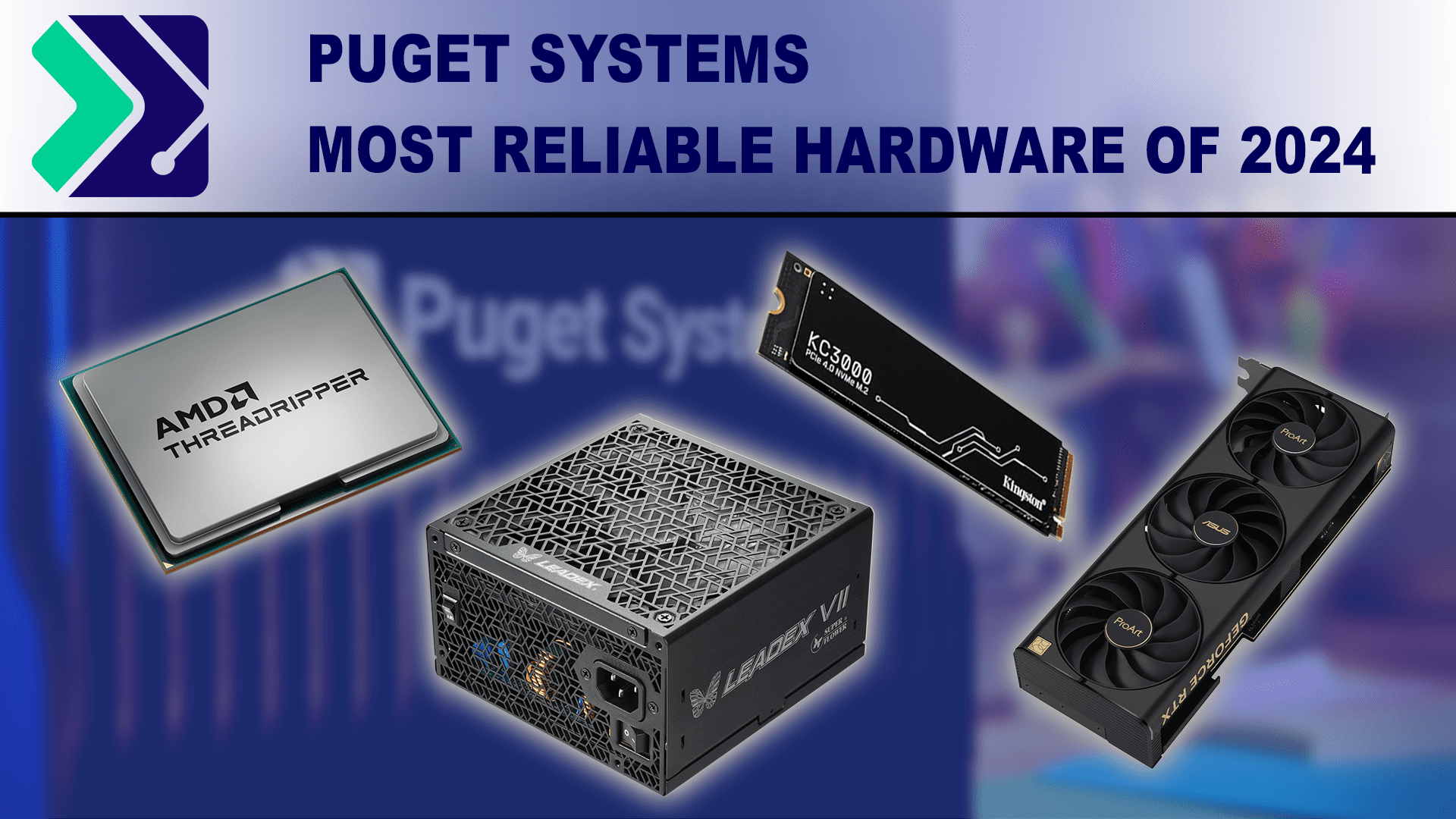
Puget Systems Most Reliable Hardware of 2024

Posted on January 14, 2025 by Matt Bach

With 2024 wrapped up, we want to take the opportunity to call out specific brands and models that had exceptional reliability over the last year.
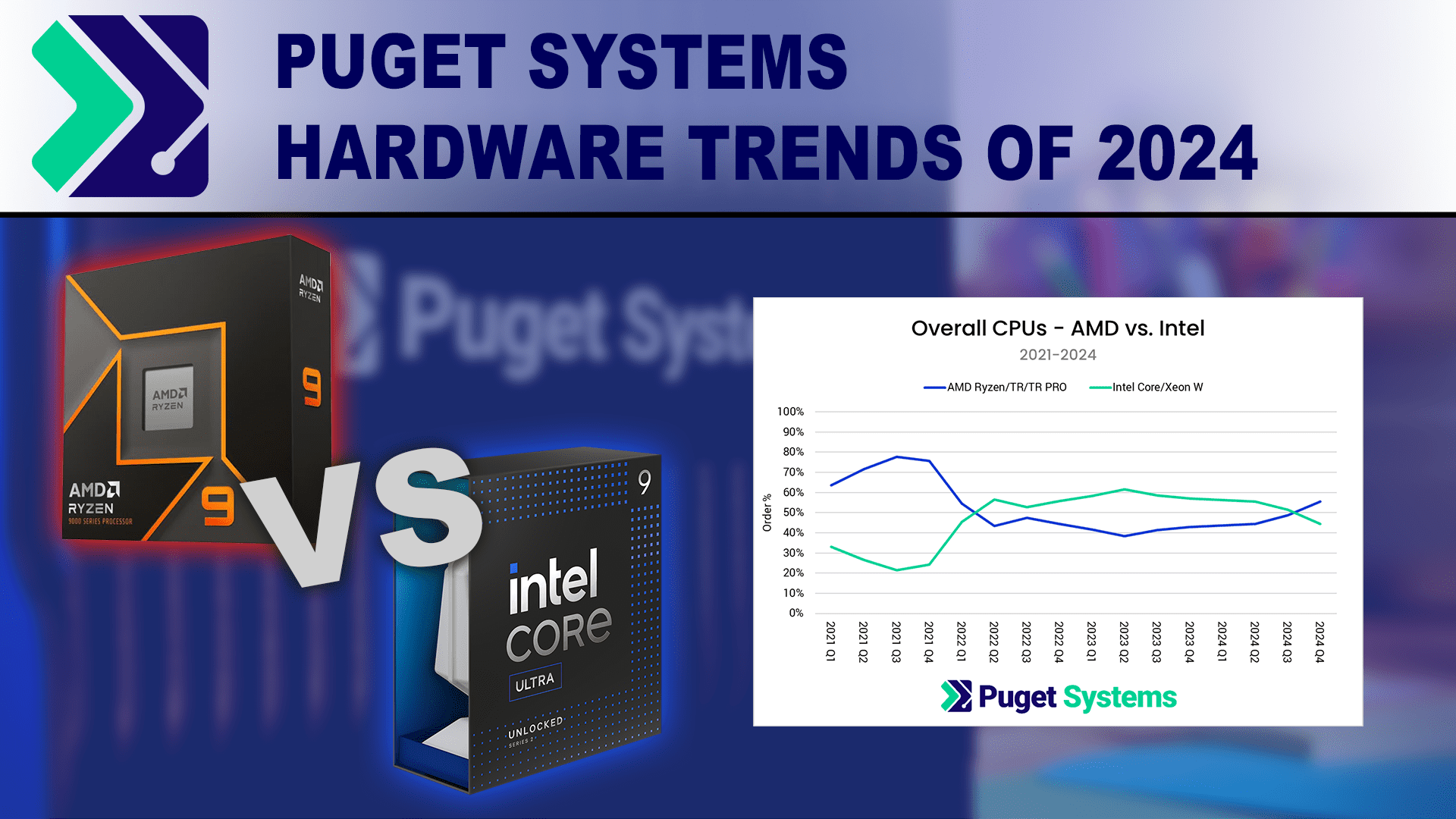
Puget Systems 2024 Hardware Trends

Puget Systems Hardware Trends of 2024

Posted on January 6, 2025 by Matt Bach

With 2024 at a close, we wanted to look back at the sales trends we saw for CPUs, GPUs, storage, RAM and operating systems.
Puget Systems hardware trends of 2023

Puget Systems Hardware Trends of 2023

Posted on March 4, 2024 by Matt Bach

With 2023 at a close, we wanted to look back at the sales trends we saw for CPU, GPU, storage, and OS.

Puget Systems Hardware Trends of 2022

Puget Systems Hardware Trends of 2022

Posted on March 27, 2023 by Matt Bach

With 2022 at a close, we wanted to look back at the sales trends we saw for CPU, GPU, storage, and OS.
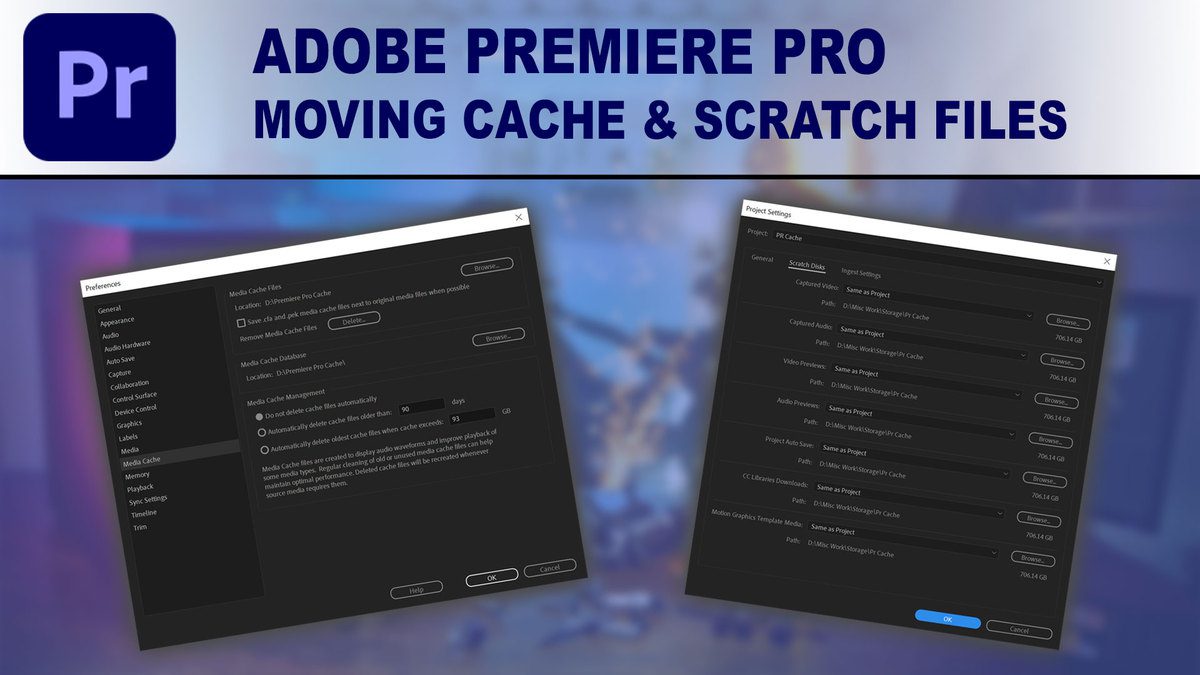
How to move Premiere Pro Cache and Scratch Files

How to Configure Storage and Cache File Locations in Premiere Pro

Posted on February 8, 2022 by Matt Bach

Applications like Premiere Pro are extremely complex, with hundreds – if not thousands – of various of files working together each time you work on a project. Premiere Pro defaults to storing cache and scratch files in decent locations, but sometimes it can be beneficial to move them to a different area of your system.
Understanding Storage for Video Editing

Understanding Storage for Video Editing

Posted on February 1, 2022 by Matt Bach

Processors and video card may be the most discussed hardware when designing a video editing workstation, but the type and configuration of your local storage drives is also a very important consideration. Not only can a proper storage setup help your workstation perform at its best, but it can also help increase the longevity and reliability of your system.

Adobe Lightroom 2015.8 Storage Performance Analysis

Posted on December 22, 2016 by Matt Bach

While what CPU or video card you should purchase tends to be at the forefront of any workstation hardware discussion, storage is often just as important. While there is little existing evidence that Lightroom benefits from particularly fast storage drives for your project files, considering how fast modern hardware has become we felt the need to look into it in more detail.

Adobe After Effects CC 2017 Disk Cache Performance Analysis

Posted on December 19, 2016 by Matt Bach

Having a fast disk cache plays a very important role in After Effects, allowing you to store frames you have already rendered for playback at a later time. In this article we will be looking at how different speeds of cache drives impact the performance of After Effects.

Adobe Premiere Pro CC 2015.4 Storage Optimization

Posted on November 30, 2016 by Matt Bach

More than almost any other hardware component, the advice you will often see concerning how many and what kind of storage drive to use along with the best way to configure them is based either on anecdotal evidence or information that is vastly out of date. In this article, we will be benchmarking a variety of drive types and configurations to see what actually makes a difference when working in Premiere Pro.

Filter

Who is Puget Systems?

Puget Systems builds custom workstations, servers and storage solutions tailored for your work.

We provide:

Extensive performance testing
making you more productive and giving better value for your money

Reliable computers
with fewer crashes means more time working & less time waiting

Support that understands
your complex workflows and can get you back up & running ASAP

A proven track record
as shown by our case studies and customer testimonials

Get Started

Browse Systems

Puget Systems Mobile Laptop Workstation Icon

Mobile

Puget Systems Tower Workstation Icon

Workstations

Puget Systems Rackmount Workstation Icon

Rackstations

Puget Systems Rackmount Server Icon

Servers

Puget Systems Rackmount Storage Icon

Storage

Posts navigation

  • 1
  • 2
  • Next
Puget Systems Logo
Build Your Own PC Site Map FAQ
facebook instagram linkedin rss twitter youtube

Optimized Solutions

  • Adobe Premiere
  • Adobe Photoshop
  • Solidworks
  • Autodesk AutoCAD
  • Machine Learning

Workstations

  • Media & Entertainment
  • Engineering
  • Scientific PCs
  • More

Support

  • Online Guides
  • Request Support
  • Remote Help

Publications

  • All News
  • Puget Blog
  • HPC Blog
  • Hardware Articles
  • Case Studies

Policies

  • Warranty & Return
  • Terms and Conditions
  • Privacy Policy
  • Delivery Times
  • Accessibility

About Us

  • Testimonials
  • Careers
  • About Us
  • Contact Us
  • Newsletter

© Copyright 2026 - Puget Systems, All Rights Reserved.