More than any other NLE, having a fast GPU (or multiple GPUs) is incredibly important in DaVinci Resolve. With both AMD and NVIDIA recently launching a number of new video cards, it is time to once again see what the best GPU is for Resolve.
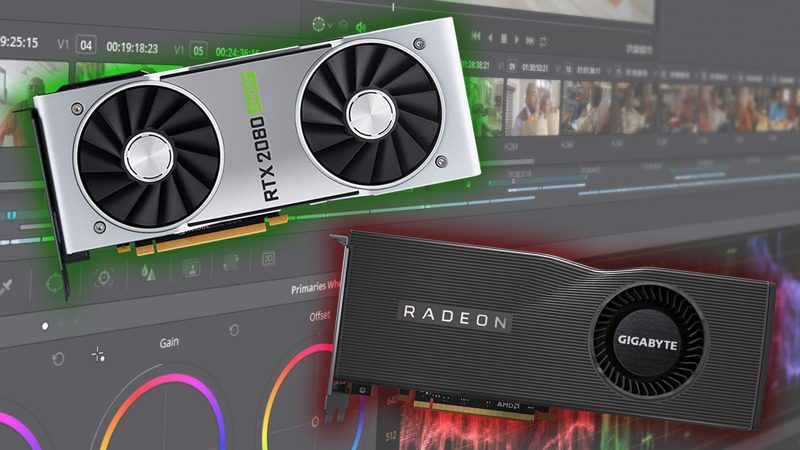
More than any other NLE, having a fast GPU (or multiple GPUs) is incredibly important in DaVinci Resolve. With both AMD and NVIDIA recently launching a number of new video cards, it is time to once again see what the best GPU is for Resolve.

Intel updated their workstation-oriented Xeon W processor line recently, using technology from the high-performance Xeon Scalable series. This means more cores in a single-socket platform than Intel has offered before, and since high core count usually translates to fast rendering speeds we are taking a look at how these new CPUs stack up in V-Ray Next.

Intel updated their workstation-oriented Xeon W processor line recently, using technology from the high-performance Xeon Scalable series. This means more cores in a single-socket platform than Intel has offered before, and since high core count usually translates to fast rendering speeds we are taking a look at how these new CPUs do in Cinema 4D’s native renderer.
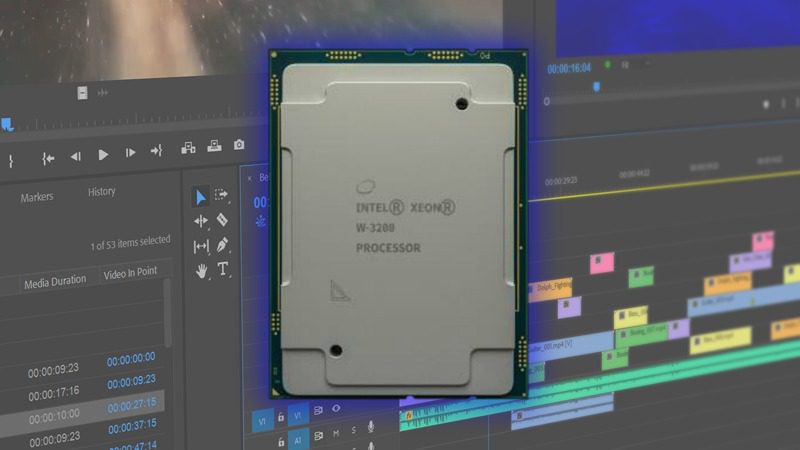
While the choice between using an Intel X-series or Intel Xeon W processor is often decided by more than straight-up performance, it is still useful to know exactly how much performance you might be losing in order to gain Xeon-exclusive features like 64 PCI-E lanes or Reg. ECC memory support. To that end, in this post we will be benchmarking the Intel X-series, Intel Xeon W-3200, as well as the AMD Threadripper processors in a range of applications including Premiere Pro, After Effects, Photoshop, and DaVinci Resolve.

One of the big advantages of GPU-based rendering is that you can easily put multiple video cards inside a single workstation. How much benefit does each additional card provide for V-Ray Next, though? We put four GeForce RTX 2080 Ti video cards to the test to find out!
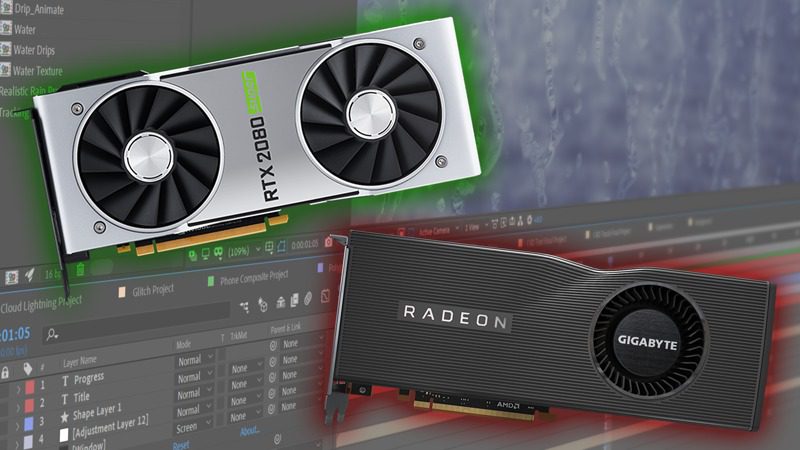
Outside of very specific situations, After Effects is usually going to be limited more by your CPU than your GPU. However, the more GPU accelerated effects you use, the larger the benefit to using a faster video card. Both AMD and NVIDIA have recently released a number of new video cards, but is there any benefit to using them in After Effects?
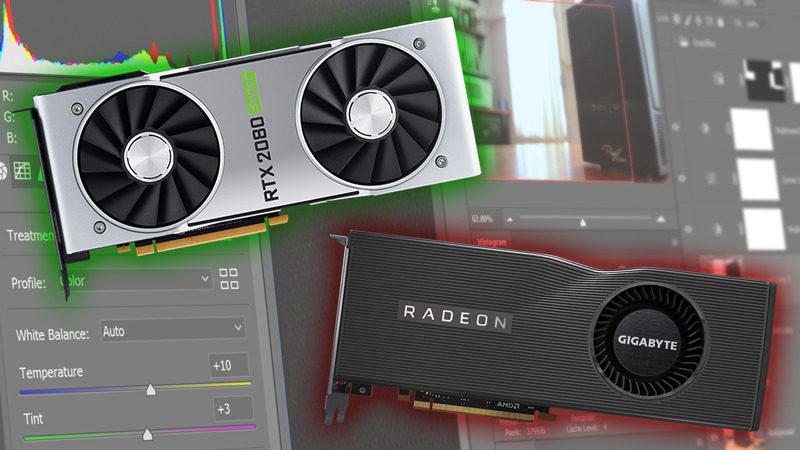
Both AMD and NVIDIA have recently released a number of new video cards including the Radeon RX 5700 XT and the NVIDIA SUPER cards. Photoshop only uses the GPU to accelerate a small (but growing) list of effects, however, so is there any benefit to using any of these new card?

V-Ray Next is made up of two rendering engines: a traditional CPU based renderer, as well as a GPU-based hybrid engine that can run on both GPUs and CPUs for extra performance. With the launch of NVIDIA’s new GeForce RTX “SUPER” series of video cards, we are taking a look at how the whole RTX lineup performs on the GPU side of V-Ray Next.
OctaneRender is a GPU-based rendering engine, utilizing the CUDA programming language on NVIDIA-based graphics cards. With the launch of NVIDIA’s new GeForce RTX “SUPER” series of video cards, we are taking a look at how the whole RTX lineup performs on both the current OctaneRender 4 and the upcoming 2019 release which adds support for RTX technology and greatly increased rendering speeds.

Redshift is a GPU-based rendering engine, now owned by Maxon and available bundled with Cinema 4D – as well as in the form of plug-ins for other 3D applications. It was written to use NVIDIA’s CUDA graphics programming language, and since NVIDIA recently refreshed their GeForce series with new 2060, 2070, and 2080 “SUPER” cards we thought it would be a good time to re-test the whole RTX lineup.
Puget Systems builds custom workstations, servers and storage solutions tailored for your work.
We provide:
Extensive performance testing
making you more productive and giving better value for your money
Reliable computers
with fewer crashes means more time working & less time waiting
Support that understands
your complex workflows and can get you back up & running ASAP
A proven track record
as shown by our case studies and customer testimonials




