This guide will walk you step-by-step through installing and configuring our tailored AI environments on your Puget Systems workstation or server.
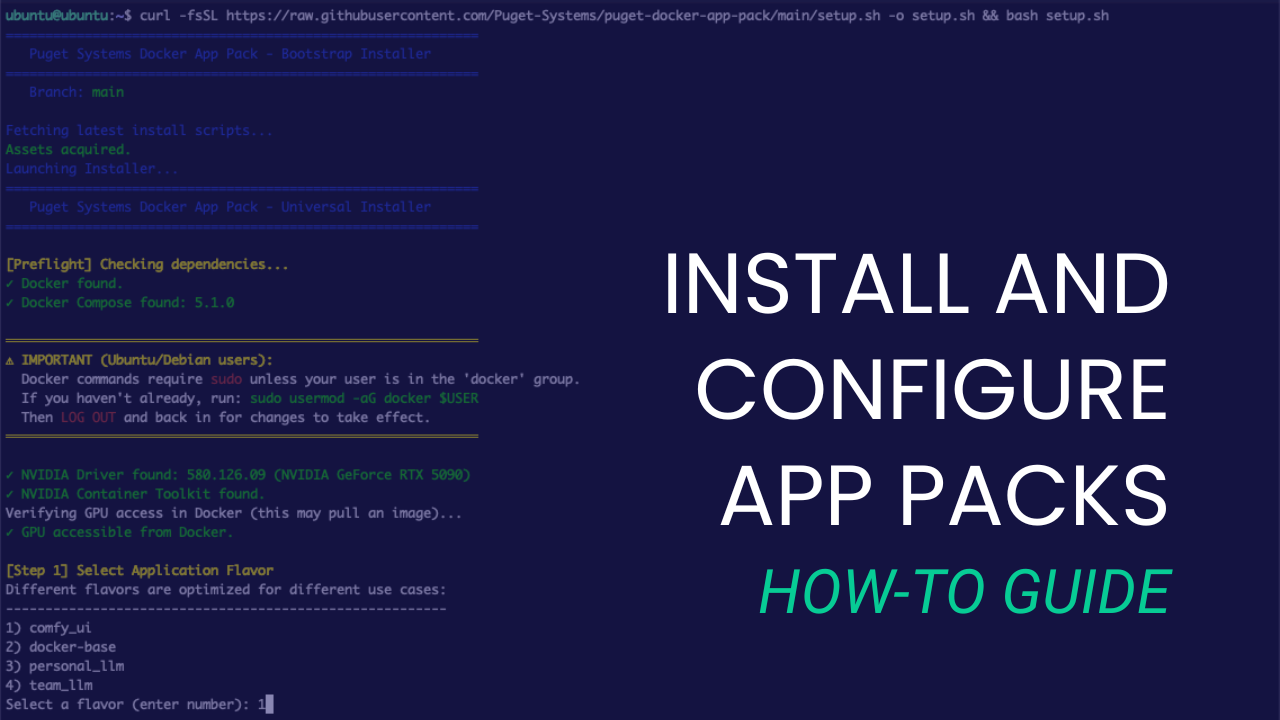
This guide will walk you step-by-step through installing and configuring our tailored AI environments on your Puget Systems workstation or server.
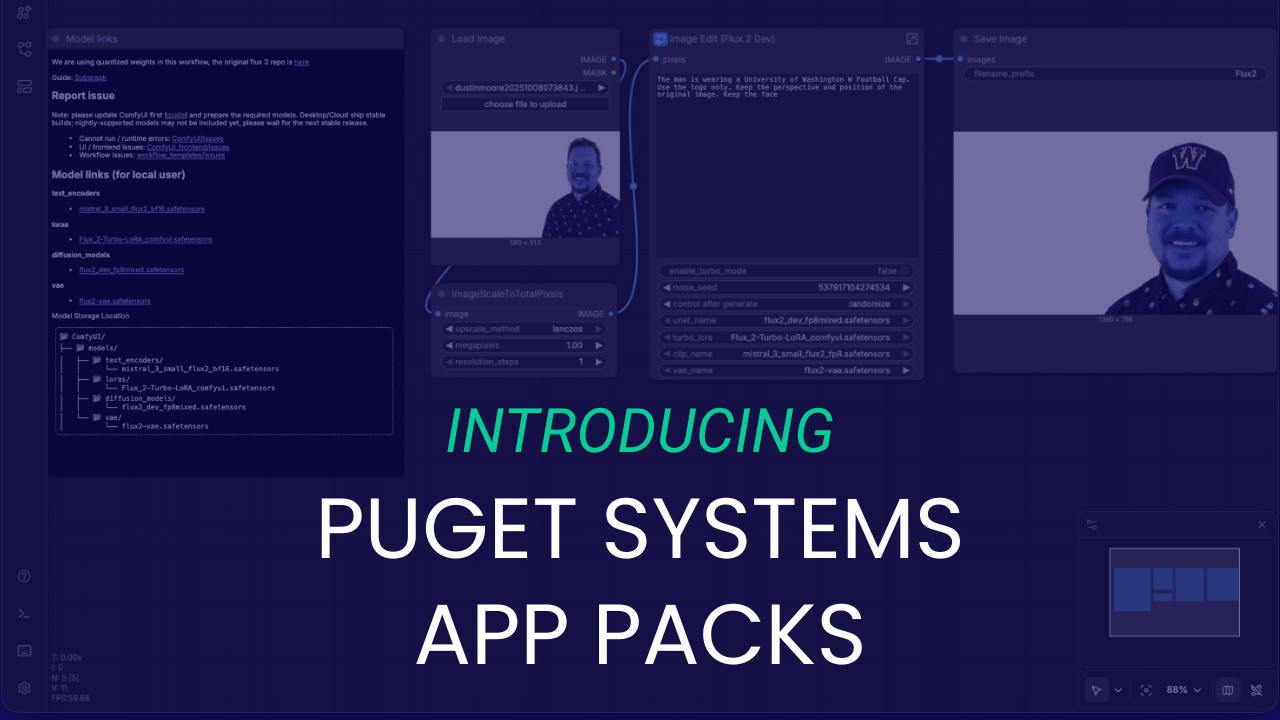
We look at AI the way our customers do, which is why we built the Puget Systems Docker App Packs: to help you get up and running with AI inference fast!
We used Puget Bench to measure the performance gain photographers and photo editors can expect to see by upgrading from Lightroom Classic 15.0 to 15.2.

This mid-generation update brings more E-cores and other performance improvements, plus lower prices, to the new Ultra 7 270K Plus & Ultra 5 250K Plus CPUs.
We tested the new Puget Bench for Lightroom Classic 1.0 and Lightroom Classic 15.2 releases to see how modern CPUs and GPUs affects performance.
A brief overview of what generative AI models are, where you can access them, and how they can be responsibly used by artists and creators.

Featuring the latest Intel technology and up to 86 cores, the Xeon 600 lineup is a great choice for your next engineering, scientific, or AI workstation.
We examine the new Puget Bench for Premiere Pro and DaVinci Resolve 2.0 releases to see how performance changed across different hardware.
Unreal Engine is a complex application with many different uses. This guide covers the most common workflows and what type of workstation is best for each.
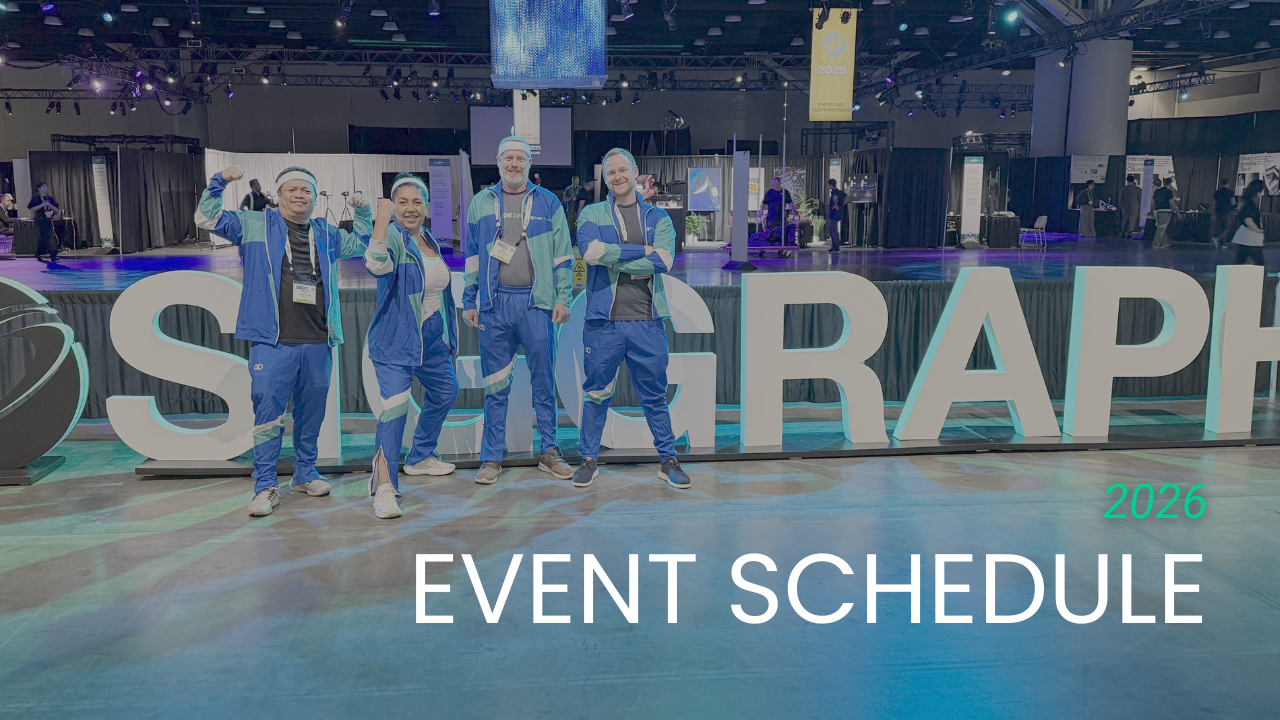
We have some really exciting plans coming together for NAB Show, Unreal Fest, SIGGRAPH, and other events in 2026 that we can’t wait to share with you!
Puget Systems builds custom workstations, servers and storage solutions tailored for your work.
We provide:
Extensive performance testing
making you more productive and giving better value for your money
Reliable computers
with fewer crashes means more time working & less time waiting
Support that understands
your complex workflows and can get you back up & running ASAP
A proven track record
as shown by our case studies and customer testimonials




