More than any other NLE, having a fast GPU (or multiple GPUs) is incredibly important in DaVinci Resolve. With both AMD and NVIDIA recently launching a number of new video cards, it is time to once again see what the best GPU is for Resolve.
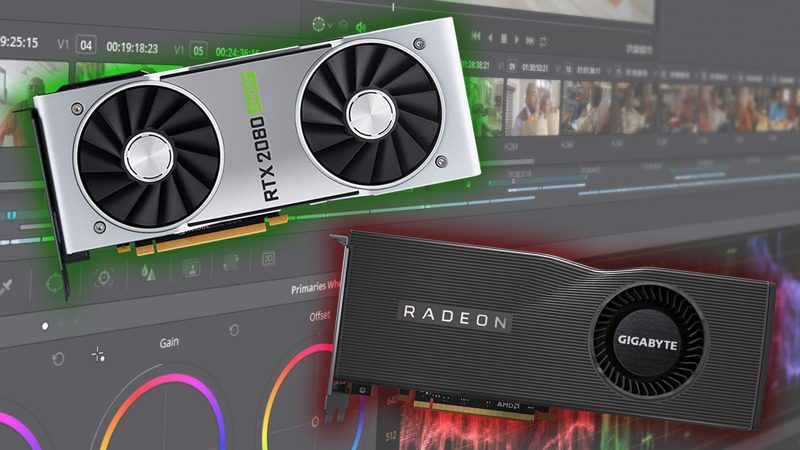
More than any other NLE, having a fast GPU (or multiple GPUs) is incredibly important in DaVinci Resolve. With both AMD and NVIDIA recently launching a number of new video cards, it is time to once again see what the best GPU is for Resolve.
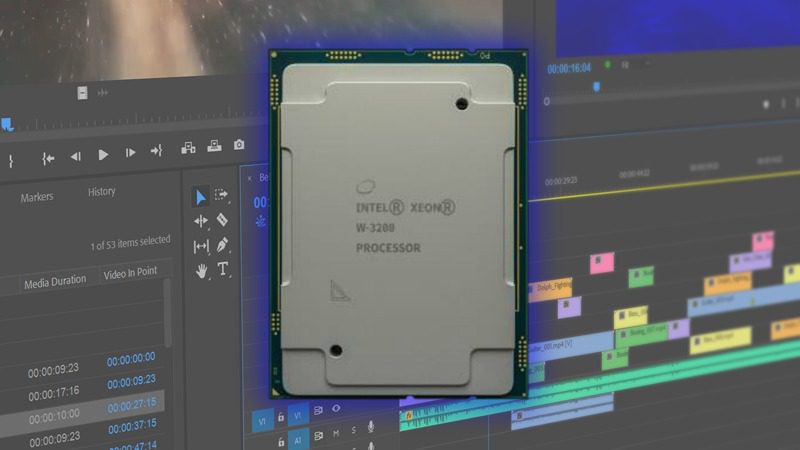
While the choice between using an Intel X-series or Intel Xeon W processor is often decided by more than straight-up performance, it is still useful to know exactly how much performance you might be losing in order to gain Xeon-exclusive features like 64 PCI-E lanes or Reg. ECC memory support. To that end, in this post we will be benchmarking the Intel X-series, Intel Xeon W-3200, as well as the AMD Threadripper processors in a range of applications including Premiere Pro, After Effects, Photoshop, and DaVinci Resolve.

DaVinci Resolve is known for how heavily it relies on the power of your GPU, but the CPU also plays an huge role in how well it performs. AMD’s new Ryzen 3rd generation processors feature both an increase in core count and per-core performance, which is exactly what DaVinci Resolve needs to get the best performance. Will this make these new chips the best choice for video editors compared to the AMD Threadripper, Intel 9th Gen, and Intel X-series CPUs?
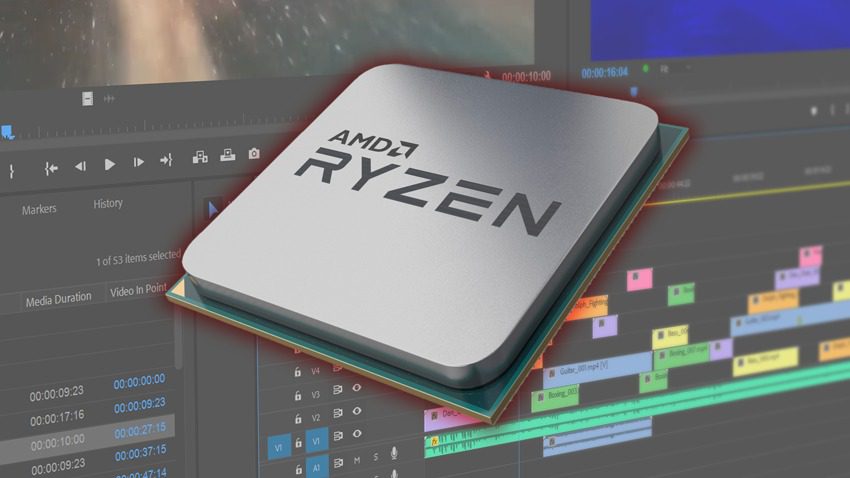
AMD’s new Ryzen 3rd generation CPUs just launched with terrific performance improvements across the board. While we don’t have the full lineup tested just yet, we wanted to give a first look at what we are seeing in Premiere Pro, After Effects, DaVinci Resolve, and other applications commonly used in video editing.
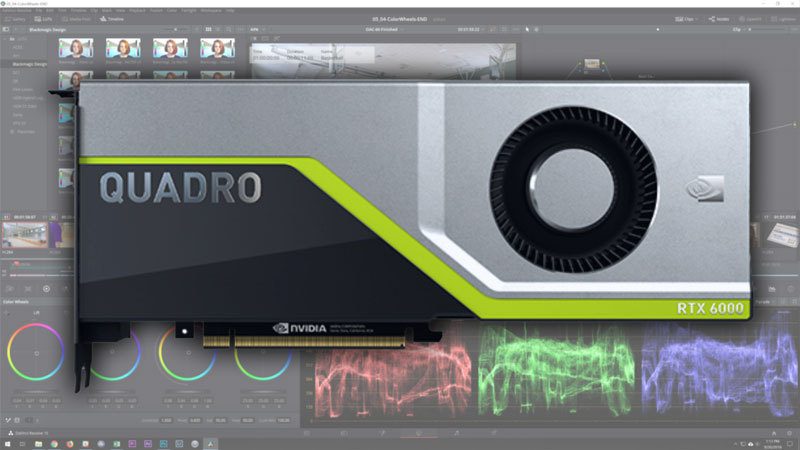
If you are in production environment where you need maximum reliability or do a heavy amount of noise reduction, there is no replacement for workstation-class cards like those in the NVIDIA Quadro line. But exactly how well do the new Quadro RTX models perform in DaVinci Resolve?
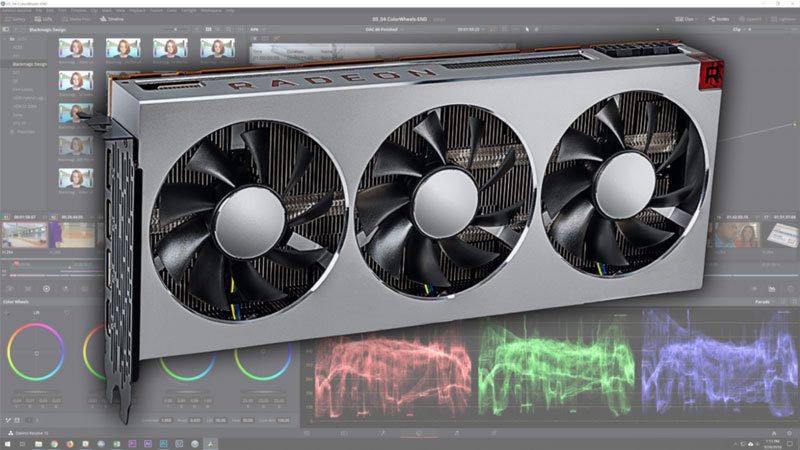
The Radeon VII is a very interesting card for DaVinci Resolve due to its 16GB of VRAM which is twice what you would get from a similarly priced NVIDIA GPU. But is it able to keep up in terms of raw performance?
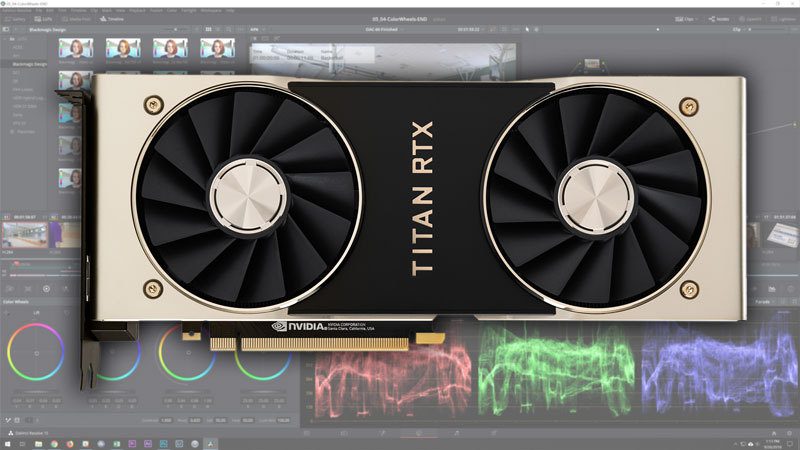
The new NVIDIA Titan RTX has a stunning 24GB of video memory, making it very attractive for many editors and colorists working with 8K media. But is the extra VRAM all it has going for it or is it also significantly faster than something like the RTX 2080 Ti 11GB?
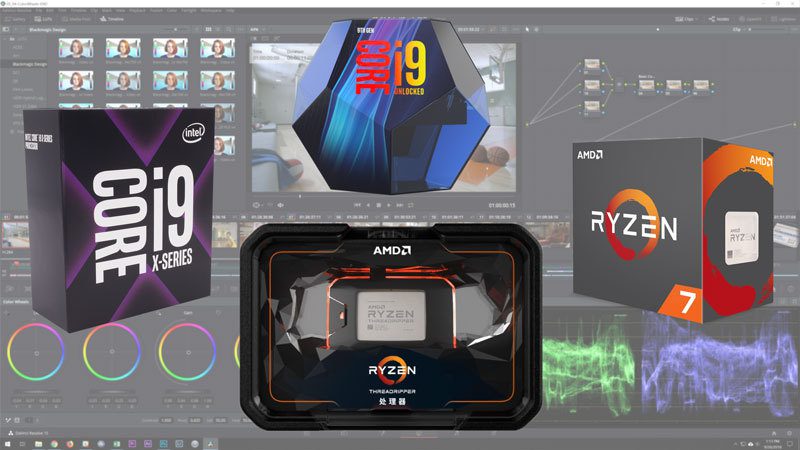
Unlike most other applications used in the video post-production process, DaVinci Resolve relies much more on the power of your video card(s) than it does on your processor. However, you do need enough CPU power to keep up with your GPU(s) and there are still some aspects of Resolve (like the Fusion tab) where the CPU is more important. In this article, we will be looking at a wide range of processors from Intel and AMD including the Intel 9th Gen, Intel X-series, AMD Ryzen 2nd Gen, and AMD Threadripper 2nd Gen CPU lines. In addition, we will be comparing them to a current Mac Pro 12 Core and iMac Pro 14 Core for those that are curious about how much faster a PC workstation can be compared to a Mac.
DaVinci Resolve is a very GPU-intensive program which limits the amount of performance a higher-end CPU can give you. Depending on the amount of GPU power you have, even a mid-range CPU could perform the same as a more expensive CPU which begs the question: will the new Intel X-series CPUs be any faster than the previous generation?
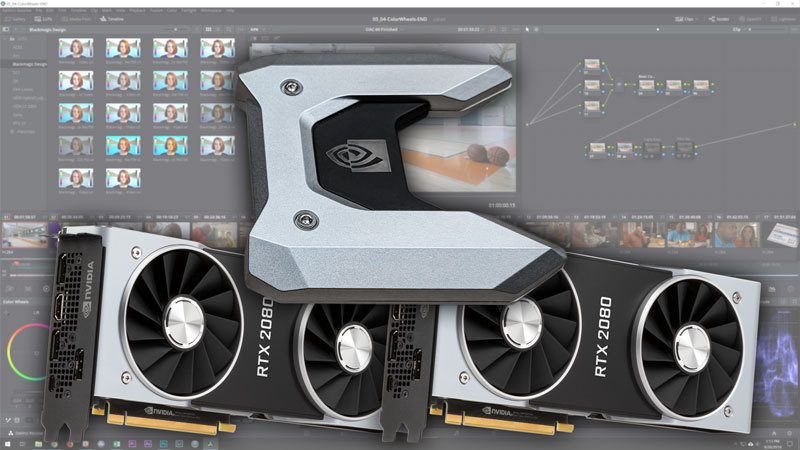
Blackmagic has not made any announcements about DaVinci Resolve supporting NVLink, but we decided to try it out to see what happens. Unfortunately, you need to enable SLI in order for NVLink to work on the GeForce RTX cards which results in some major performance issues.
Puget Systems builds custom workstations, servers and storage solutions tailored for your work.
We provide:
Extensive performance testing
making you more productive and giving better value for your money
Reliable computers
with fewer crashes means more time working & less time waiting
Support that understands
your complex workflows and can get you back up & running ASAP
A proven track record
as shown by our case studies and customer testimonials




