Most Popular Articles


Creating a Windows 11 Install USB on MacOS

Why you need this article If you’re a Mac user looking to install Microsoft Windows 11 on your computer, or your only backup system is a Mac, you’ll need a bootable Windows 11 USB drive. In this guide, we’ll walk you through the process of creating a Windows 11 install USB using only Microsoft and

Microsoft Logo

Useful Windows 11 Features You Should Try Immediately

Windows 11 offers some enhancements that will make your work run more smoothly and efficiently. Whether it is productivity boosts or privacy enhancements, there’s something for everyone. These are features that will make your digital life easier, whether you’re working late or with a multitude of tasks. Focus Sessions Focus Sessions, a standout in Windows

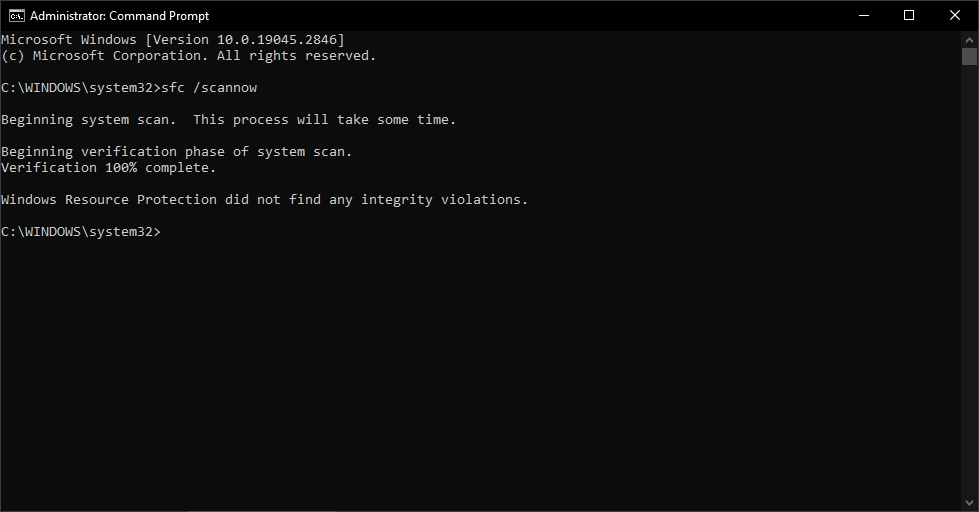
scan success

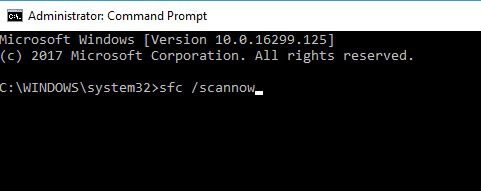
How to Run SFC Scan in Windows 10

This article will show you how to run SFC, Offline SFC. Powerful tools that can help Windows users diagnose and fix issues related to system files, Windows updates, and other operating system components.

Recent Articles


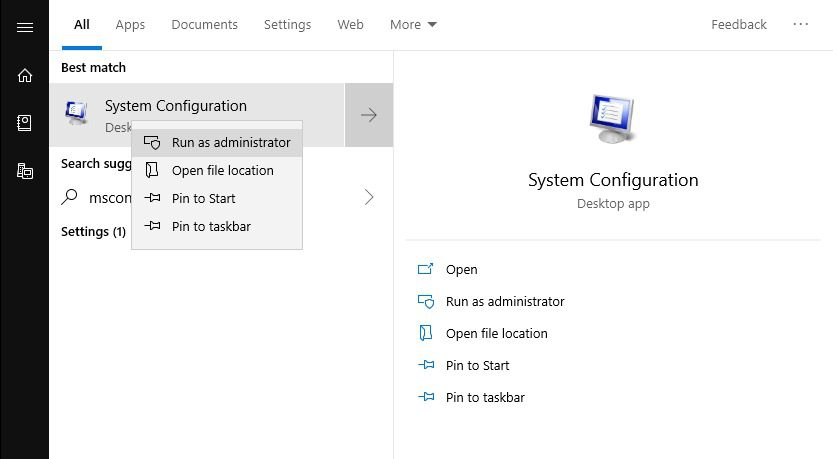
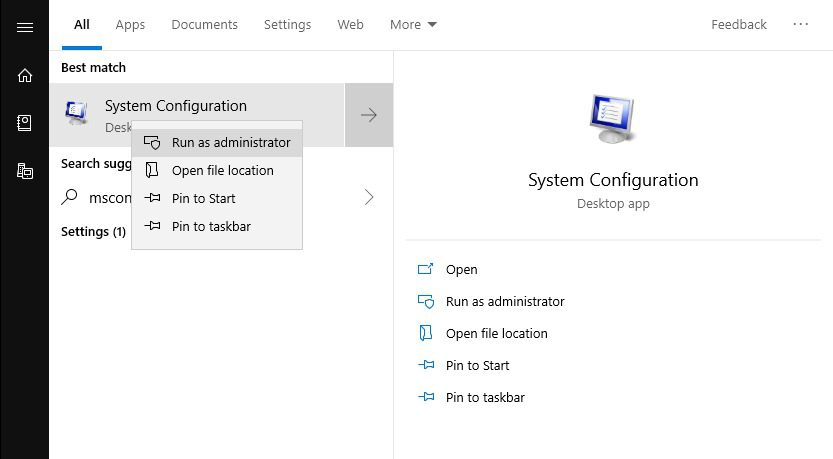
Diagnostic Startup (Windows 10)

If you are experiencing issues with your system and are unsure of the cause, an easy way to eliminate software culprits is to perform a Diagnostic startup.

Many issues can be traced using the Diagnostic startup, this may be one of the most useful steps when troubleshooting a system.

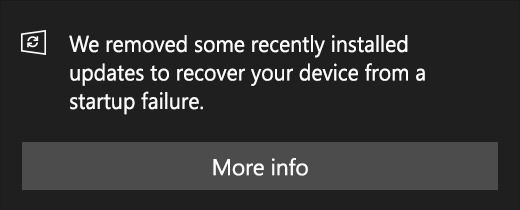
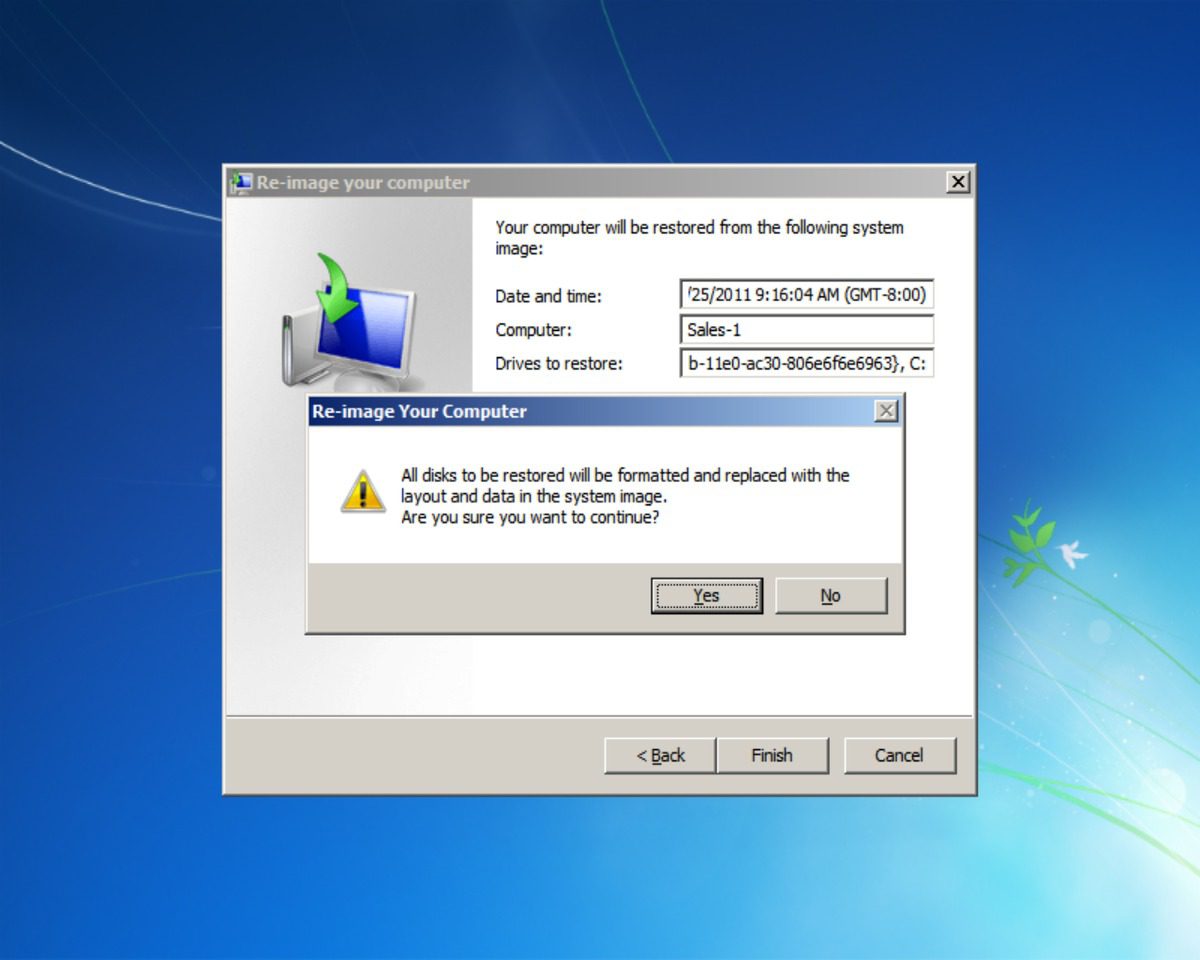
When to use Windows 10 Recovery Options

Experiencing the well known blue screen of death, dramatic slowdowns, software instability, or simply want to know your options for restoring your Windows 10 system? This article will go over the recovery options available within Windows 10 to return your system to a stable point. Knowing WHICH restore option to use to when, will help get your system back up and running quickly and efficiently.

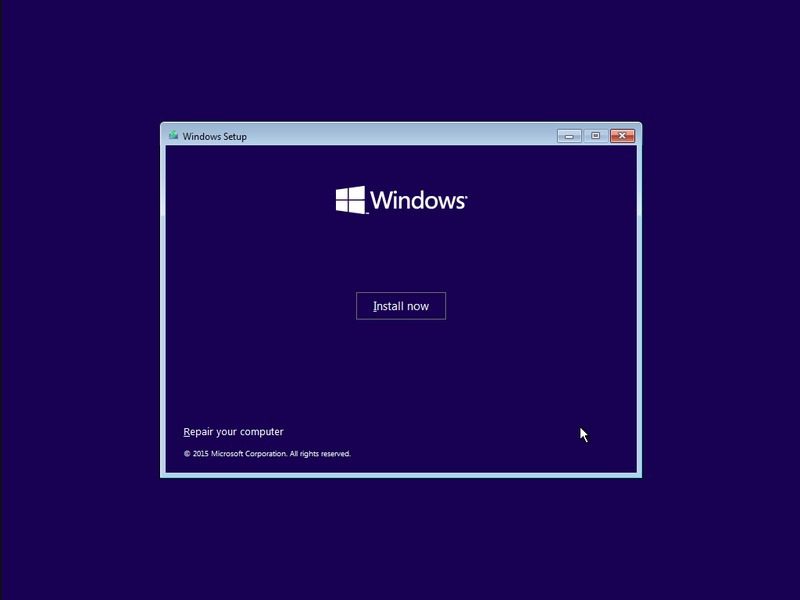
Installing Windows 10 with a Microsoft Windows 10 USB Key

This article describes the process of installing and setting up a new clean installation of windows, or an upgrade install from a Pre-made Windows 10 USB key that has been supplied by Microsoft. It also includes information on using the media creation tool for upgrading.