Ubuntu 19.04 will be released soon so I decided to see if CUDA 10.1 could be installed on it. Yes, it can and it seems to work fine. In this post I walk through the install and show that docker and nvidia-docker also work. I ran TensorFlow 2.0- alpha on Ubuntu 19.04 beta.


Puget Systems’ Production Process
Have you ever wondered happens during our Production process? I’m here to give you a high-level overview of what we do!

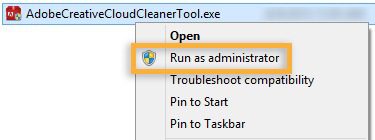
Adobe Creative Cloud Cleaner
If you’re ever experiencing issues installing Adobe software’s or running any of Adobe’s software suites, the utility in this article generally resolves those problems. This guide is designed to walk you through the process of rectifying any problems with the Adobe suite. This tool is NOT the same as CCleaner from Piriform.

Case Study with Argonne National Laboratory
Argonne chemists use artificial neural networks to read molecular spectra. They enlisted the help of Puget Systems to build them a workstation that could be used to train convolutional neural networks.

Case Study with SFFILM
Puget Systems worked with SFFILM to customize workstations for their independent filmmakers like Molly Stuart which help bring their creations to life.
When a deal is not a deal
During a recent computer component purchase, I learned that purchasing isn’t just about acquiring a product. You are creating relationships. Even if they may be micro-relationships, they are relationships all the same. So you just have to determine which type you wish to have.

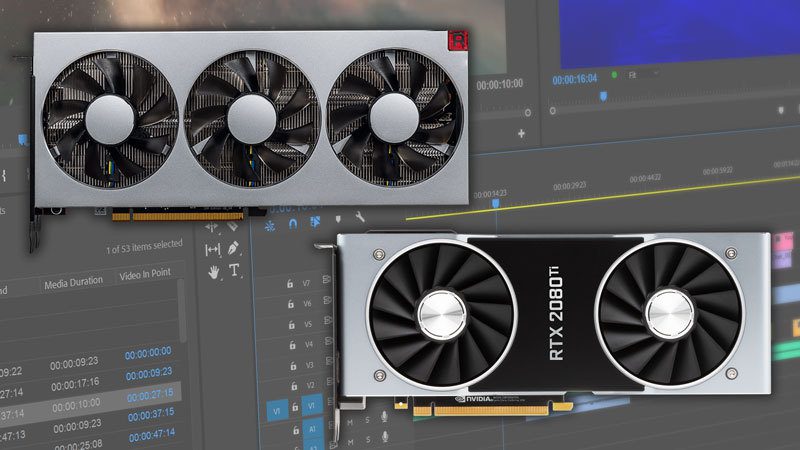
Premiere Pro CC 2019: AMD Radeon VII vs NVIDIA GeForce RTX
Depending on the number of GPU-accelerated effects you use, a higher-end GPU can give you a nice performance boost in Premiere Pro. But what will give you the best performance for your dollar? An NVIDIA GeForce RTX video card, or one of AMD’s Radeon cards?

Case Study with Our Voice USA
Our Voice USA worked with Puget Systems to build a customized workstation which helps them build tools to engage citizens in the political process regardless of their economic status.

How to Access Safe Mode in Windows 10
Windows 10 has changed the game, most specifically the way we access Safe mode and since F8 no longer does the trick here are a few ways to access safe mode.

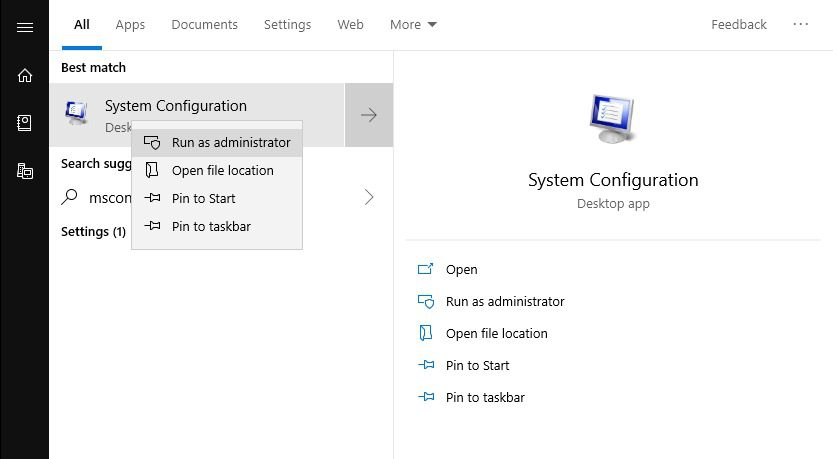
Diagnostic Startup (Windows 10)
If you are experiencing issues with your system and are unsure of the cause, an easy way to eliminate software culprits is to perform a Diagnostic startup.
Many issues can be traced using the Diagnostic startup, this may be one of the most useful steps when troubleshooting a system.