Most Popular Articles


Creating a Windows 11 Install USB on MacOS

Why you need this article If you’re a Mac user looking to install Microsoft Windows 11 on your computer, or your only backup system is a Mac, you’ll need a bootable Windows 11 USB drive. In this guide, we’ll walk you through the process of creating a Windows 11 install USB using only Microsoft and

Microsoft Logo

Useful Windows 11 Features You Should Try Immediately

Windows 11 offers some enhancements that will make your work run more smoothly and efficiently. Whether it is productivity boosts or privacy enhancements, there’s something for everyone. These are features that will make your digital life easier, whether you’re working late or with a multitude of tasks. Focus Sessions Focus Sessions, a standout in Windows

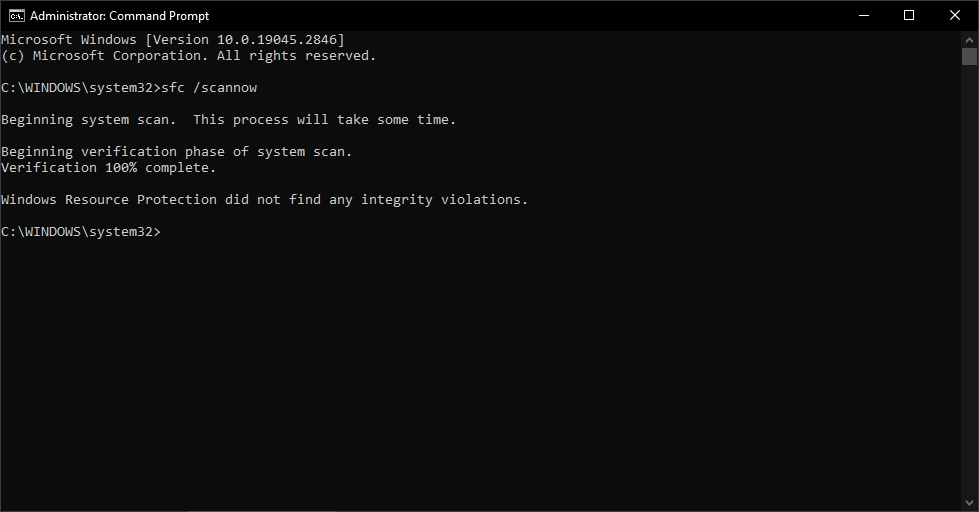
scan success

How to Run SFC Scan in Windows 10

This article will show you how to run SFC, Offline SFC. Powerful tools that can help Windows users diagnose and fix issues related to system files, Windows updates, and other operating system components.

Recent Articles


Puget Systems Out of Box Experience – Windows 10

Up until late December 2017, the way we installed operating systems here at Puget required us to to fully configure Windows and set up a user account for our customers, preventing end users from selecting the options and user name they might really want. It did have some added benefits, like allowing us to install requested software, but the process was inefficient and time consuming. Sparing you the grueling details, we have now moved to a much more refined and efficient process that allows you, the end user, to configure and set up Windows just the way you would like! This is excellent news! However, we also understand that opening up the box and booting the system up to a Windows setup screen can be somewhat daunting. I have created this guide to walk you through the process and offer advice along the way. I hope you enjoy!

How to Use Restore from the USB Tools & Recovery Drive (January 2018 to Current)

This guide covers how to restore Windows – and the drive it is installed on – to factory conditions, for Puget Systems computers built in 2018 or later. Methods are included for both systems that can boot into Windows and those which cannot. Please note that following these instructions will wipe all data on the primary drive, so back up any data you care about before proceeding!

HTC Vive Compositor Error

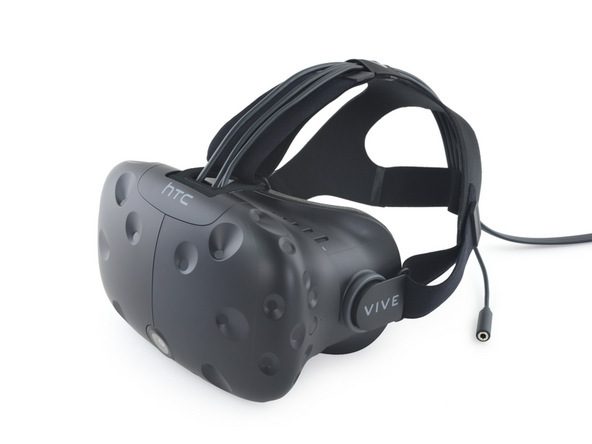
In this article I will share my experience of getting a disruptive VR error when setting up an HTC Vive for a family VR event. The VR issue I experienced was “Compositor is not fullscreen”. This article will cover why the issue occurs and the troubleshooting to do to find a solution.

TPM Firmware update

We are seeing an issue surrounding current TPM modules and numerous motherboard manufacturers including ASUS, ASRock and Gigabyte.

So You Want To Update Your BIOS?

We often get inquiries here in our Support department on whether or not to update motherboard BIOS. This article has been created to offer a short history lesson on what the BIOS actually are, to help users understand our viewpoint on whether or not updating the BIOS is a good idea and to provided step-by-step instruction on how to perform BIOS updates (when necessary) on some of our most commonly used boards.

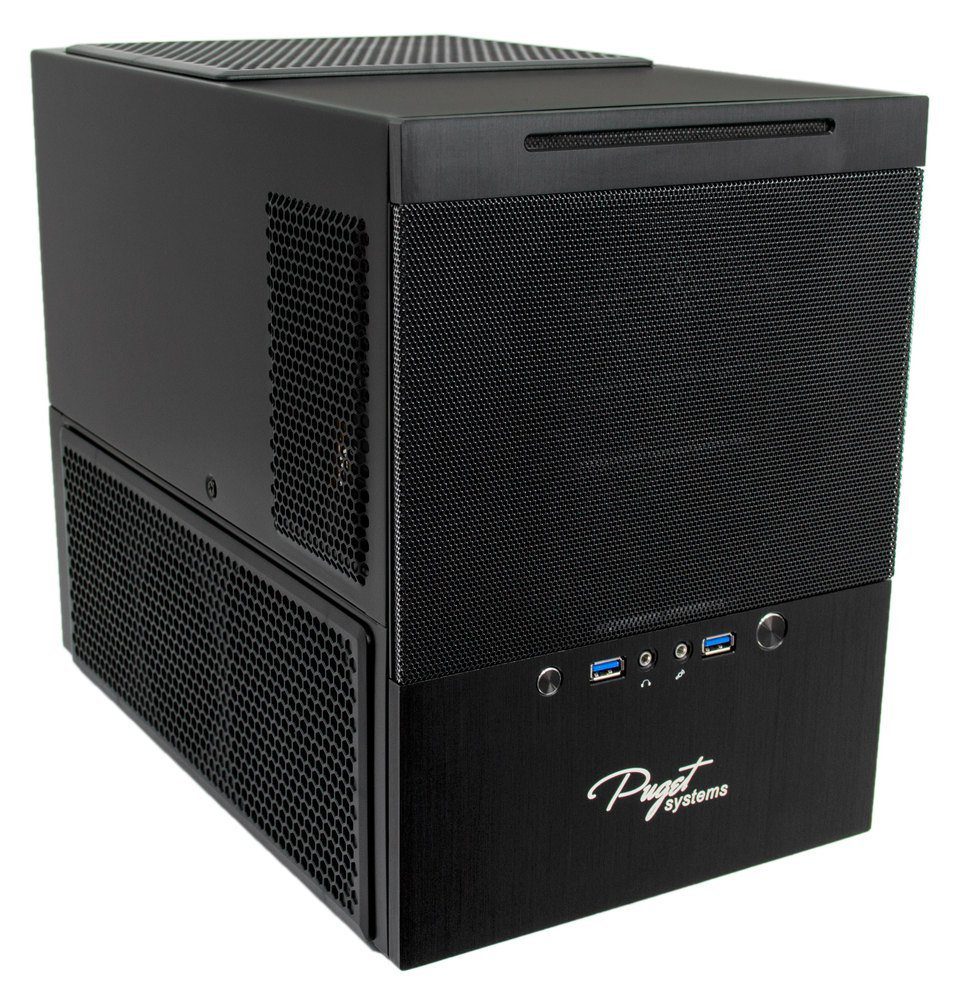
SG10 HDD and SSD install

Do you have an SG10? Do you want more storage space or a backup drive? This article and video will guide you through the process of installing additional SSDs and HDDs in your SG10 Puget System case.