In 2019, our continued goal is to get out there where our customers are to learn more about them, learn more about their workflow, and what the cutting edge technologies are being used those workflows. What better place to do that than SIGGRAPH?

In 2019, our continued goal is to get out there where our customers are to learn more about them, learn more about their workflow, and what the cutting edge technologies are being used those workflows. What better place to do that than SIGGRAPH?
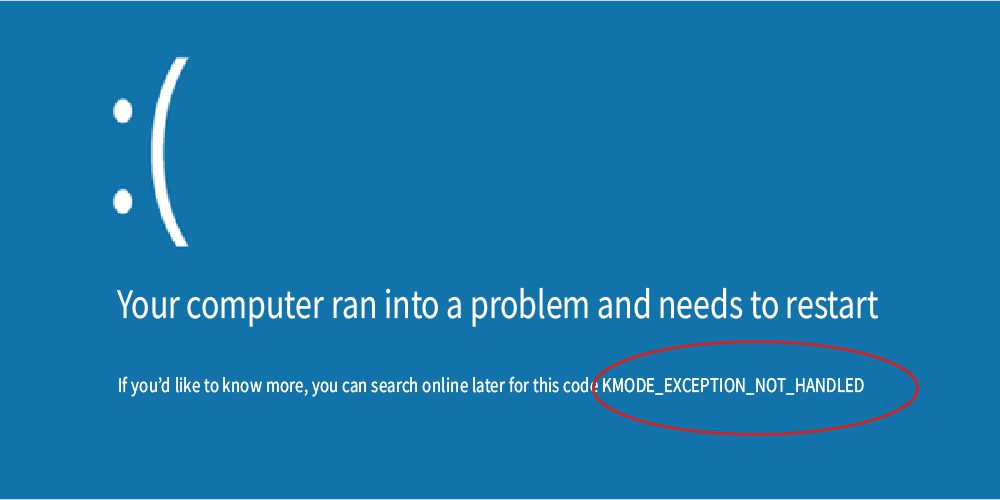
KMODE Exception. A very damaging BSOD that can come up at any time but is simple enough to install. Here we will guide you through the various ways to tackle this BSOD.
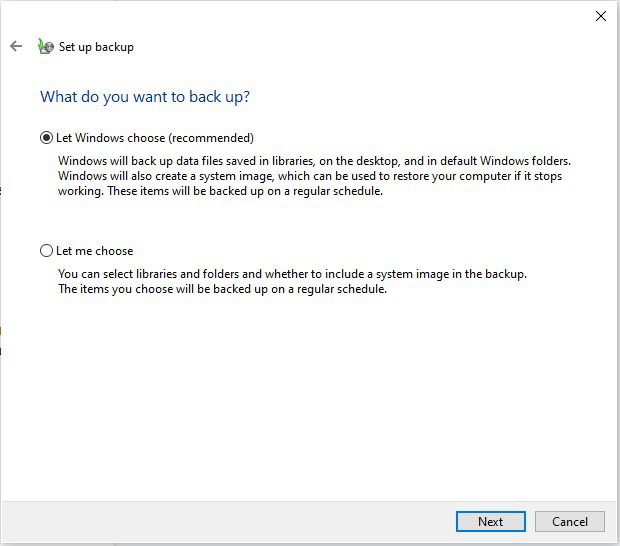
The following article will explain the different backup options built into windows. We also explain how to use them in order to keep your data secure.

Being able to run Jupyter Notebooks on remote systems adds tremendously to the versatility of your workflow. In this post I will show a simple way to do this by taking advantage of some nifty features of secure shell (ssh). What I’ll do is mostly OS independent but I am putting an emphasis on Windows 10 since many people are not familiar with tools like ssh on that OS.
When the performance of AMD’s Threadripper processors is brought up, the discussion can often turn toward some of the oddities of this CPU’s architecture and how it interacts with thread scheduling in Windows 10. That is something which AMD has attempted to improve with their Ryzen Master software, and which has been partially addressed by Microsoft as well (via Windows updates). Some folks in the wider AMD enthusiast community have tried to tackle this issue too.
Metashape, formerly known as PhotoScan, is a photogrammetry program that takes a set of images and combines them to create a 3D model or map. Processing of those images into point clouds and 3D meshes/textures is time-consuming, heavily using a computer’s CPU and GPU. We have recently updated our benchmark tools to support Metashape, along with new image sets to test, so now we are taking a look at how different NVIDIA and AMD video cards perform in this application.

Pix4D is an advanced photogrammetry application, suited to a wide range of uses, with a focus on handling images captured by drone cameras. Processing of those images into point clouds and 3D meshes/textures is time-consuming, heavily using a computer’s CPU and GPU. We have recently updated our benchmark tools for Pix4D, and published articles looking at CPU and GPU performance on version 4.3 – but in the midst of our testing, 4.4 was released. Is it any faster?
RealityCapture, like other photogrammetry applications, is built to take a batch of photographs and turn them into digital, 3D models. The many steps involved in that process can take a lot of time, and utilize both the CPU and GPU at different points. We recently put together a benchmark tool for RealityCapture, and after looking at processor performance last week we are now diving into a comparison of the current NVIDIA GeForce and Titan video cards.
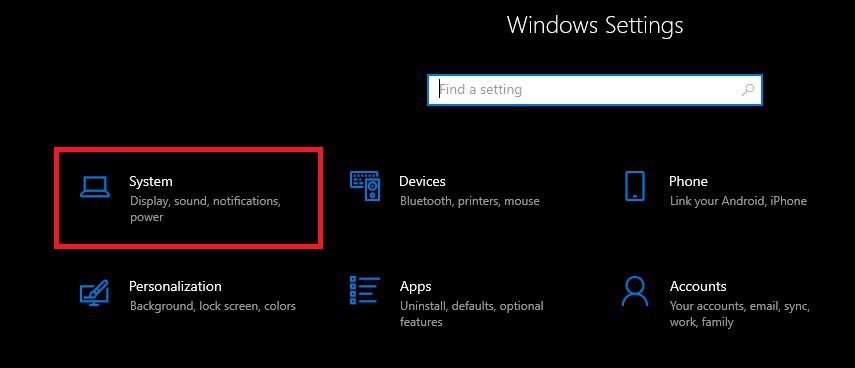
The following guide will demonstrate each way to remove applications in Windows 10
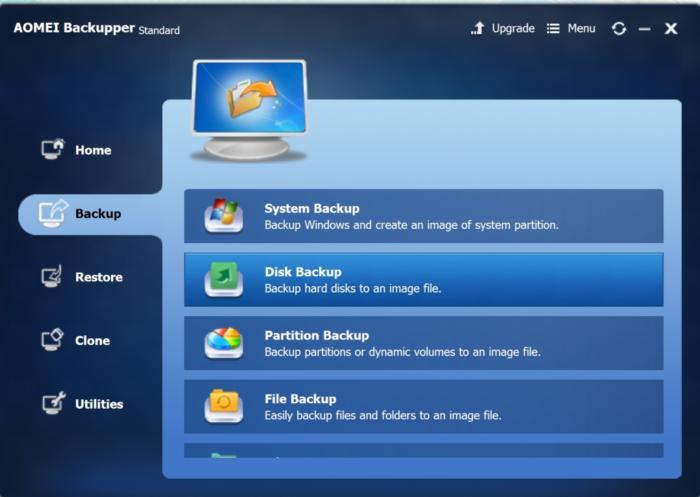
The following article will cover some of our favorite 3rd party backup options available in Windows 10.
Puget Systems builds custom workstations, servers and storage solutions tailored for your work.
We provide:
Extensive performance testing
making you more productive and giving better value for your money
Reliable computers
with fewer crashes means more time working & less time waiting
Support that understands
your complex workflows and can get you back up & running ASAP
A proven track record
as shown by our case studies and customer testimonials




