More Machine Learning testing with TensorFlow on the NVIDIA RTX GPU’s. This post adds dual RTX 2080 Ti with NVLINK and the RTX 2070 along with the other testing I’ve recently done. Performance in TensorFlow with 2 RTX 2080 Ti’s is very good! Also, the NVLINK bridge with 2 RTX 2080 Ti’s gives a bidirectional bandwidth of nearly 100 GB/sec!

How to Enable and Test NVIDIA NVLink on Quadro and GeForce RTX Cards in Windows 10
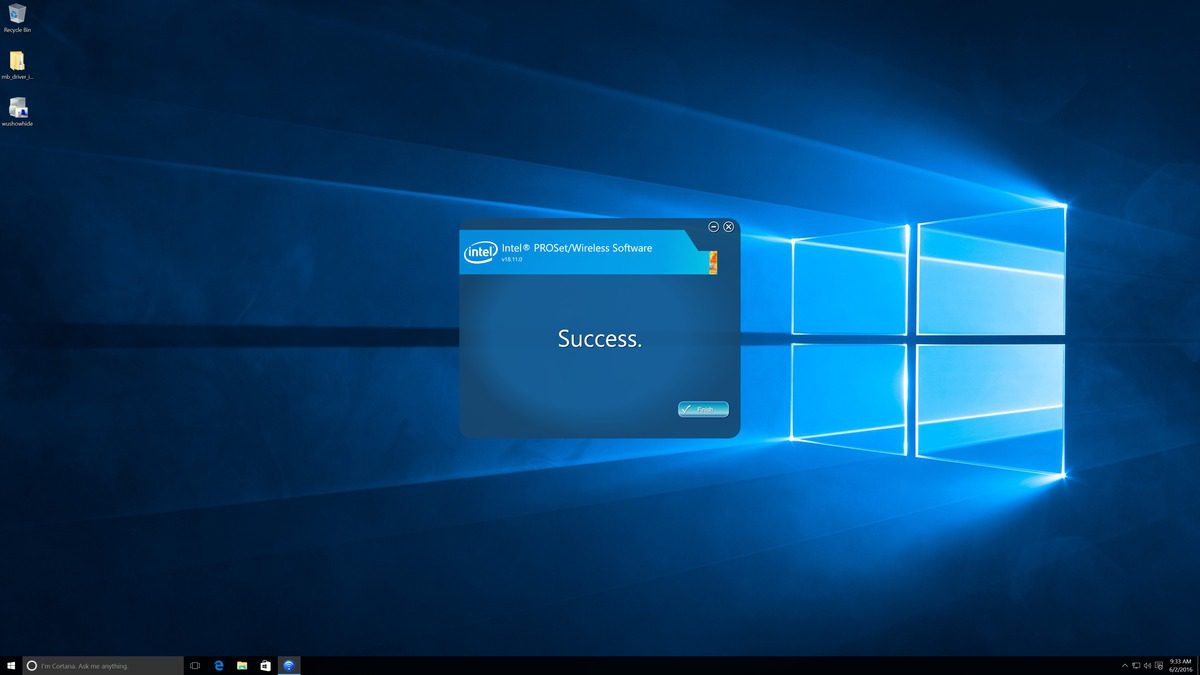
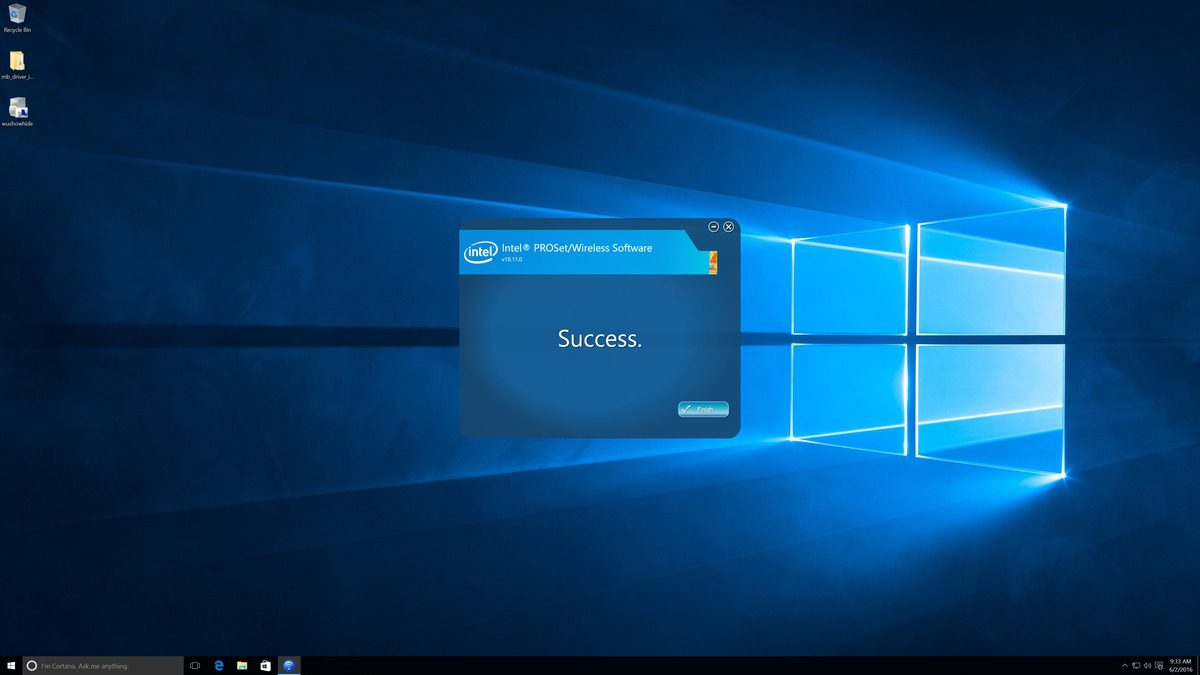
NVLink is enabled in different ways depending on what video cards you have, so we have compiled instructions for multiple GeForce and Quadro models. Once you’ve gone through those steps, though, it can be helpful to have a quick way to test and make sure it is working. We have put together a small program that does just that – and reports which video cards in a system are connected via NVLink as well as how much bandwidth they have between them.

Behind the Scenes at Puget Systems
In this video, Destin with Smarter Every Day talks about his experience working with Puget Systems and shares his experience working with the Puget Systems team. He interviews some of the Puget Systems staff to get a better understanding of what sets Puget Systems apart and how recommended systems are designed for specific applications.

How to Build a 4K Editing Computer
In this video, Destin with Smarter Every Day talks about his experience working with Puget Systems to solve his 4K 60fps rendering issues. A render that previously took 11 hours to complete, is now being done in only 2.5 hours. Live previews in Adobe Premiere are also 4.4X faster, allowing for more work to be done, in higher resolution without the need to pre-render footage in order to work the editing timeline.

Premiere Pro CC 2018: NVIDIA GeForce RTX 2070 Performance
NVIDIA’s new RTX cards perform very well in Premiere Pro, but Premiere tends to be limited by the CPU more than the GPU. Because of this, is there any reason to use the RTX 2080 or 2080 Ti over the more affordable RTX 2070?

DaVinci Resolve 15: NVIDIA GeForce RTX 2070 Performance
DaVinci Resolve heavily leverages the GPU to improve performance which means that the new RTX cards should give excellent performance. This article is a follow-up to the RTX 2080 and 2080 Ti testing we did recently and adds results for the RTX 2070 8GB card.

Smarter Every Day 4K Editing Workstation
Smarter Every Day generates huge amounts of 4K and high speed footage content, and needed a high performance workstation that could keep up with their work. With a new workstation from Puget Systems, their post-production workflow is 4.4X faster!

Agisoft PhotoScan 1.4.3: GeForce RTX 2080 & 2080 Ti Comparison
PhotoScan makes use of the video cards in a computer to assist with the computation of certain steps. As such, the model of video card used can have an impact on the amount of time those steps take. In this article, we take a look at the GeForce RTX 2000-series – based on NVIDIA’s Turing GPU architecture – to see how they compare to each other.

Agisoft PhotoScan 1.4.3: Intel Core i7 9700K & i9 9900K Performance
PhotoScan makes heavy use of the central processor (CPU) in a computer to run many of the calculations involved in turning still images into a 3D model or map. Different steps in that process utilize the CPU in various ways, though, with both clock speed and core count coming into play. Let’s see how the new 9th Gen Intel Core processors perform compared to existing Intel and AMD chips.

Cinema 4D: Intel Core i7 9700K & i9 9900K Performance
Intel just released their 9th Gen Core Series processors, which have both higher clock speed and more cores than the previous mainstream generation. Cinema 4D uses a blend of CPU factors: clock speed is important for modeling, animation, and physics simulation – but core count is king when it comes to rendering. Let’s see how these new chips compare to other options from both Intel and AMD.