Enroot is a simple and modern way to run “docker” or OCI containers. It provides an unprivileged user “sandbox” that integrates easily with a “normal” end user workflow. I like it for running development environments and especially for running NVIDIA NGC containers. In this post I’ll go through steps for installing enroot and some simple usage examples including running NVIDIA NGC containers.
Consultant’s Corner: Future-proofing a Workstation for a Disney Animator
Mark from our consulting team recently worked with a man working on animation projects for Disney. He was coming from the Mac and wanted to decrease his rendering times in Octane. Read on about how Mark tailored a workstation to meet his needs today and in the future.

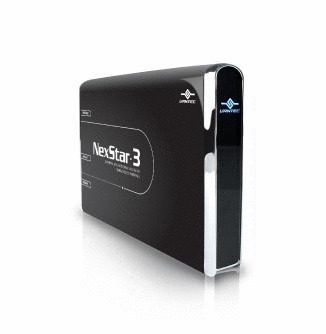
Using an Old Boot Drive as a Storage Drive in Your New PC
This is a guide for safely formatting an old Windows boot drive and using it in a new Windows system as a secondary/tirtiary drive.

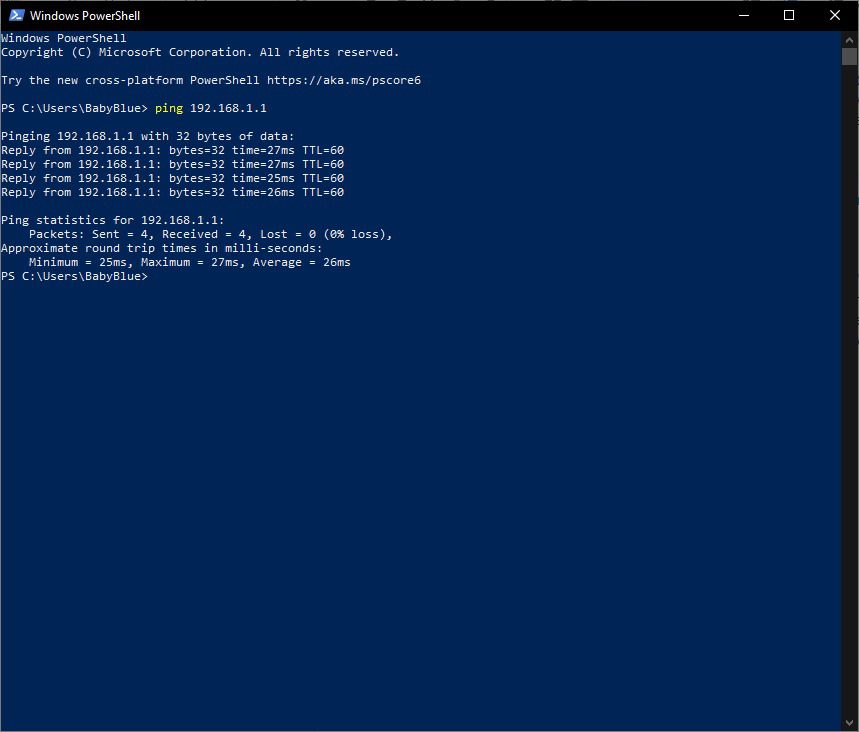
Basics of Network Troubleshooting
This article will guide you through our recommendations for troubleshooting network issues.
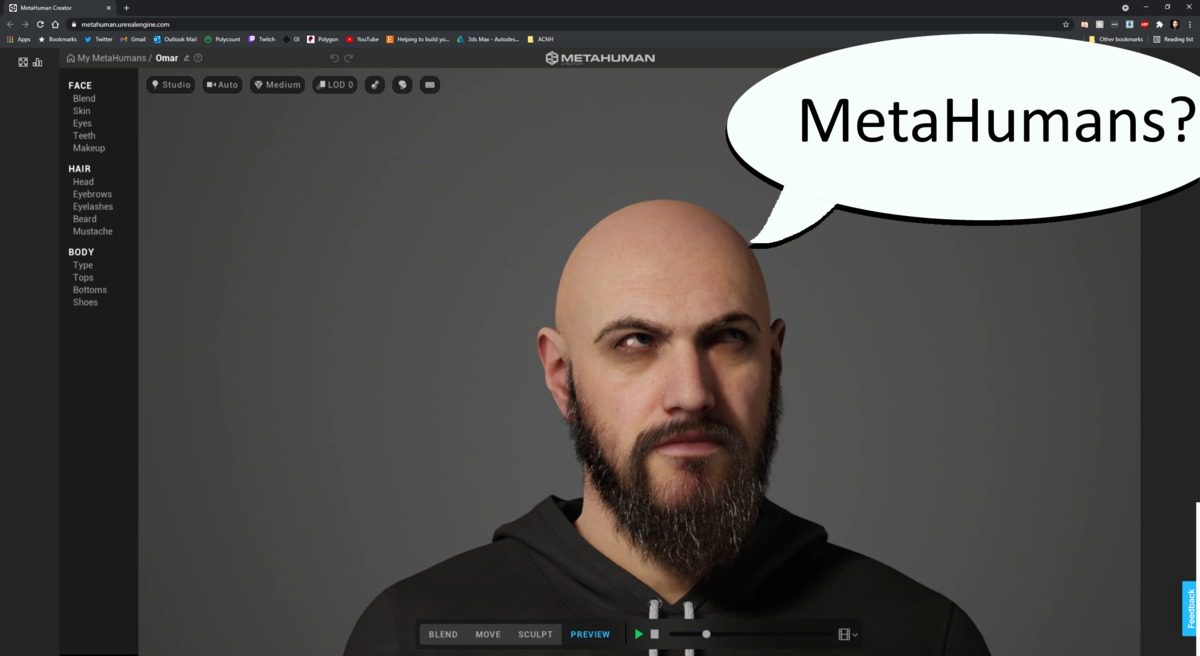
MetaHumans – a look past the Hype
Epic released their MetaHuman Creator tool in early access. Let’s look past the social media hype and into what it actually offers, and who will be using it professionally.

Case Study with Robert Walker from Walker/Fitzgibbon TV & Film and Walkersound, Inc.
Robert W. Walker is a legendary on-air personality in broadcasting. Walker began his media career while still in high school, when he landed a job as the youngest on-air personality ever on a #1-rated radio station in the mid-west.

A Look back at Puget Laptops
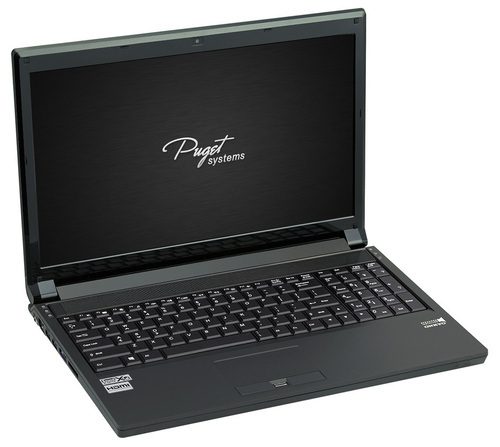
This article gives a glimpse of Puget System’s history with laptops including why we no longer offer laptop models, what that means if you currently have a Puget Laptop, and if Puget Systems will ever carry laptops in the future.
Going Paperless at Puget Systems
What changes can we make at Puget Systems to be a bit more gentle towards our planet? We are introducing one big change towards this goal.

Partnership with Armando Ferreira
With nearly half a million subscribers, Armando Ferreira creates filmmaking gear reviews and how-to’s on his popular YouTube channel, MondoBytes. On top of that, Armando is a Filmmaker, Editor, and Gear Nerd. Harnessing his skills, Armando continues to bring his viewers the industry’s new cutting-edge technology. Armando Ferreira continues to push the boundaries of the

Configuring Software Raid Within Windows 10
Most computer users have no need for more than a single drive in their computer, or perhaps a few individual drives if additional storage space is required. There are certain workflows and use cases where features of a RAID – like larger total volume capacity or data redundancy – may be extremely helpful. For large arrays, redundant boot drives, or advanced RAID modes we strongly recommend using a dedicated hardware controller card, but for simple configurations like mirroring or pooling there are options within Windows 10 which can be used without needing special hardware. This guide will cover a couple of those options and how to set them up.