When the pandemic hit last year, it threw everyone into a tailspin. Not only did we have to adjust, but so did a number of our clients.

When the pandemic hit last year, it threw everyone into a tailspin. Not only did we have to adjust, but so did a number of our clients.

If you talk to any of my friends, they will tell you to not get me started talking about virtualization. I have done everything I can to virtualize every computer function in my home. Everything from my home automation, web server, media server, to the game servers I host for myself and friends.

Parsec is an amazing tool for remote access to a system. It offers a 1:1 local connection and an almost perfect 1:1 connection over the internet.

Microsoft has released the next version of Windows 10 called “21H1”, or the May 2021 Update, and it is available to users running Windows 10 2004 or later as an optional update in Windows Update.

Whether you are an aspiring artist or an industry veteran looking to do your best work, NVIDIA GPUs make it happen. Render quicker. Broadcast clearer. Edit videos better. From ray tracing and VR to AI-powered 8K video editing, NVIDIA GPUs in Studio laptops and desktops boost workflows. And they are backed by exclusive, free Studio Drivers that bring out the best in your creative apps.

The NVIDIA A100 (Compute) GPU is an extraordinary computing device. It’s not just for ML/AI types of workloads. General scientific computing tasks requiring high performance numerical linear algebra run exceptionally well on the A100.
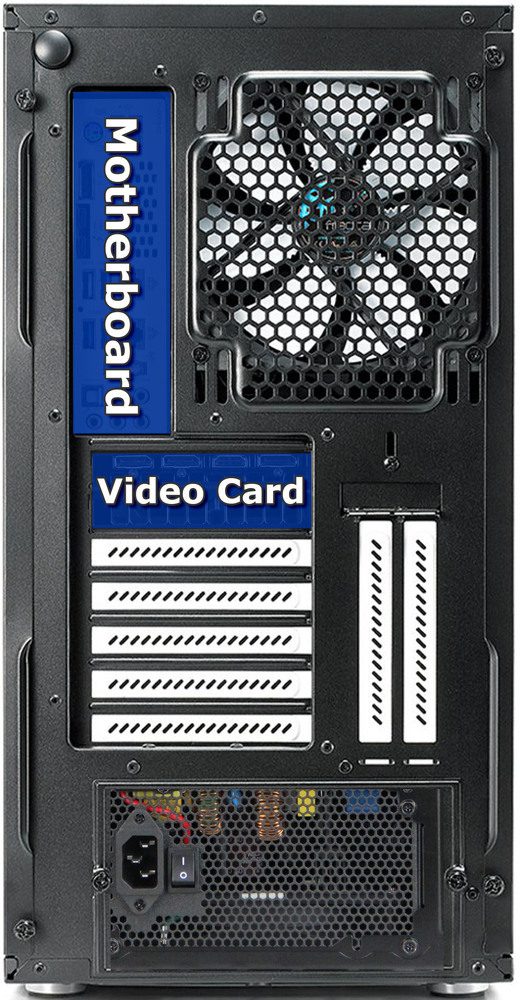
The Support department has written a litany of articles detailing various fixes, troubleshooting advice, software guidance, and technologies. We have compiled a list of what we deem the most useful for a new Puget System owner. If you’ve recently purchased a Puget Systems computer, you may find the following articles very useful as you familiarize yourself with your new build.
Enroot is a simple and modern way to run “docker” or OCI containers. It provides an unprivileged user “sandbox” that integrates easily with a “normal” end user workflow. I like it for running development environments and especially for running NVIDIA NGC containers. In this post I’ll go through steps for installing enroot and some simple usage examples including running NVIDIA NGC containers.

Mark from our consulting team recently worked with a man working on animation projects for Disney. He was coming from the Mac and wanted to decrease his rendering times in Octane. Read on about how Mark tailored a workstation to meet his needs today and in the future.
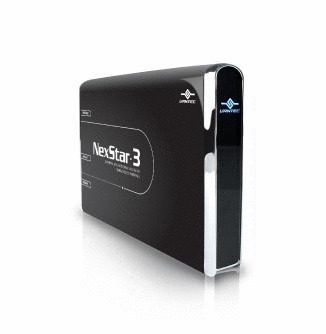
This is a guide for safely formatting an old Windows boot drive and using it in a new Windows system as a secondary/tirtiary drive.
Puget Systems builds custom workstations, servers and storage solutions tailored for your work.
We provide:
Extensive performance testing
making you more productive and giving better value for your money
Reliable computers
with fewer crashes means more time working & less time waiting
Support that understands
your complex workflows and can get you back up & running ASAP
A proven track record
as shown by our case studies and customer testimonials




