Table of Contents
Introduction
Earlier this year, we introduced our first set of Houdini benchmarks, which focused on a few CPU-based simulation solvers that see widespread use. While those initial tests provided a useful starting point, they represented only a small portion of what Houdini is capable of.
Since publishing that article, we’ve received valuable feedback from readers and had several conversations with SideFX about how we could improve our testing. One of the biggest takeaways was the need to broaden our selection of solvers and introduce rendering tests to better represent the variety of workflows artists encounter in Houdini.
With that in mind, we’ve significantly expanded our benchmark suite. We revised some tests and incorporated new scenes provided by SideFX, including additional CPU-based simulations, GPU-accelerated simulations, and rendering using both Mantra and Karma XPU.
In line with our original intent, the goal isn’t to recreate every possible production workflow. Instead, we want a collection of representative tests that are reliable, repeatable, and useful for comparing hardware. This article shares our updated testing methodology, including the workloads we’ve selected, how they’re run, and what we’re measuring.
Benchmark Structure
One of the challenges of benchmarking Houdini is that no single workload can accurately represent performance across the entire application. Houdini is used for everything from particle effects and fluid simulations to destruction, character effects, and rendering. Each of these workflows can place very different demands on a system, making it impossible to recommend hardware based on a single test.
To account for this, we’ve divided our updated benchmark suite into three categories based on the type of workload and the hardware being utilized.
CPU-Based Simulations: These tests cover five solvers, detailed below. Each presents different computational challenges, allowing us to evaluate CPU performance across a variety of simulation workflows.
GPU-Based Simulations: GPU-accelerated simulation is a newer aspect of Houdini and is likely to see continued development. While we currently only have one GPU simulation test, it gives us a starting point for evaluating how different graphics cards perform in these increasingly important workflows. Some solvers, such as Vellum, support OpenCL GPU acceleration; however, in our testing, there wasn’t much difference across GPUs, so they are not included yet. This is a top priority for the next iteration of the benchmark.
Rendering: We cover both CPU-only rendering with Mantra and CPU/GPU rendering with Karma. Although Houdini has been moving toward Karma as its primary renderer, Mantra remains relevant for studios with established pipelines and existing projects.
By separating these workloads, we can provide a more detailed picture of Houdini performance – rather than relying on a single overall score. This also allows us to focus our hardware recommendations on the workflows that matter most to individual users.
CPU-Based Simulations
CPU-based simulations remain a major part of Houdini workflows, and performance can vary considerably depending on the solver being used. Some simulations benefit primarily from higher clock speeds, while others can take advantage of additional CPU cores. Memory capacity and bandwidth can also play important roles, particularly when working with large or complex scenes.

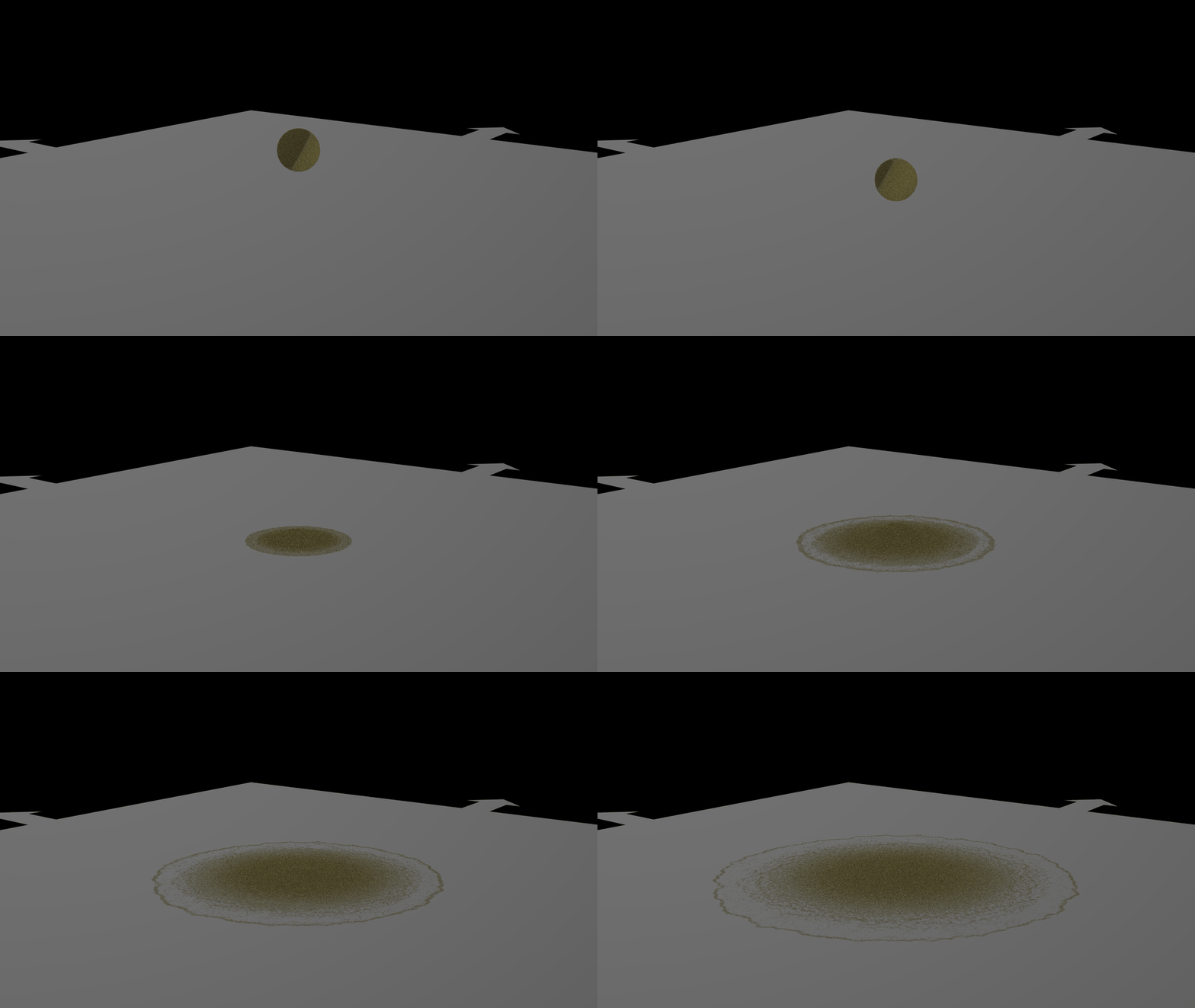

Grains – POP Solver: This test uses Houdini’s POP Solver to simulate approximately 700,000 grains of sand over 30 frames. Particle simulations are a useful benchmark because they involve calculating the movement and interactions of many individual elements over time. As particle counts increase, the computational demands can grow significantly, making this a good test of CPU performance in particle-heavy workflows.
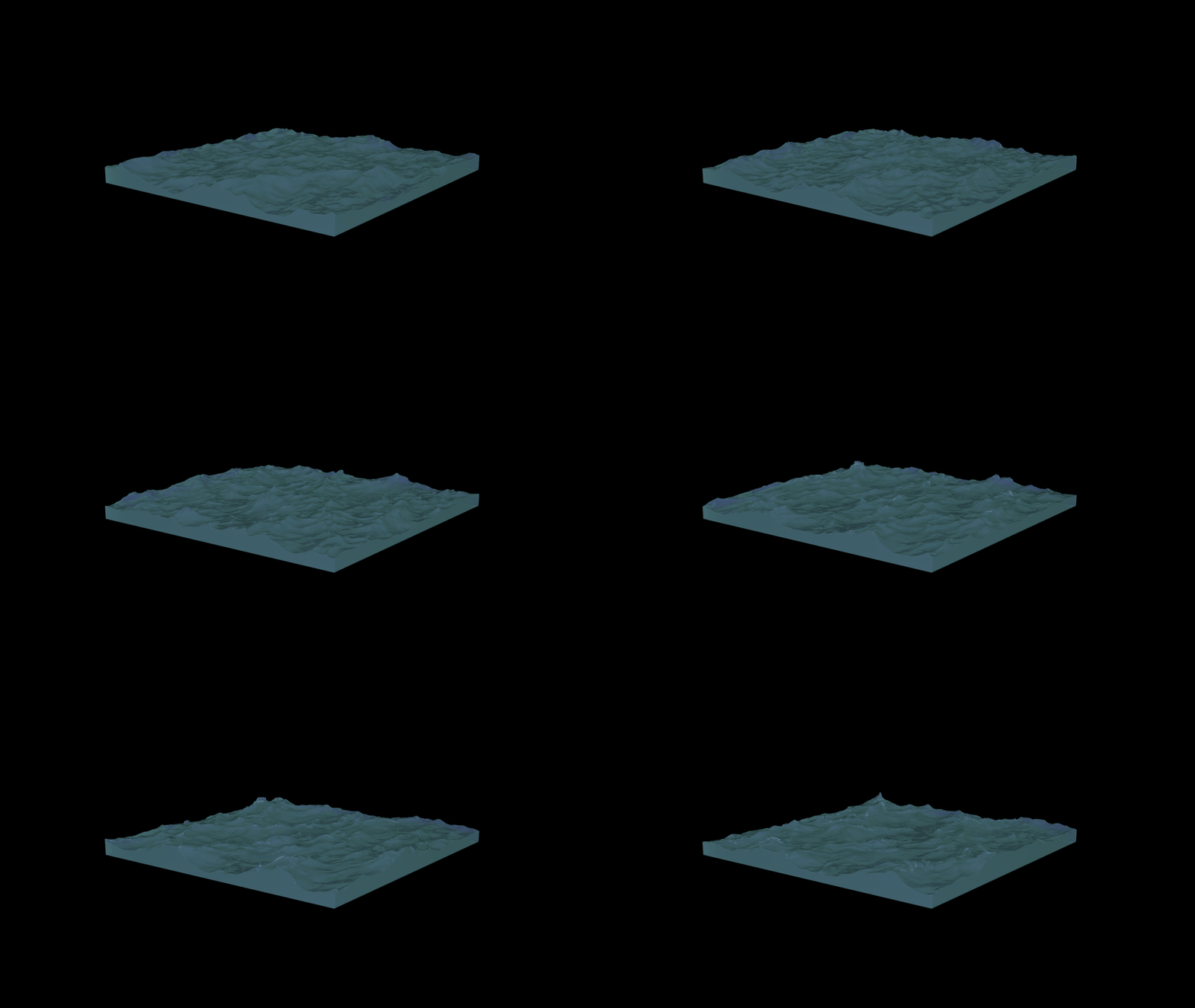
Ocean Waves – FLIP Solver: The Ocean Waves test uses Houdini’s FLIP Solver to simulate fluid movement. FLIP combines particle-based and grid-based techniques to simulate fluid behavior, making it well-suited for liquid simulations where realistic motion and interaction are important. This specific test is a 40m x 40m tank with about 670,000 particles computed across 5 frames.
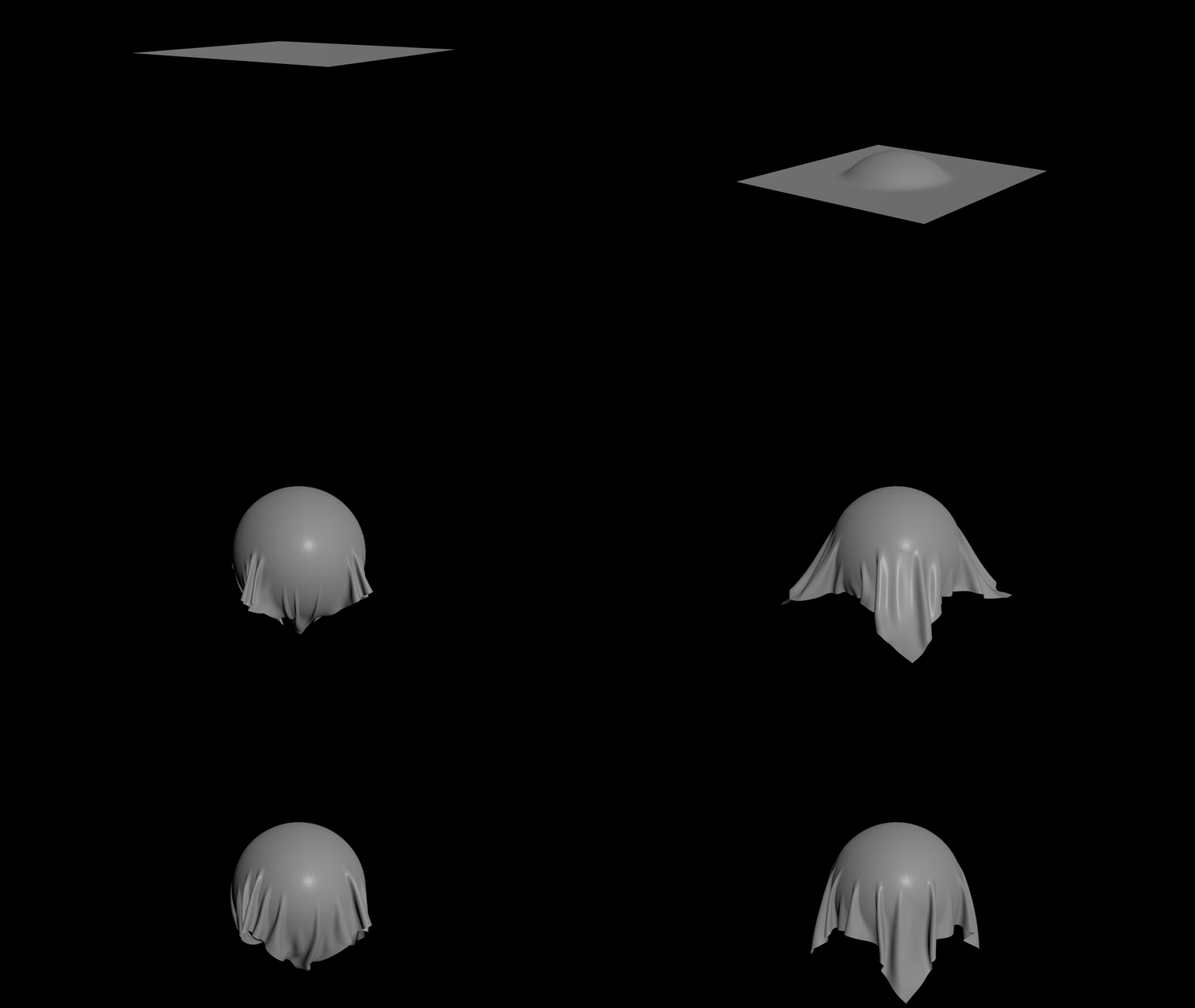
Cloth – Vellum Solver: Our Vellum Cloth test evaluates performance when simulating flexible materials. For this test, we focus specifically on cloth, where the solver calculates how fabric deforms, folds, and interacts with itself and surrounding objects. Cloth sims are common in character animation, visual effects, and other production workflows. This test uses a 2 x 2 m sheet, 300 x 300 grid: 90,000 points and 89,401 quads. The simulation lasts for 50 frames.
Explosion – Sparse Pyro Solver: The Explosion test uses Houdini’s Sparse Pyro Solver to simulate fire, smoke, and other volumetric effects. Unlike traditional dense-grid simulations, Sparse Pyro focuses computational resources on the regions of the simulation where activity is occurring, reducing unnecessary calculations in empty space. This test grows from 3.9 million active voxels at frame 10 to 25.7 million at frame 40.
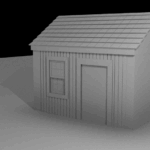
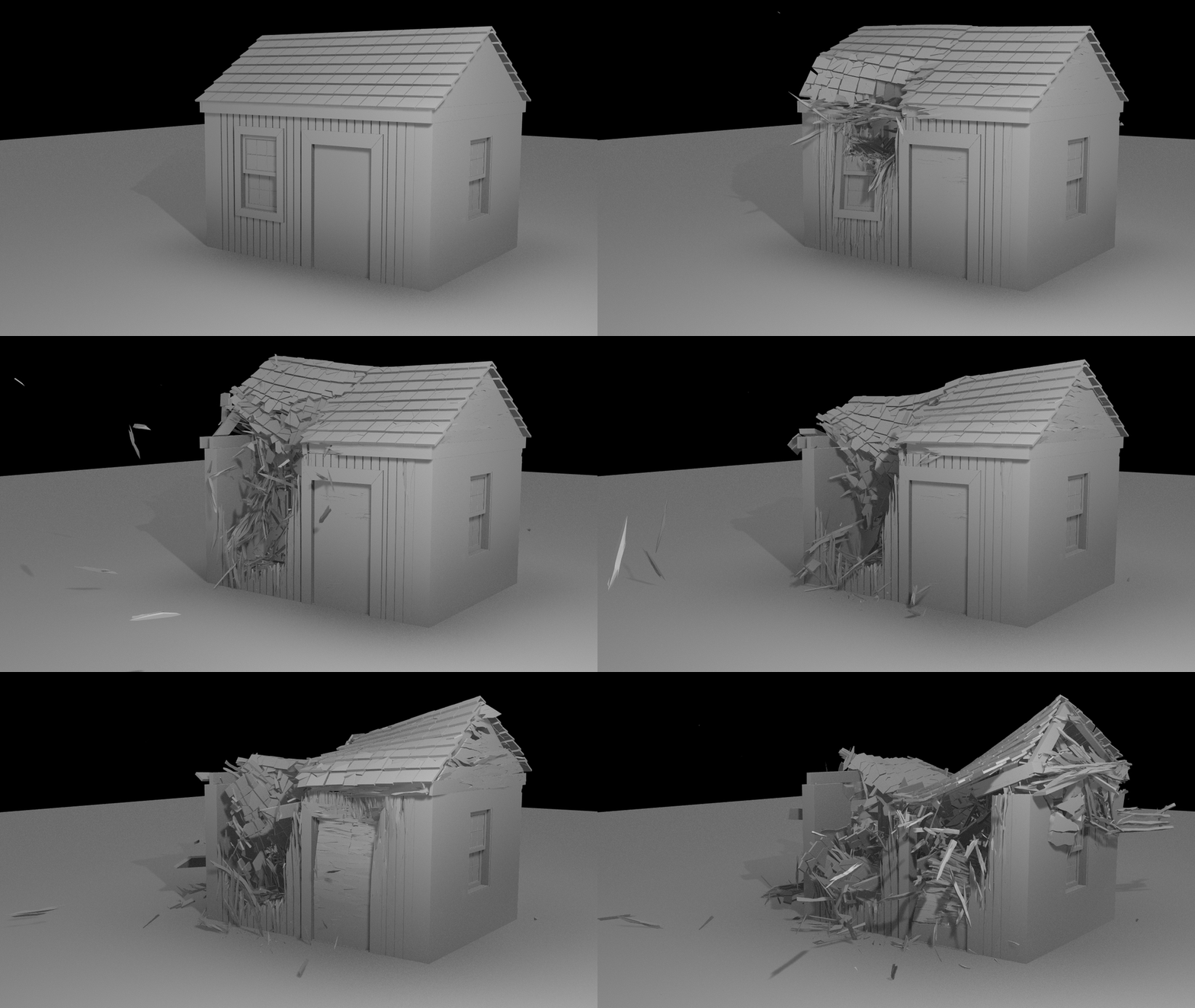
Hut Destruction – RBD Bullet Solver: Our final CPU simulation test uses Houdini’s RBD Bullet Solver to simulate a building’s destruction. The scene involves a hut breaking apart into rigid-body pieces, with the solver calculating collisions, motion, and interactions among the resulting fragments. For this test, we have 21,580 pieces with 10 substeps and 10 frames.
The frame counts were chosen based on the characteristics of each simulation type. Some workloads, like Cloth, benefit from longer runtimes to capture sustained performance behavior. Others, like Ocean Waves, reach meaningful computational load much more quickly and would become unnecessarily long if extended further. This balance helps keep total test time reasonable, while still representing the performance profile of each workflow.
GPU-Based Simulations
While many of Houdini’s simulations rely heavily on the CPU, some solvers can take advantage of GPU acceleration. For this update, we’ve introduced our first dedicated GPU simulation benchmark using Houdini’s MPM Solver.
Image
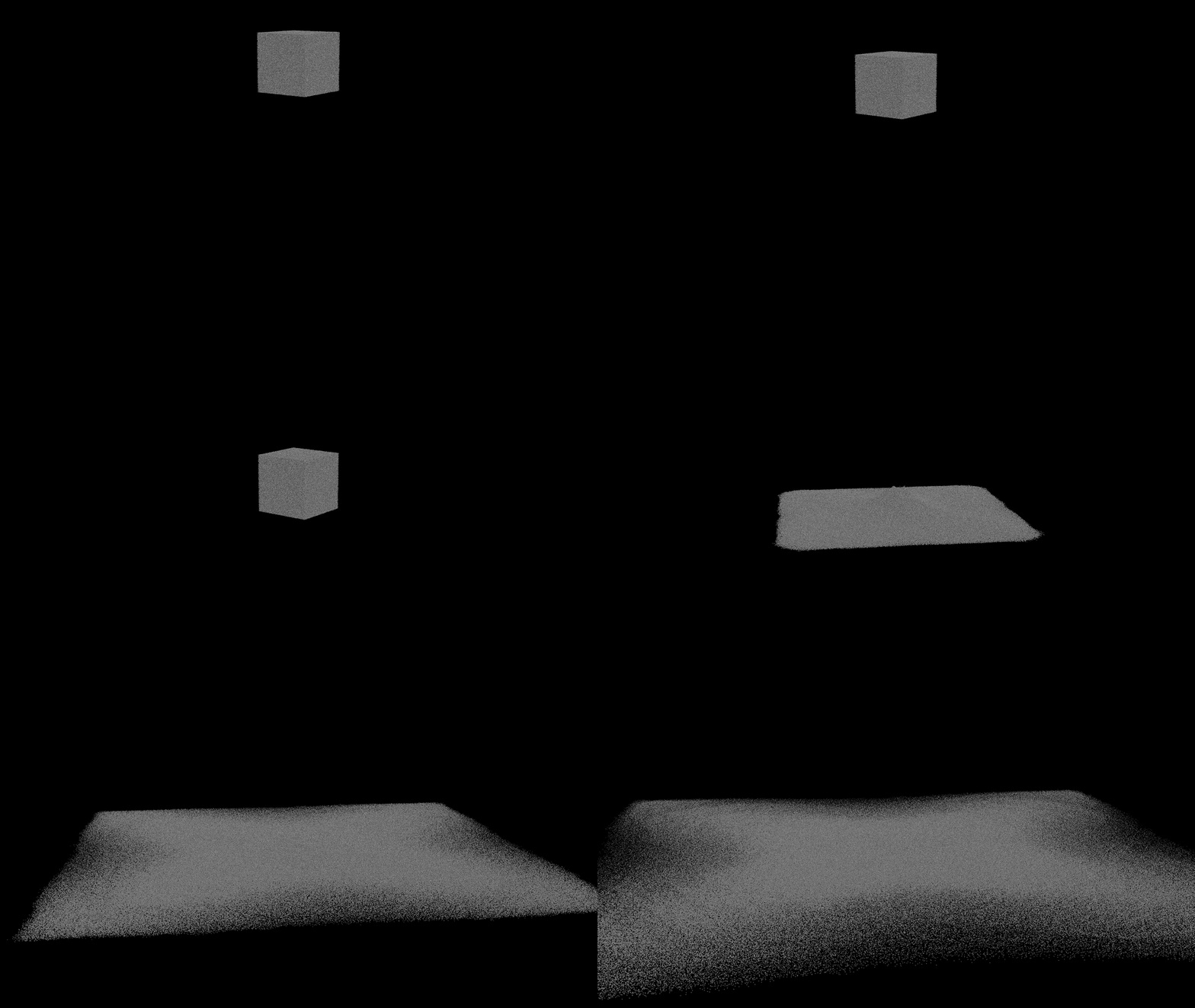
MPM Sand – MPM Solver: The MPM (Material Point Method) Solver is designed to simulate materials such as sand, snow, and other substances that deform and flow. It combines particle-based and grid-based calculations and uses GPU acceleration to handle complex material interactions. In this instance, we are using a 1.5 m cube of sand – comprising 1,952,898 particles – at 1.2 cm spacing across 100 frames.
CPU-Based Rendering
In addition to simulations, we’ve expanded our benchmark suite to include rendering performance. For CPU rendering, we’re using Houdini’s Mantra renderer, which has been a mainstay of Houdini production pipelines for many years. While Karma is becoming the preferred renderer for newer workflows, many studios still rely on Mantra for existing projects and established render farms.
We’ve included two Mantra rendering tests to evaluate CPU performance across different types of scenes. Both tests measure the total time required to render a predefined frame or frame range, allowing us to compare how different processors handle these workloads.
System Image
Explosion – Mantra: Our Explosion rendering test uses a volumetric explosion scene to evaluate CPU rendering performance. Rendering fire and smoke requires calculating how light interacts with volumetric data, which can be particularly demanding in scenes with complex density and lighting. This uses the same scene as the Sparse Pyro Solver test, after the cache has been written.
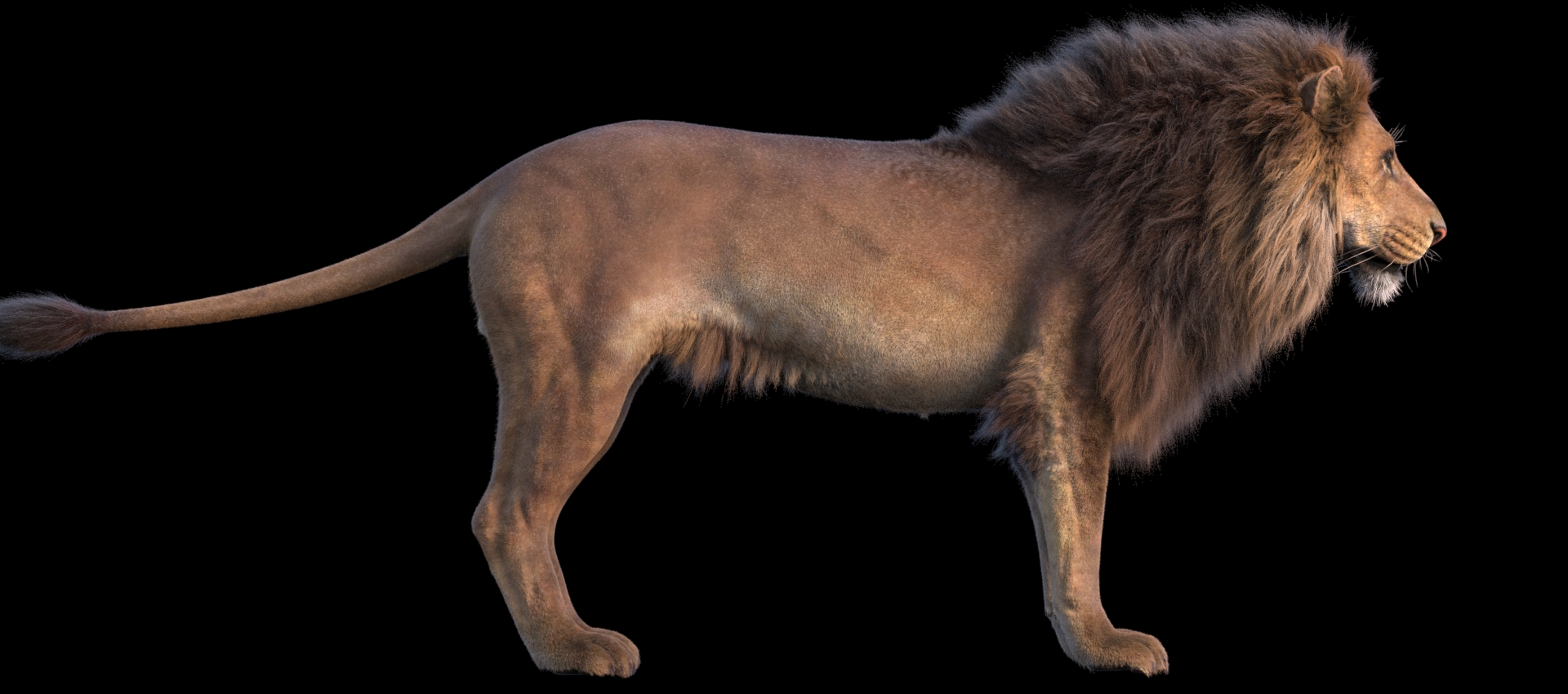
Lion Fur – Mantra: The Lion Fur test focuses on rendering a detailed groom consisting of large numbers of individual hair strands. Hair and fur can be computationally demanding due to the amount of geometry involved and the complexity of lighting, shading, and self-shadowing. In this instance, we are using 98,136 guide hairs (665,742 points) that become 6.8 million individual hairs (about 36 million points) at render time.
CPU and GPU-Based Rendering
Alongside our Mantra tests, we’ve added two rendering benchmarks using Karma XPU, Houdini’s modern rendering engine that can utilize both CPU and GPU resources. Karma XPU offers a different approach to rendering than Mantra, making it an important addition as more studios adopt GPU-accelerated workflows.
For both tests, Karma XPU is configured to utilize the CPU and GPU together. Because Karma uses both types of hardware, extra care must be taken to ensure our comparisons are fair and accurate. When looking at processors, we will use the same graphics card across all test systems to minimize the GPU’s influence on the results. Conversely, when comparing graphics cards, we will use a single test platform with the same CPU and other parts. This allows us to better understand how each component contributes to overall rendering performance.


System Image
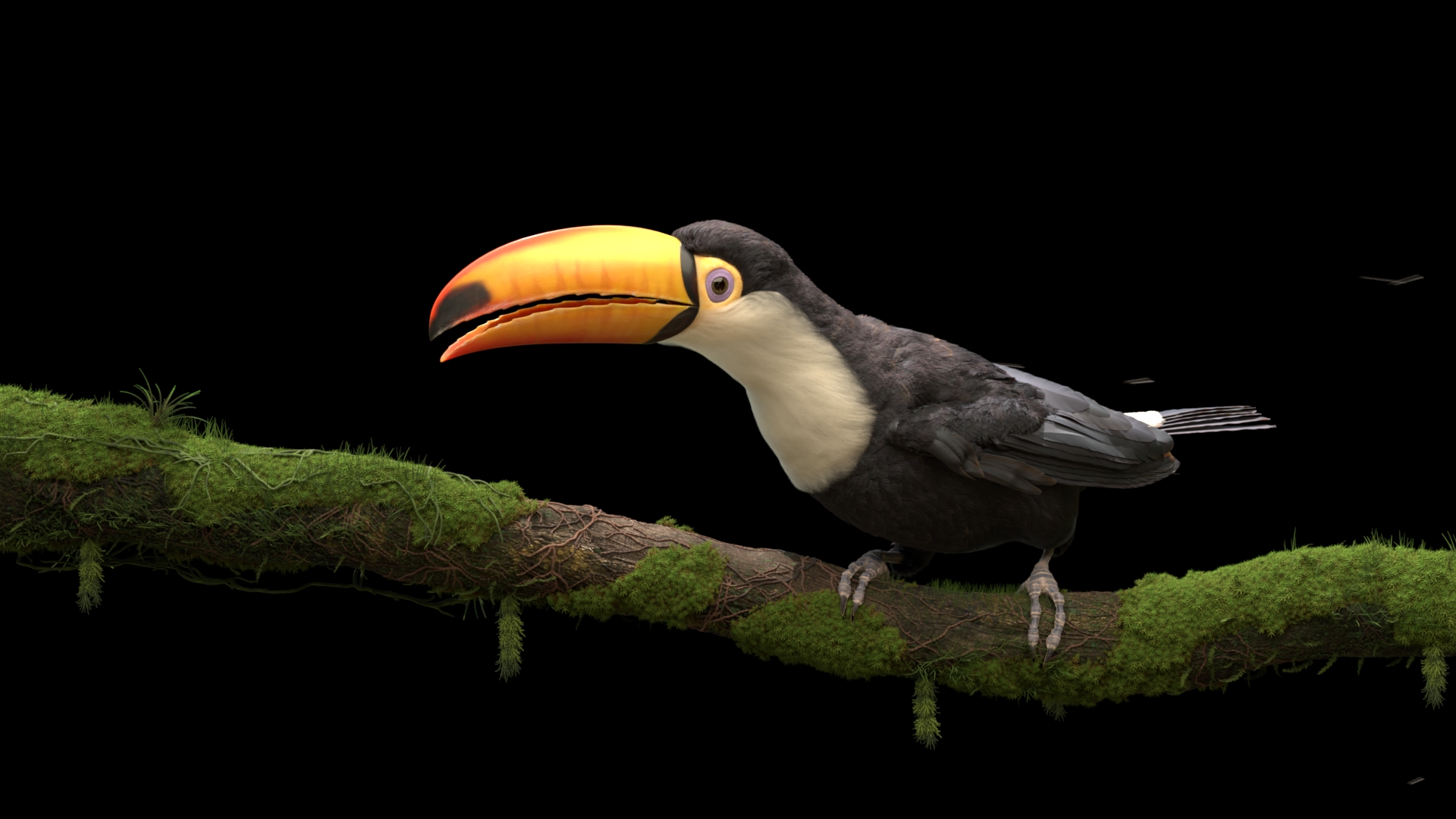
Toucan Feathers – Karma XPU Render: The Toucan Feathers test focuses on rendering a detailed bird model with complex feather geometry and materials. The large number of individual feathers, combined with their shading and lighting requirements, creates a demanding rendering workload. Here we are using a feather groom of 1.53 million curves with 9.84 million points.
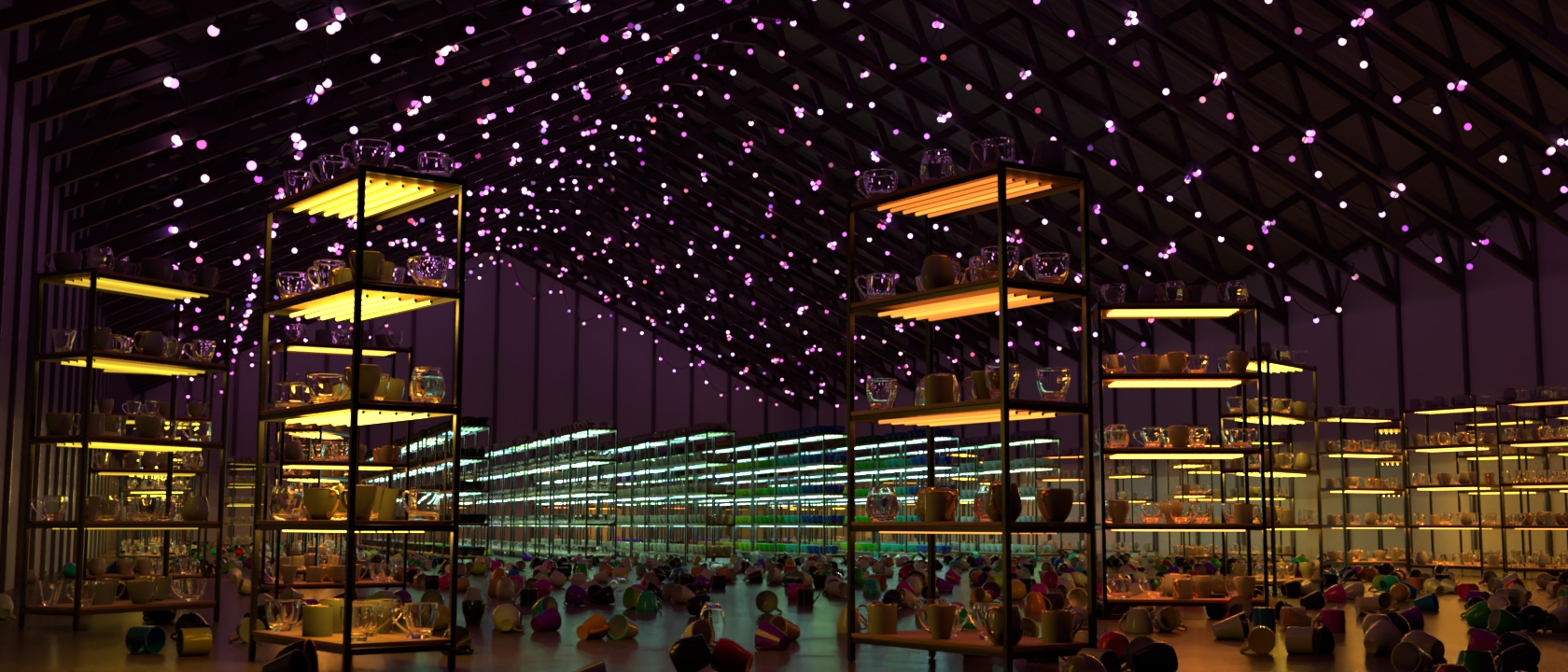
Warehouse – Karma XPU Render: Our Warehouse test uses a detailed interior environment containing a variety of objects, materials, and lighting conditions. Unlike the more specialized Toucan Feathers scene, Warehouse represents a broader environment-rendering workload, similar to those found in animation, visualization, and other production pipelines. This scene has 14.6 million polygons across 8,412 meshes, plus 5,185 instanced props and 2,621 lights.
Running the Tests
All simulations and rendering tests are executed using Houdini’s command-line tools in a headless environment. This removes the overhead of the user interface and more closely reflects production workflows, where jobs are often run in the background or on dedicated systems.
For simulations, we measure the total time required to process a fixed range of frames and write the resulting cache to disk, using timing information from Houdini’s command-line output. Rendering tests use predefined scenes and settings, with total render time serving as our performance metric.
This approach provides a consistent, repeatable test environment and allows us to automate testing across multiple systems. When comparing CPUs or GPUs, we keep the remaining hardware configuration as consistent as possible to help isolate performance differences.
Conclusion
This benchmark update represents our next step toward bringing Houdini into the broader suite of content-creation testing at Puget Systems. While the current set of simulations provides a useful starting point, it is only a small slice of what Houdini is capable of, and there is still significant room to expand both the scope and depth of this testing.
As we continue to develop this benchmark, our focus will be on improving coverage, validating results against real-world workflows, and ensuring that the data we provide is both accurate and meaningful for professionals using Houdini in production. Over time, this will allow us to better evaluate how new hardware performs in Houdini and provide clearer guidance for users looking to build or upgrade their systems.
Like our other benchmarks, this will be an iterative process. With continued refinement and community input, our goal is to build a testing framework that reflects how Houdini is actually used, rather than a simplified or idealized version. Please leave your thoughts and any suggestions for the future in the comments below!

Looking for a Houdini workstation?
We build computers tailor-made for your workflow.

Don’t know where to start?
We can help!
Get in touch with our technical consultants today.