We’re seeing many reports of sleep issues that can often be resolved quickly if you know where to look.

We’re seeing many reports of sleep issues that can often be resolved quickly if you know where to look.
The NVIDIA Titan V is an interesting and powerful card with a mix of features that should improve performance and features that are completely unused by Premiere Pro. The raw power of this card makes it the fastest GPU we’ve testing for Exporting, but it unfortunately is not quite as impressive when it comes to Live Playback performance.

Dassault Systemes launched the initial version of SOLIDWORKS 2018 (SP0.1) late last year, but with the recent release of SP1 we expect that customers will soon be using it in production environments. In preparation for that, we have tested the field of current Intel Core i7 and i9 processors to see how they stack up in SW 2018. We hadn’t yet had a chance to test AMD’s Threadripper processors in SOLIDWORKS either, so they are also included in this round of benchmarks.

This post will build on top of the base systems setup described in Part1. We will go through installing,configuring and testing Docker and NVIDIA-Docker version 2.
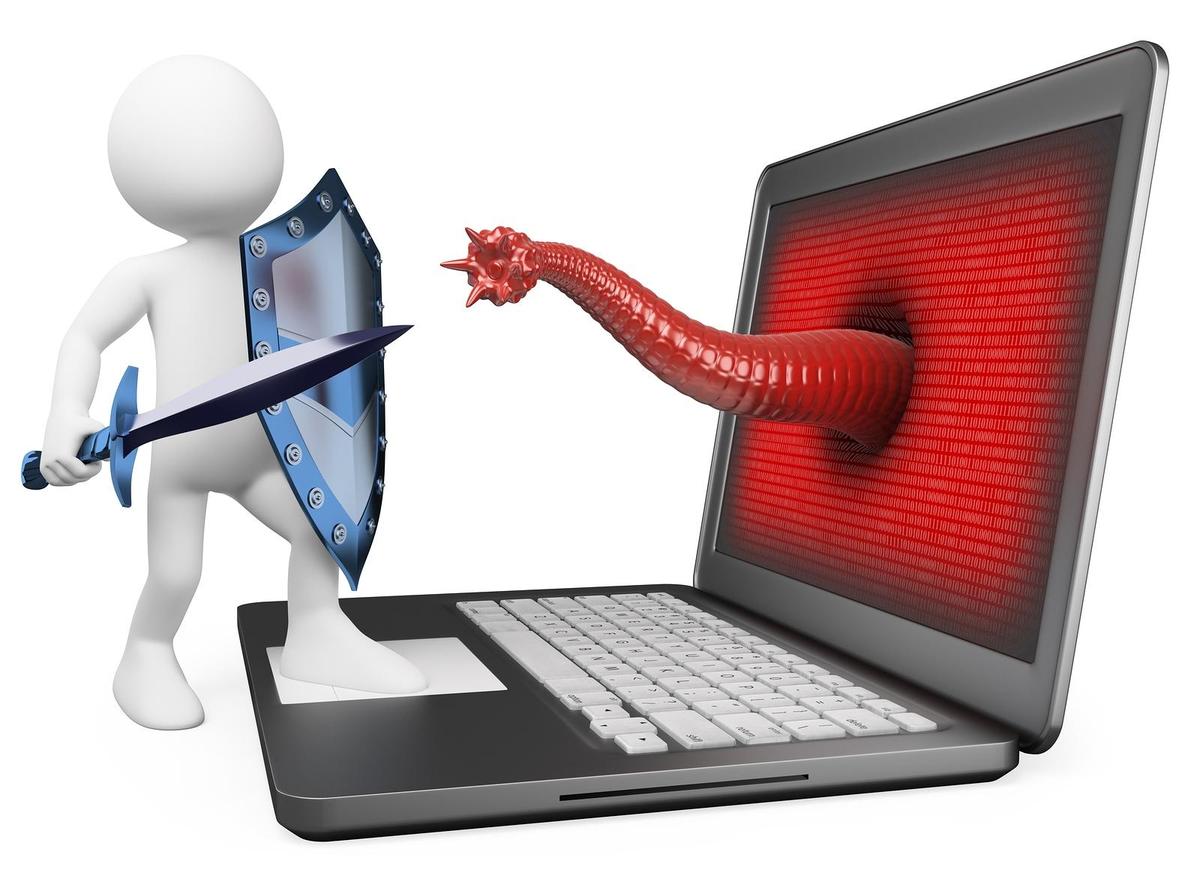
A helpful overview of the many ways you can protect your system from malware and keep your data safe.
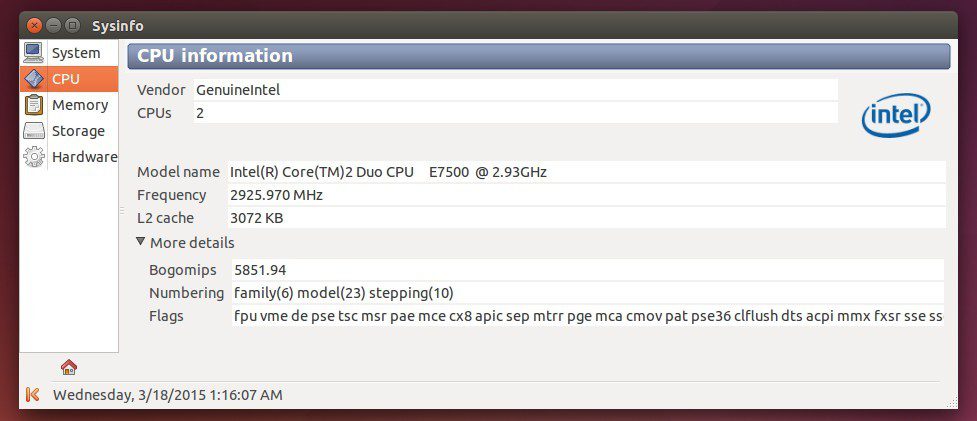
We all utilize hash commands (terminal) for a number of functions in Linux but you know, sometimes it’s nice to have a GUI. This is the first in a series of posts that will provide some useful GUI based tools for your Linux environment. I felt the best place to start was with hardware information collection.

Garrett Becker with Montana State Athletics uses a certified Puget Spirit system to create dynamic highlight videos, graphics, posters and motion graphics for MSU’s athletic department.

As a part of our testing, we want to cause hardware to fail if it is close to doing so. However, stress testing for an excessive amount of time could potentially shorten the lifespan of the system. Is there a line where hardware testing becomes hardware abuse?
One of my New Years resolutions was to adopt a Docker based workflow. I had also promised in my recent post on testing the Titan V that I would do a series of How-To’s on setting up docker and ultimately configuring and using the excellent NVIDIA NGC docker registry. This is the fist post of that series and covers the base system setup, motivation and references.

Up until late December 2017, the way we installed operating systems here at Puget required us to to fully configure Windows and set up a user account for our customers, preventing end users from selecting the options and user name they might really want. It did have some added benefits, like allowing us to install requested software, but the process was inefficient and time consuming. Sparing you the grueling details, we have now moved to a much more refined and efficient process that allows you, the end user, to configure and set up Windows just the way you would like! This is excellent news! However, we also understand that opening up the box and booting the system up to a Windows setup screen can be somewhat daunting. I have created this guide to walk you through the process and offer advice along the way. I hope you enjoy!
Puget Systems builds custom workstations, servers and storage solutions tailored for your work.
We provide:
Extensive performance testing
making you more productive and giving better value for your money
Reliable computers
with fewer crashes means more time working & less time waiting
Support that understands
your complex workflows and can get you back up & running ASAP
A proven track record
as shown by our case studies and customer testimonials