Now that OctaneRender has been updated to support the Volta GPU architecture, how well does its performance scale when using multiple Titan Vs? And how does that compare to other popular rendering cards like the GeForce GTX 1080 Ti?
Now that OctaneRender has been updated to support the Volta GPU architecture, how well does its performance scale when using multiple Titan Vs? And how does that compare to other popular rendering cards like the GeForce GTX 1080 Ti?
As of version 3.08, the Volta GPU architecture is now supported in OctaneRender. How does it stack up compared to other Titan and GeForce series graphics cards – in terms of both performance and value?

In this post I’ll be going over details of Installing Ubuntu 18.04 including the NVIDIA display driver and, any one of the available desktop environments. I’ll do this starting from a base server install. I’ll go over a few possible pitfalls and end with a short discussion on the new netplan configuration tool for Ubuntu networking.

I recently finished reading the book, The Nordstrom Way to Customer Experience Excellence: Creating a Values-Driven Service Culture. The book is a lot more compelling than that ridiculously long title. It includes a lot of inspirational stories, but I wanted to share one story with you along with the one rule found in the employee handbook.

OctaneRender is a GPU-based rendering engine, so the bulk of the processing it does is carried out on the video cards in a system. Different processors and motherboards can impact the number of cards that can fit in a single system, but do they matter beyond that? Does the CPU itself have any impact on rendering speed/performance?

Just like the original Ryzen CPUs, the 2nd Gen Ryzen processors from AMD support a range of different RAM speeds depending on a number of factors. This information is not easily accessible to the public, however, so we decided to put together a quick post with the information we received from our contacts at AMD.
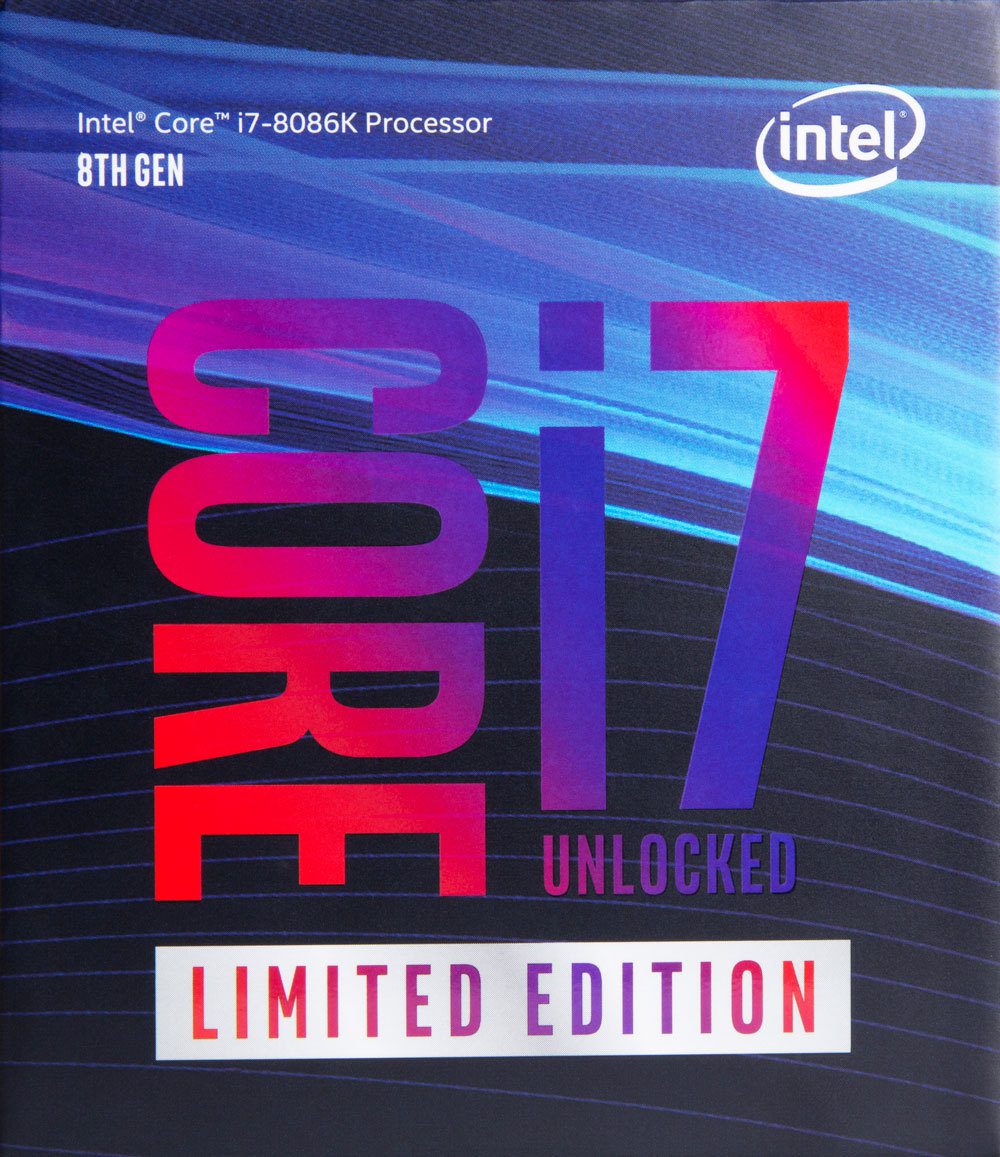
The Core i7-8086K is an 8th-generation microprocessor with six cores, 12 threads and a maximum clock speed of 5GHz. Experience Intels fastest processor ever by purchasing one of a limited supply of Puget Systems workstations powered by the special edition Intel Core i7-8086K processor.
In this post I’ll walk you through the best way I have found so far to get a good TensorFlow work environment on Windows 10 including GPU acceleration. I’ll go through how to install just the needed libraries (DLL’s) from CUDA 9.0 and cuDNN 7.0 to support TensorFlow 1.8. I’ll also go through setting up Anaconda Python and create an environment for TensorFlow and how to make that available for use with Jupyter notebook. As a “non-trivial” example of using this setup we’ll go through training LeNet-5 with Keras using TensorFlow with GPU acceleration. We’ll get a setup that is 18 times faster than using the CPU alone.

Most of the time, Windows 10 will keep itself up to date – but if you run into a situation where an update is not available, or not applying automatically, there are ways to manually download and apply patches. This article will outline those options.

Professor George and his students at Utah State University used three Puget Systems workstations, along with photogrammetry and virtual reality programs, to design a new, sustainable community on Powder Mountain in the Ogden Valley of Utah.
Puget Systems builds custom workstations, servers and storage solutions tailored for your work.
We provide:
Extensive performance testing
making you more productive and giving better value for your money
Reliable computers
with fewer crashes means more time working & less time waiting
Support that understands
your complex workflows and can get you back up & running ASAP
A proven track record
as shown by our case studies and customer testimonials




