Skip to content
Main Navigation Puget Systems Logo in White and Green
  • Solutions
    • Media & Entertainment
      • Photo Editing
        • Recommended Systems For:
        • Adobe Lightroom Classic
        • Adobe Photoshop
        • Generative AI
      • Video Editing & Motion Graphics
        • Recommended Systems For:
        • Adobe After Effects
        • Adobe Premiere Pro
        • DaVinci Resolve
        • Foundry Nuke
      • 3D Design & Animation
        • Recommended Systems For:
        • Autodesk 3ds Max
        • Autodesk Maya
        • Blender
        • Cinema 4D
        • Houdini
        • ZBrush
      • Live Video Production
        • Recommended Systems For:
        • vMix
        • Live Streaming
      • Real-Time Engines
        • Recommended Systems For:
        • Game Development
        • Unity
        • Unreal Engine
        • Virtual Production
      • Rendering
        • Recommended Systems For:
        • Keyshot
        • OctaneRender
        • Redshift
        • V-Ray
      • Digital Audio
        • Recommended Systems For:
        • Ableton Live
        • FL Studio
        • Pro Tools
    • Engineering
      • Architecture & CAD
        • Recommended Systems For:
        • Autodesk AutoCAD
        • Autodesk Inventor
        • Autodesk Revit
        • SOLIDWORKS
      • Visualization
        • Recommended Systems For:
        • Enscape
        • Keyshot
        • Lumion
        • Twinmotion
      • Photogrammetry & GIS
        • Recommended Systems For:
        • ArcGIS Pro
        • Agisoft Metashape
        • PIX4D
        • RealityScan
    • AI & HPC
      • AI Development & Deployment
        • Recommended Systems For:
        • AI Development
        • AI Deployment & Inference
        • Servers for Scaling AI & LLMs
      • High Performance Computing
        • Recommended Systems For:
        • Data Science
        • Scientific Computing
    • More
      • Recommended Systems For:
      • Compact Size
      • NVIDIA RTX Studio
      • Virtual Reality
    • Business & Enterprise
      We can empower your company
    • Government & Education
      Services tailored for your organization
  • Products
    • Puget Mobile
      Powerful laptop workstations
      • Puget Mobile 16″
    • Puget Workstations
      High-performance Desktop PCs
      • AMD Ryzen
        Powerful CPUs with up to 16 cores
      • AMD Threadripper
        High core counts and lots of PCIe lanes
      • AMD EPYC
        Server-class CPUs in a workstation
      • Intel Core Ultra
        Balanced single- and multi-core performance
      • Intel Xeon
        Workstation CPUs with AVX512
      • Configure a Custom PC Workstation
        Configure a PC for your workflow
    • Puget Rackstations
      Workstations in rackmount chassis
      • AMD
        Ryzen, Threadripper, and EPYC CPUs
      • Intel
        Core Ultra and Xeon Processors
      • Configure a Custom Rackmount Workstation
        Tailored 4U, 5U, and 6U rack systems
    • Puget Servers
      Enterprise-class rackmount servers
      • 1U Rackmount
        Dense CPU compute servers
      • 2U Rackmount
        Mixed CPU and GPU solutions
      • 4U Rackmount
        High-density GPU computing
      • Multi-Node Servers
        2-4 servers in a single chassis
      • Liquid-Cooled Servers
        Powered by Comino
      • Custom Servers
        Engineered to meet your unique needs
    • Puget Storage
      Solutions from desktop to datacenter
      • Network-Attached Storage
        Synology desktop and rackmount NAS
      • Software-Defined Storage
        Datacenter solutions with QuantaStor
    • Recommended Third Party Peripherals
      Curated list of accessories for your workstation
    • Puget Bench for Creators
      Professional benchmarking tools
  • Publications
    • Articles
    • Blog Posts
    • Case Studies
    • HPC Blog
    • Podcasts
    • Press
  • Support
    • Contact Support
    • Onsite Services
    • Support Articles
    • Unboxing
    • Warranty Details
  • About Us
    • About Us
    • Careers
    • Contact Us
    • Enterprise
    • Gov & Edu
    • Our Customers
    • Press Kit
    • Puget Gear
    • Testimonials
  • Talk to an Expert
  • My Account
  1. Home
  2. /
  3. Performance
  4. /
  5. Page 14

Performance

  • All
  • Articles
  • HPC Blog
  • Blog
  • Case Studies
  • Podcasts
  • Press
  • Support

Adobe Photoshop CS6 GPU Acceleration

Posted on September 20, 2012 by Matt Bach

Photoshop CS6 utilizes the Mercury Graphics Engine to take advantage of the video card to vastly improve the performance of certain features, but there is currently very little information available regarding the performance of different video cards. In addition, the list of compatible cards from Adobe has not been updated to include the current NVIDIA 600-series video cards, which is further adding to the confusion of deciding which video card you should use for Photoshop CS6.

In this article, we will be benchmarking a variety of video cards to find out if Photoshop is actually compatible with the NVIDIA 600-series, and exactly how much performance difference there is between a wide spectrum of video cards.
Ivy Bridge CPU TIM Paste Replacement

Posted on September 6, 2012 by Matt Bach

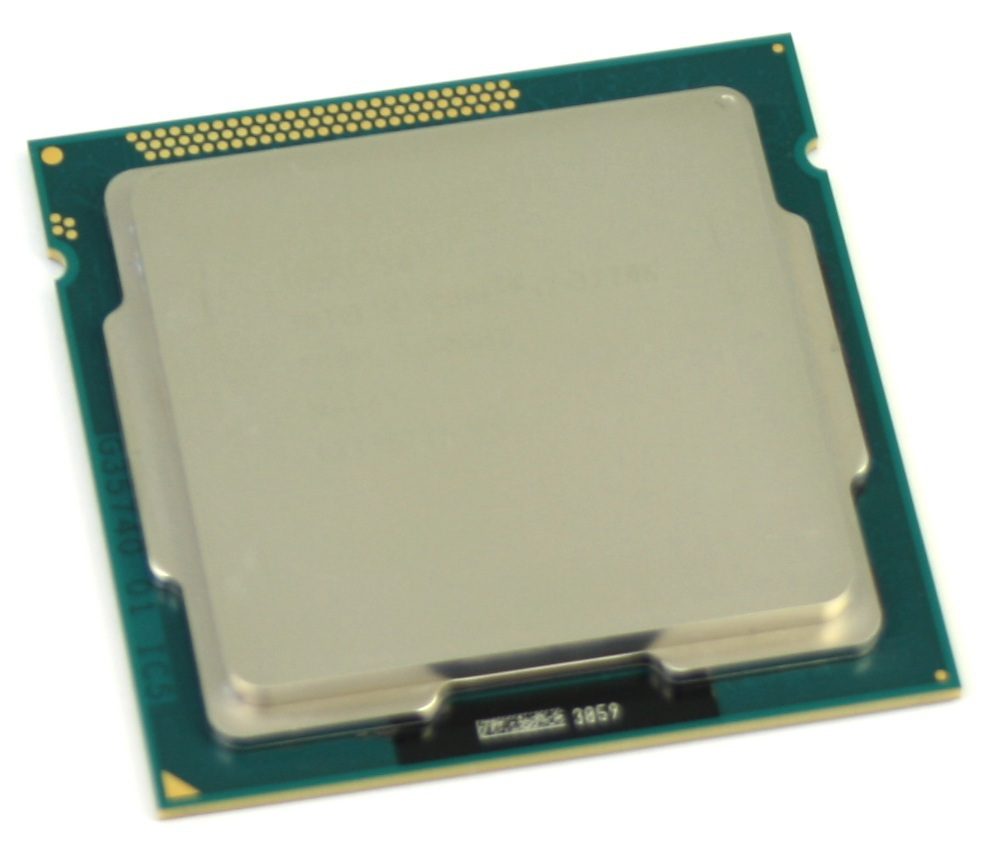
Even before launch of the Intel Ivy Bridge CPUs in April 2012, it was discovered that the CPUs were running a bit hotter than expected. The TIM paste was proven to be the culprit by the Japanese site PC Watch when they reported that by replacing the TIM paste they saw a load temperature drop of 8-11 *C at stock clock speeds, and an amazing 15-20*C drop in load temperatures when overclocked to 4.6 GHz.

We decided that it was time to do our own testing to see if anything has changed in recent months. The result was some very interesting data that caught us a bit by surprise.

Video Card Performance: 2GB vs 4GB Memory

Posted on July 26, 2012 by William George

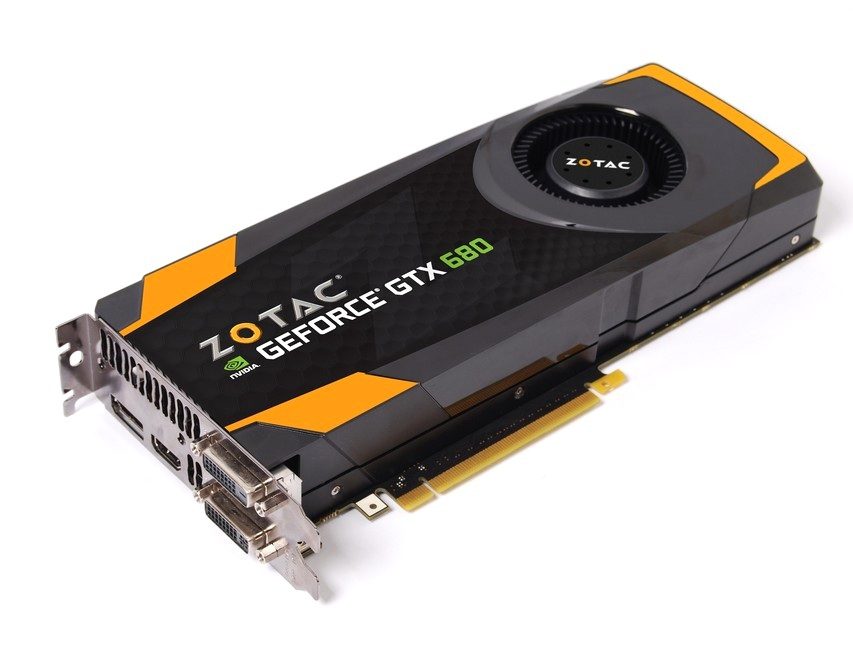
Similar video cards are often available in versions with more than one memory size. The GeForce GTX 680 is an example, and comes in both 2GB and 4GB variants. With computer components more is often better, but does doubling the memory on a video card like this actually help with game performance – and if so under what circumstances? Although single monitor resolutions only go so high, multi-monitor configurations via NVIDIA Surround or AMD Eyefinity allow for much higher resolutions where larger amounts of video memory may improve performance.

Technology Primer: Low Voltage RAM

Posted on July 16, 2012 by Matt Bach

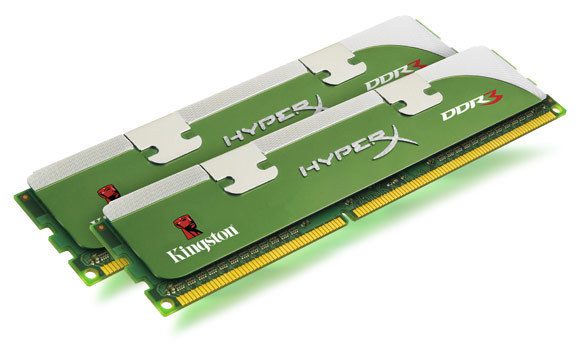
Voltage is not typically thought of as a key specification for RAM, but can have a significant impact on system stability as it runs much cooler than standard RAM. In this article, we will be looking at Kingston Lovo and G.Skill Sniper RAM to see how well low voltage RAM performs compared to standard RAM and if it has a measurable impact on power draw and system temperatures.

How it Works: Intel SSD Caching

Posted on June 29, 2012 by Matt Bach

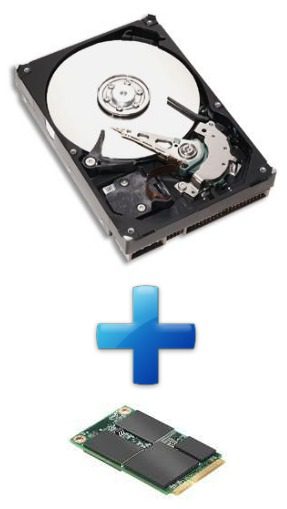
SSD caching is not new, but is something we have not inspected closely since its introduction with the Z68 chipset. In this article, we will be answering the questions: What is SSD caching? How do you set up and configure SSD caching? And what kind of performance improvements you should expect by using it.

Effects of Grill Patterns on Fan Performance/Noise

Posted on September 19, 2011 by Matt Bach

Fan grills are a component in a computer that is often underestimated in terms of their contribution to both system noise and airflow. Most often, grills are chosen based on aesthetics with only a small thought towards performance. In this article, we will be examining nine different grills to determine the effects of grill design on both noise and airflow.

SATA Controller Performance Explored

Posted on July 8, 2011 by William George

As SATA III (6Gbps) becomes the standard used on hard drives, is a 6Gbps controller on the motherboard required to get full performance? Is the answer the same for solid-state drives? And how do Intel 6Gbps ports compare against add-on chips like those from Marvell? Read on for the answers!

Best Practices for Computer Performance and Safety

Posted on April 30, 2010 by William George

In the course of my work as a sales consultant here at Puget Systems, I am often asked how I recommend setting up a computer. After all, providing advice like that on hardware configurations is my job! However, there are some deeper insights into how a computer can be set up which go beyond just selecting the right hardware. There are things I don’t often have the opportunity to discuss, and which aren’t really within the purview of a system builder. I wanted to take some time to write about the ideas and practices I use in my own computer setups, in the hope that some of this advice will help others to get the most out of their computers.

Dedicated PhysX Comparisons

Posted on October 5, 2009 by Ruben Romero

A few years back, Ageia Technologies launched a product designed to help handle the increasingly complex physics calculations which were becoming popular in modern games. They named this product “PhysX”, and it was the worlds first dedicated physics card. Enthusiasts were excited, and many thought that this technology was set to be the next piece of essential hardware for enthusiast systems. We decided to independently test the Nvidia PhysX platform, and share our results.

Case Comparison: Antec P182 vs. P183

Posted on June 26, 2009 by Matt Bach

There has been a lot of talk about whether or not the new Antec P183 is truly an improvement over the old Antec P182. The P182 has long been one of our favorite cases at Puget Systems, so there is some resistance to the P183 taking over the role as the flagship case in our lineup. The question is: is the P183 truly superior to the P182, or is the latest revision of the P180 series a step in the wrong direction?

Filter

Who is Puget Systems?

Puget Systems builds custom workstations, servers and storage solutions tailored for your work.

We provide:

Extensive performance testing
making you more productive and giving better value for your money

Reliable computers
with fewer crashes means more time working & less time waiting

Support that understands
your complex workflows and can get you back up & running ASAP

A proven track record
as shown by our case studies and customer testimonials

Get Started

Browse Systems

Puget Systems Mobile Laptop Workstation Icon

Mobile

Puget Systems Tower Workstation Icon

Workstations

Puget Systems Rackmount Workstation Icon

Rackstations

Puget Systems Rackmount Server Icon

Servers

Puget Systems Rackmount Storage Icon

Storage

Posts navigation

  • Previous
  • 1
  • …
  • 12
  • 13
  • 14
  • 15
  • Next
Puget Systems Logo in White and Green
Build Your Own PC Site Map FAQ
facebook instagram linkedin rss twitter youtube

Optimized Solutions

  • Adobe Premiere
  • Adobe Photoshop
  • Solidworks
  • Autodesk AutoCAD
  • AI & Machine Learning

Workstations

  • Media & Entertainment
  • Engineering
  • Scientific PCs
  • More

Support

  • Online Guides
  • Request Support
  • Remote Help

Publications

  • All News
  • Puget Blog
  • HPC Blog
  • Hardware Articles
  • Case Studies

Policies

  • Warranty & Return
  • Terms and Conditions
  • Privacy Policy
  • Delivery Times
  • Accessibility

About Us

  • Testimonials
  • Careers
  • About Us
  • Contact Us
  • Newsletter

© Copyright 2026 - Puget Systems, All Rights Reserved.